Checkout Rejects a Perfectly Valid Address
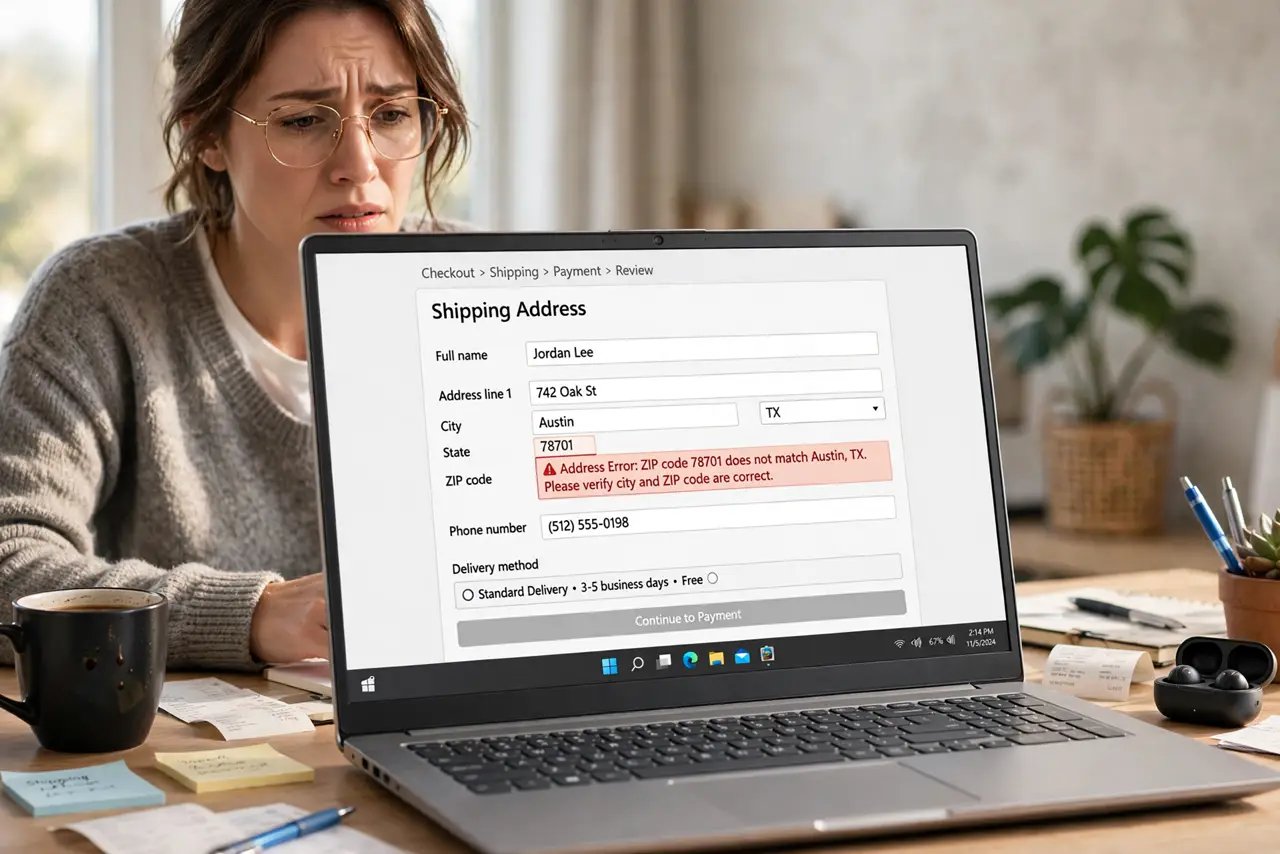
Your address is correct — you live there — but the checkout insists it is invalid. Strict validators choke on formatting details like apartment numbers, and autofill often feeds them the wrong format.
TL;DR / Quick Fix
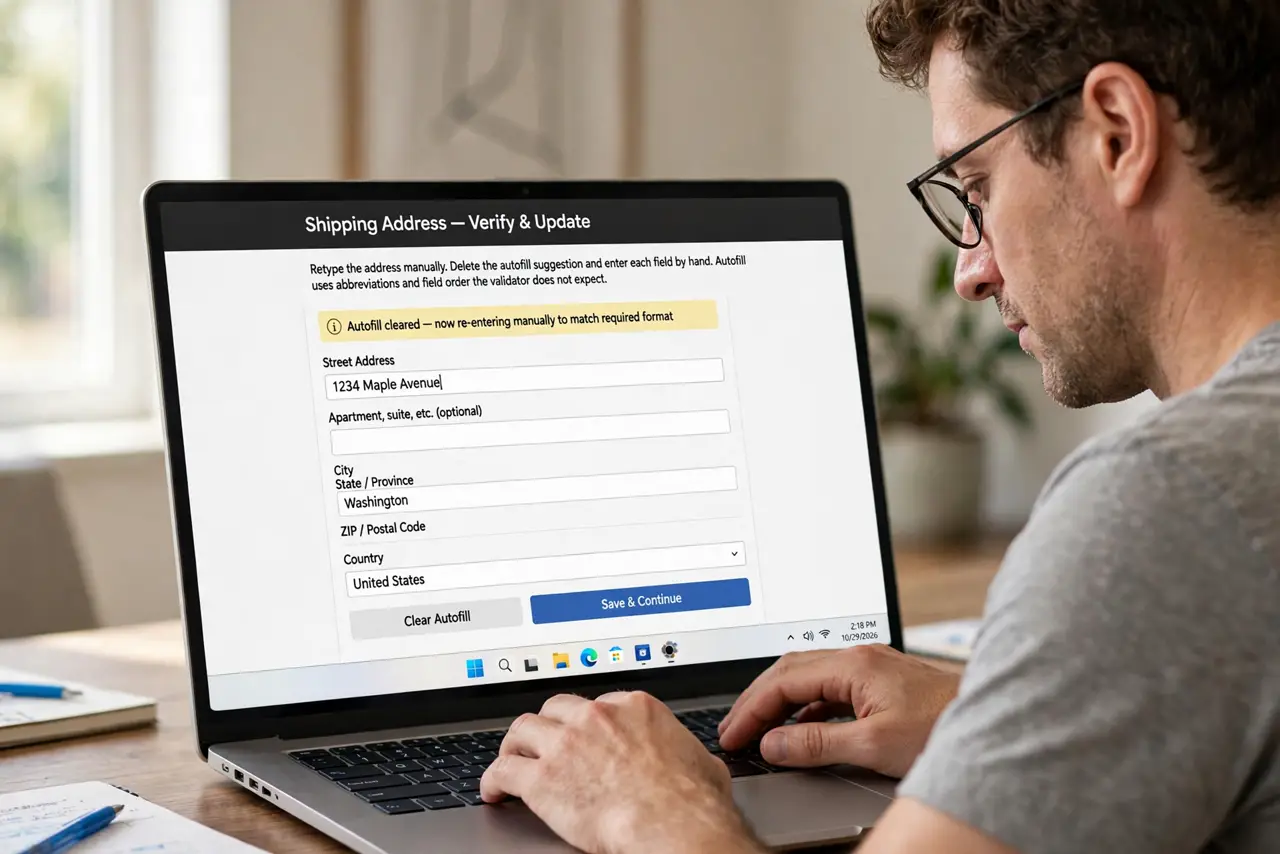
Quick fix: retype the address by hand instead of using autofill, matching your billing statement exactly. Put the apartment or unit on the dedicated second line, double-check the ZIP code, and turn the VPN off, since location mismatches trigger rejections.
Follow these steps
- Retype the address manually. Delete what autofill filled and type each field by hand. Autofill loves abbreviations and orders the validator does not expect.
- Match your billing statement exactly. Use the street spelling, abbreviations, and ZIP exactly as your bank or card statement shows. Validators compare against postal databases, not against what looks right.
- Use the second address line for units. Put apartments, suites, and floor numbers in the dedicated line two. Cramming them into line one is the most common rejection trigger.
- Double-check the ZIP code. One wrong digit fails validation instantly. Confirm the ZIP against a recent bill, especially after a move.
- Turn the VPN off for the purchase. A VPN placing you in another city or country can make a valid local address look suspicious. Disable it just for checkout.
- Try the retailer's address lookup tool. Many checkouts offer a Find my address button tied to the postal database. Picking your address from its list bypasses formatting fights.
What NOT to do
- Do not keep resubmitting the same rejected address. Repeated failures can flag the order as fraud, which is worse than a formatting error.
- Do not invent a fake address to get through. A wrong address means a lost package, while the real address with fixed formatting delivers.
- Do not blame your address itself. The address is fine; the validator's strict formatting is the problem, and formatting is fixable.
- Do not switch to a different card first. The card is rarely the issue when the error names the address, so fix the fields before touching payment.
Frequently asked questions
Why does a correct address get rejected?
Validators check exact formatting against postal databases. Abbreviations, unit placement, or one wrong digit fails the match.
Does the VPN really matter?
Yes. A VPN in another region makes your location and address disagree, which strict fraud checks reject.
Should I use autofill or type manually?
Type manually for stubborn checkouts. Autofill's formatting choices are a frequent cause of these rejections.