Captcha Loops Forever? Break the Cycle
A captcha loop usually means the verification check cannot complete, often because a blocker stops it or stored data conflicts with it. Clearing the path for that one check, rather than solving puzzles faster, breaks the loop.
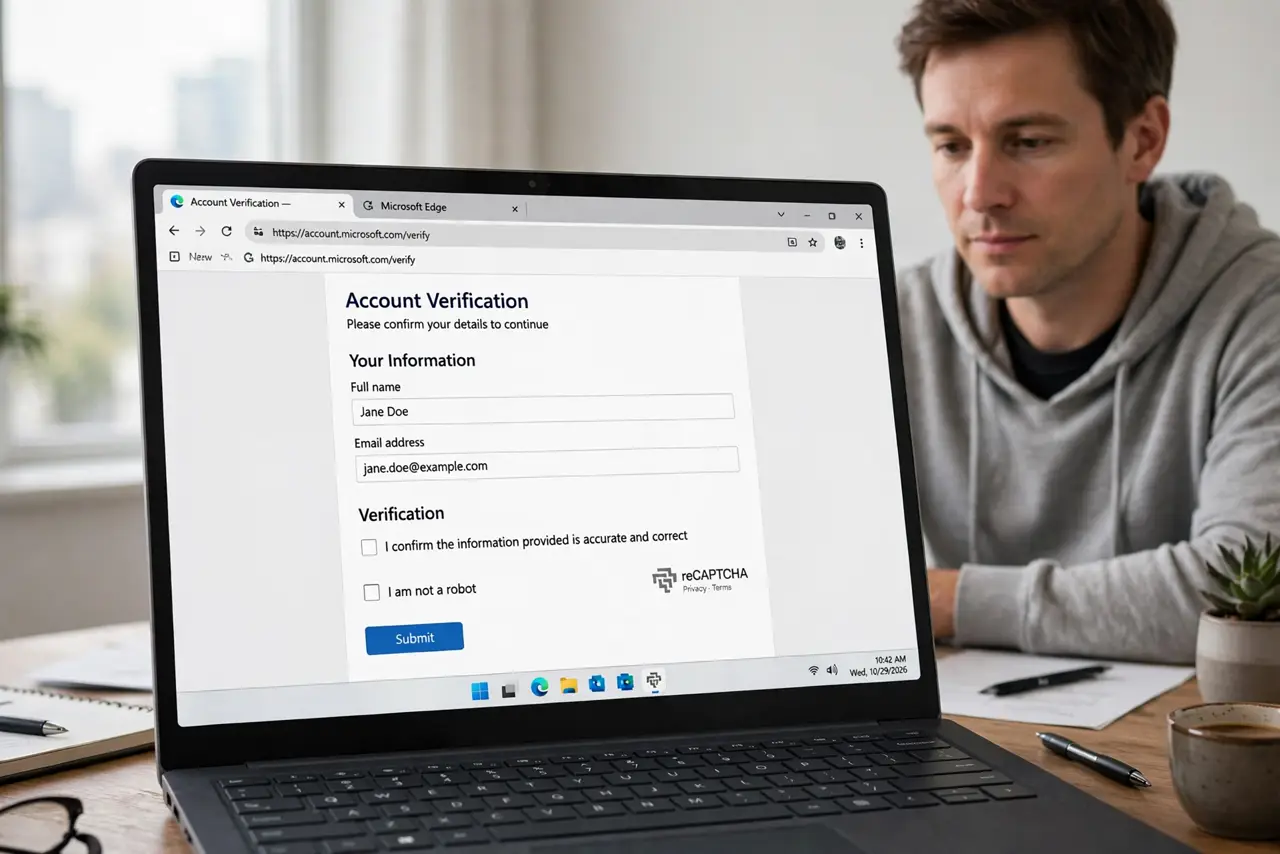
TL;DR / Quick Fix
Quick fix: reload the page, allow the captcha in your content blockers, and retry in a private window. If the loop continues, clear the site's stored data and check your connection before trying again. Last, try another browser if it still loops to confirm it.
Follow these steps
- Reload the page and retry once. Reload the page cleanly and try the captcha once more. A single failed check can be a glitch, but repeated instant failures point to a blocker.
- Allow the captcha in content blockers. Open your ad blocker or privacy extension and allow the captcha service for this site. Blockers that stop tracking scripts often stop the verification check too.
- Try the form in a private window. Open a private window and load the same form. If the captcha passes there, an extension or stored data in your normal window is causing the loop.
- Clear stored data for that site only. Remove cookies and cached files for that one site, then reload the form. A stale verification cookie can make every new check fail.
- Check the connection and the clock. Confirm the connection is stable and the device clock is correct. Verification checks can fail when the clock is far off, because the check relies on time.
- Try another browser if it still loops. Open the form in a different browser and try once. A pass there confirms the first browser's settings, not the site, were looping.
What NOT to do
- Do not install a captcha solver extension. Such tools often violate site rules and can put your account at risk.
- Do not keep solving captchas for an hour. After a few failures, stop and fix the blocker or stored data instead.
- Do not turn off all privacy protections permanently. Allow the captcha for this site only, for this task.
- Do not use a shared or public network workaround to bypass a check. A stable private connection is the safer retry.
Frequently asked questions
Why does a captcha keep repeating?
The verification check cannot complete, often because a blocker, stale stored data, or an unstable connection interrupts it.
Is the site broken when captcha loops?
Not necessarily. A pass in a private window or another browser shows the site works and the browser setup was the problem.
Can I skip the captcha?
Usually not. Captcha protects the form from automated abuse, so the fix is to let the check complete, not to bypass it.