What the Fiber ONT Lights Actually Mean
The small white box your fiber provider installed — the ONT — translates light in the fiber cable into internet for your home. Its lights tell you whether the fiber line itself is healthy, and reading them takes less than a minute.
TL;DR / Quick Fix
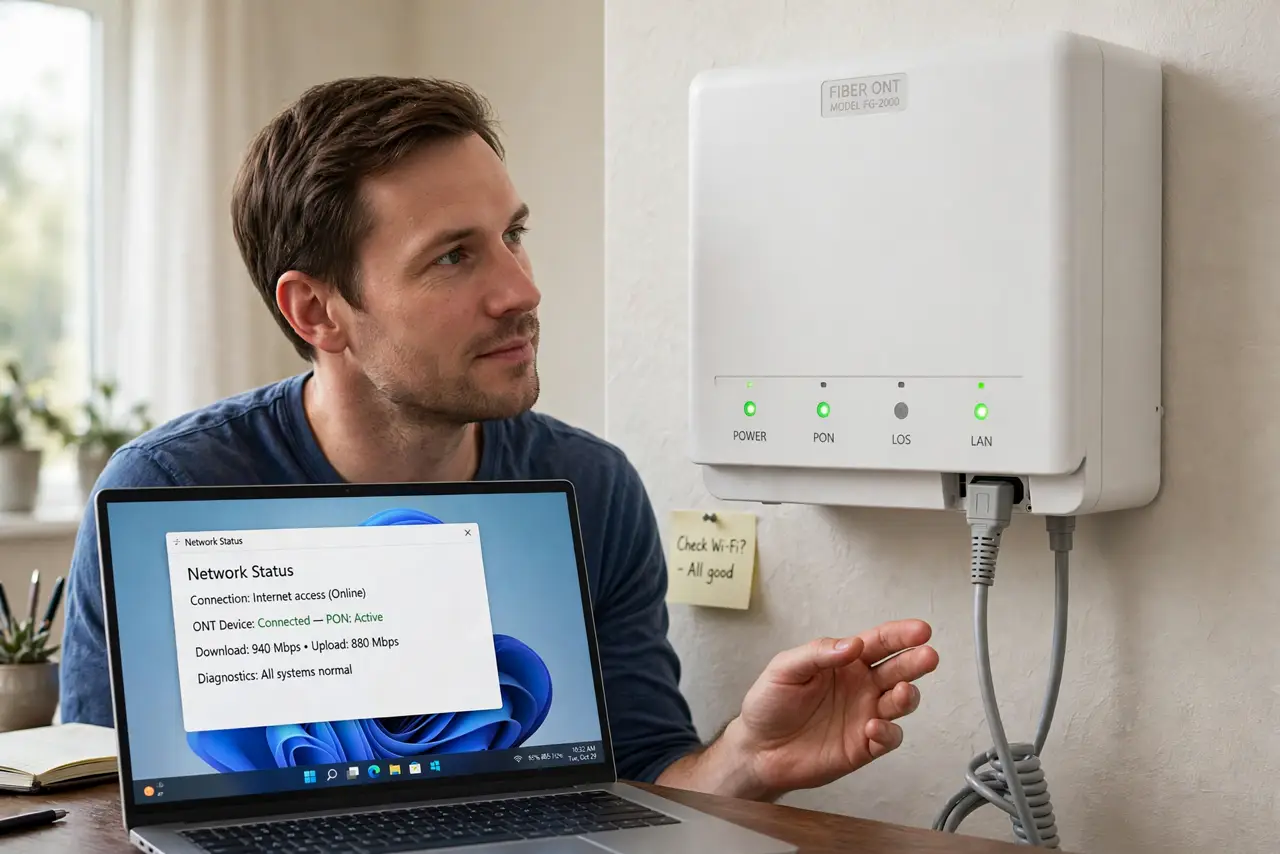
Quick fix: check the ONT lights — Power and PON should be solid green. A red or blinking LOS light means the fiber line is broken, so reseat the cable gently once and call your provider. Never yank the thin fiber cable, and never look into its end.
Follow these steps
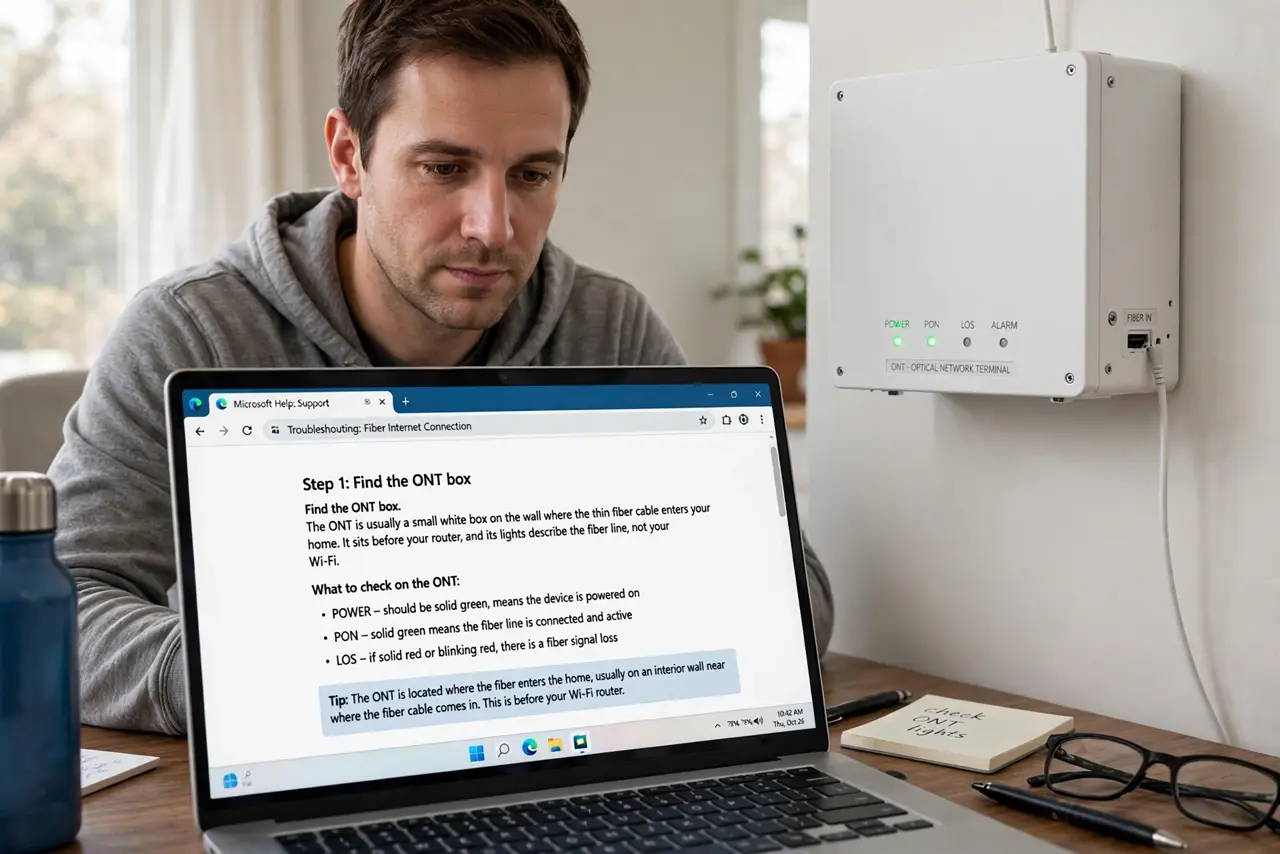
- Find the ONT box. The ONT is usually a small white box on the wall where the thin fiber cable enters your home. It sits before your router, and its lights describe the fiber line, not your Wi-Fi.
- Check Power and PON first. Power should be solid and PON — the fiber signal light — should be solid green too. Those two green lights mean the fiber line reaching your home is healthy.
- Read a red LOS light correctly. LOS means loss of signal. A red or blinking red LOS light means the fiber line is cut, unplugged, or faulty at the provider's end, and no restart of your router will change it.
- Reseat the fiber cable gently, once. Push the fiber connector in gently until it clicks, without bending the thin cable. If LOS stays red after that, the fault is outside your home.
- Restart the ONT with its power, not the fiber. Unplug the ONT's power cord for thirty seconds, then plug it back in and wait three minutes. This restarts the box safely without touching the delicate fiber connector.
- Compare with the router lights if Wi-Fi still fails. If the ONT shows healthy lights but devices cannot connect, the problem moved downstream to the router. A quick look at your router lights tells you which half to fix next.
What NOT to do
- Do not look into the end of a fiber cable. The light inside can damage your eyes even though it is invisible, so treat every fiber end as something to never stare into.
- Do not yank or sharply bend the thin fiber cable. Fiber is glass inside and snaps easily, turning a working line into a dead one with one careless tug.
- Do not press the reset button on the ONT repeatedly. A reset cannot fix a red LOS light, and it can wipe the provider settings the box needs to connect.
- Do not assume the router is broken when LOS is red. A red LOS light is a fiber line problem, so call the provider instead of buying a new router.
Frequently asked questions
What does LOS mean on the ONT?
Loss of signal. It means the fiber line is not reaching the box, because of a cut cable, an unplugged connector, or a provider-side fault.
PON is green but the internet is down. Why?
Then the fiber line is fine and the problem sits after the ONT, usually the router or its settings, so check those next.
Can I move the ONT to another room?
No. The ONT must stay where the fiber enters, because the fiber cable cannot be extended like a normal cable without special work.