Fix Packet Loss
Your character teleports across the map, shots register a second late, and voice chat turns robotic — classic packet loss. Some of your data simply never arrives. Unlike slow speeds, packet loss has specific, fixable causes: bad Wi-Fi, dying cables, overloaded routers, or a struggling provider. Here is how to hunt it down in order.
TL;DR / Quick Fix
Quick fix: packet loss means data vanishes mid-route, causing stutters and rubber-banding. Test on a wired connection first — if wired is clean, your Wi-Fi is the culprit. Update router firmware, switch Wi-Fi channels, and replace old cables before calling your provider with test results in hand.
Follow these steps
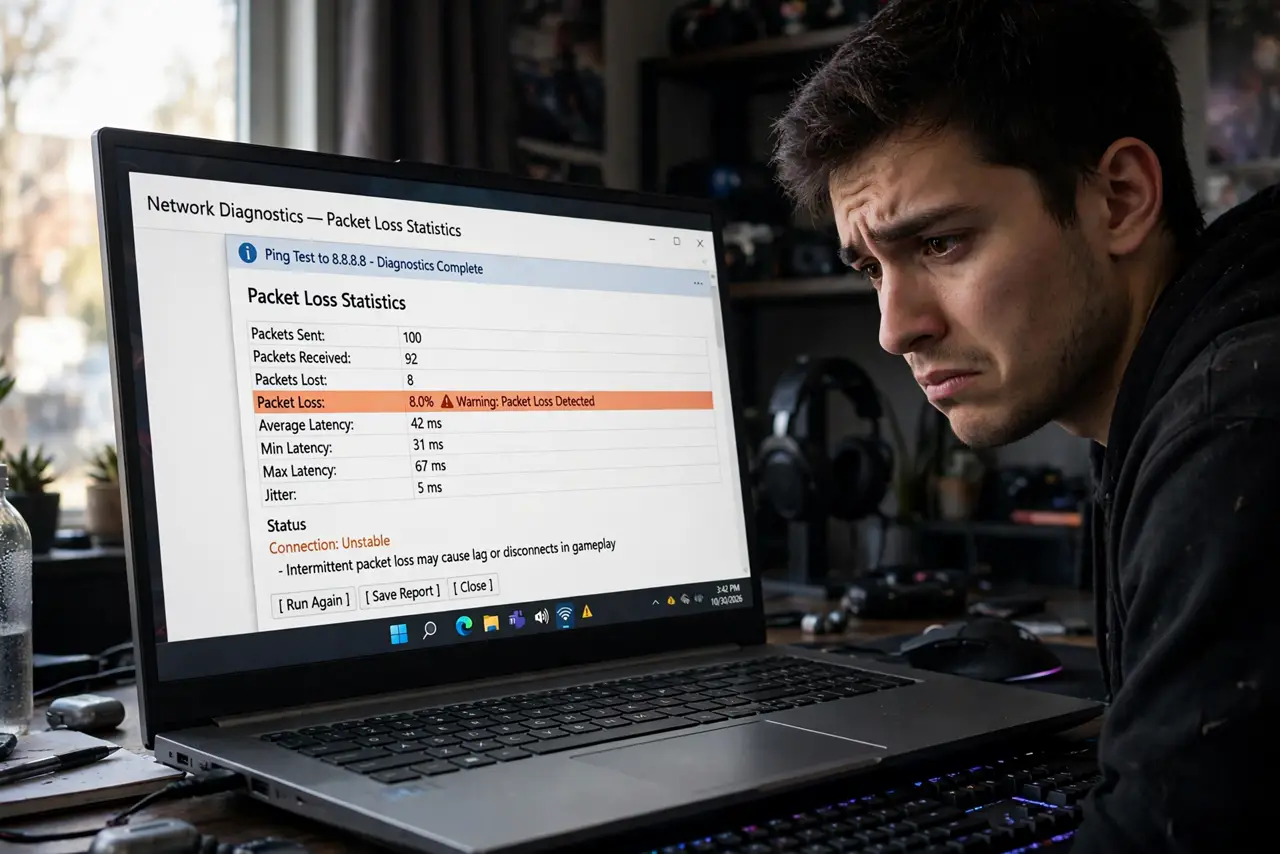
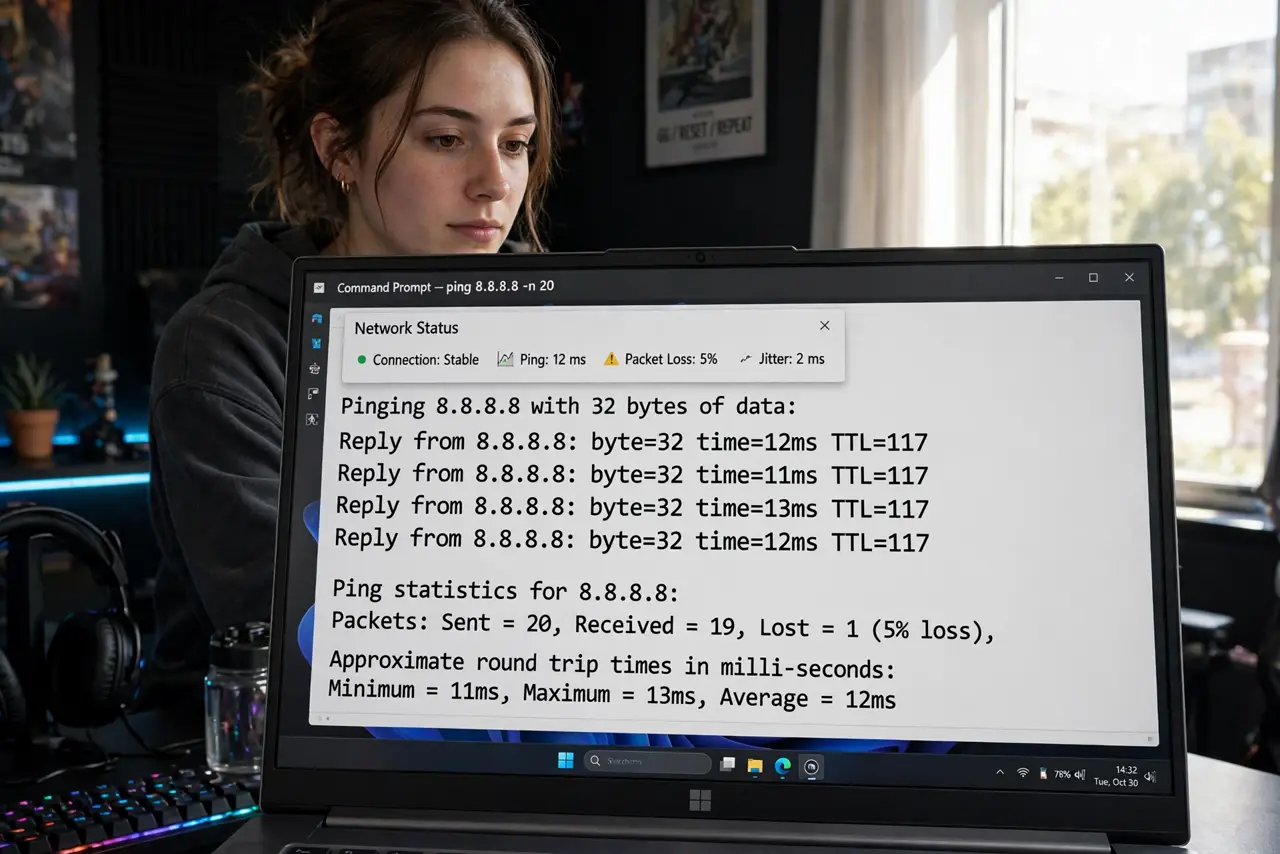
- Confirm it is packet loss. Run a ping test with loss statistics, or check your game's network overlay. Consistent loss above 1-2% explains teleporting and robotic voice — see loss in games for what the numbers mean. Note: stuttering only during uploads can be bufferbloat instead of true loss.
- Test wired first. Plug directly into the router and retest. If wired shows zero loss, your Wi-Fi is the problem — skip to the wireless steps. If wired also loses packets, the issue is upstream.
- Replace suspect cables. A damaged Ethernet cable causes exactly this. Swap in a known-good cable — it is the cheapest test in networking and fixes more than people expect.
- Update router firmware. Old firmware mishandles traffic under load. Check the router's admin page for updates — a two-minute update has resolved many mysterious loss cases.
- Change the Wi-Fi channel. Interference corrupts wireless packets. Move to a clearer channel, or better yet, go wired permanently for gaming — wireless will always lose more packets than cable.
- Call the provider with evidence. If wired tests show loss past your router, it is their network. Call with timestamps and test results — documented loss gets technicians dispatched; vague lag gets scripts.
What NOT to do
- Do not buy a faster plan to fix packet loss. Loss is about reliability, not capacity — more megabits do not fix dropped packets.
- Do not game on Wi-Fi while diagnosing. Test wired first so you know which half of the network to blame.
- Do not ignore loss under 1%. Tiny consistent loss still causes noticeable stutter in fast games — zero is the target.
- Do not reboot once and declare victory. Intermittent loss returns; test across several sessions before closing the case.
Frequently asked questions
What causes packet loss?
Bad cables, Wi-Fi interference, overloaded routers, or provider network trouble — in that order of likelihood for home networks.
Is packet loss the same as high ping?
No. Ping is delay; loss is disappearance. You can have low ping with loss (stuttery) or high ping without loss (sluggish but smooth).
Can my ISP fix packet loss?
If the loss happens past your router — on their lines or equipment — yes, and it is their job. Your wired test results are the proof they need.