Auto-Brightness Flickers Indoors on a Phone
Indoors, the screen brightness jumps up and down for no reason. The ambient light sensor is reacting to lamps, shadows, and your own hand — and it needs calmer instructions.
TL;DR / Quick Fix
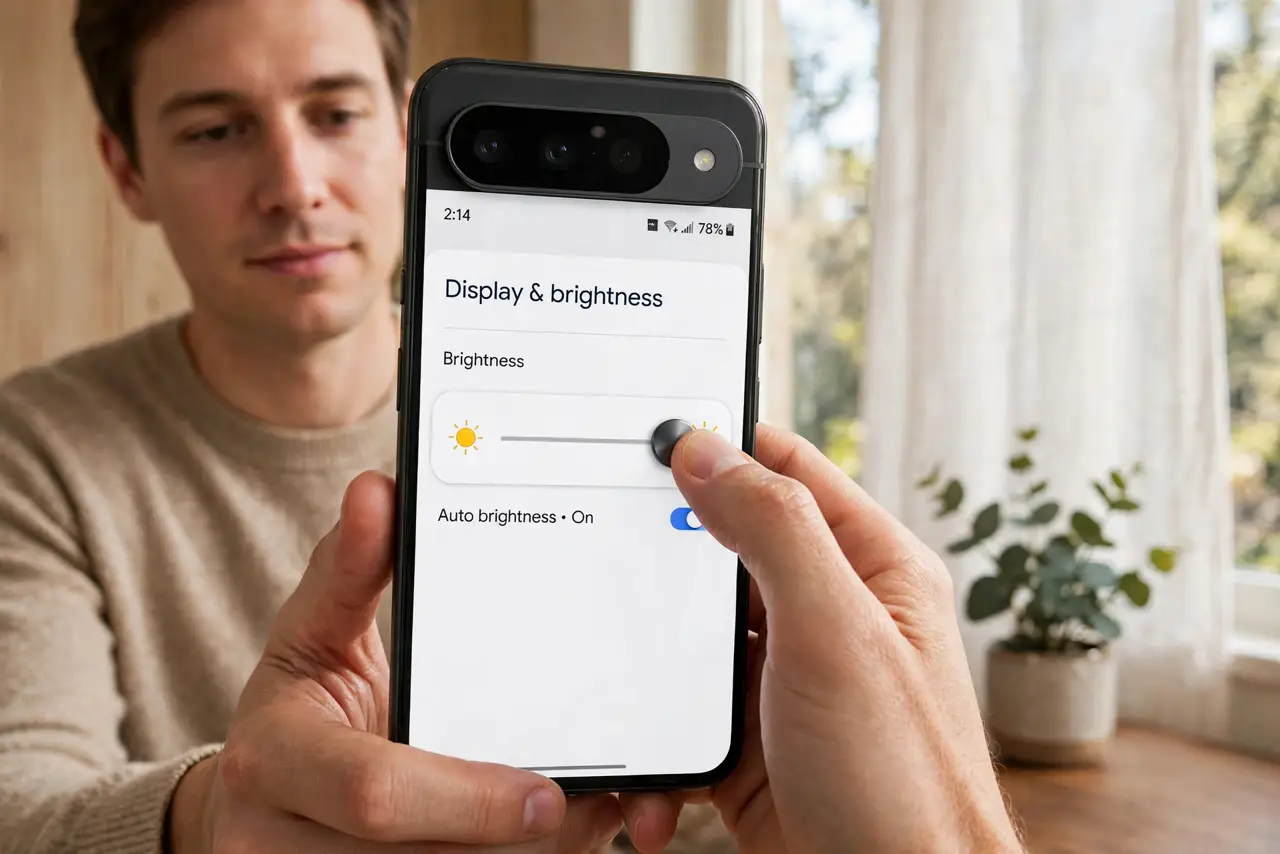
Quick fix: turn auto-brightness off temporarily and set a comfortable manual level — if the flicker stops, the sensor was the cause. Clean the sensor area near the earpiece, and keep the phone out of rapidly changing light. Turn auto-brightness back on after a day.
Follow these steps
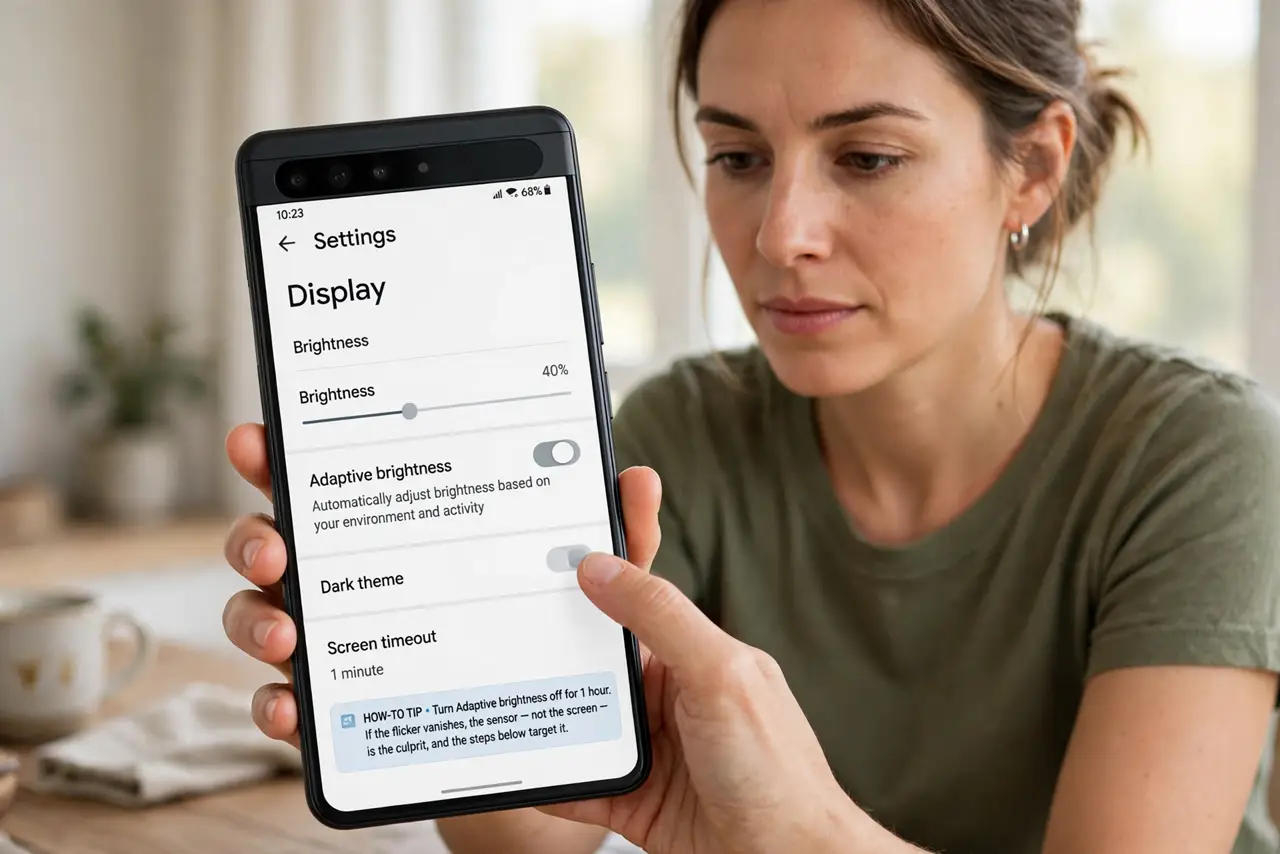
- Test with auto-brightness off. Turn it off for an hour. If the flicker vanishes, the sensor — not the screen — is the culprit, and the steps below target it.
- Clean the sensor area. Wipe the top bezel near the earpiece where the ambient light sensor hides. A smudged sensor reads your thumb's shadow as a lighting change.
- Check for a screen protector over the sensor. A protector edge or air bubble over the sensor confuses its readings. Make sure the cutout or clear area sits exactly over the sensor.
- Avoid rapidly changing light. Sitting half in lamplight with a ceiling fan strobing above makes any sensor hunt. Steady lighting gives the sensor a steady reading.
- Reset the brightness learning. Some phones learn your preferences per lighting level. Resetting the adaptive brightness data lets it relearn from your manual adjustments cleanly.
- Update the phone. Sensor flicker bugs get fixed in updates. If the flicker started after an update, the next one often contains the correction.
What NOT to do
- Do not disable auto-brightness forever over indoor flicker. Manual brightness outdoors in sunlight is a worse experience — fix the sensor cause instead.
- Do not assume the screen is failing. True screen faults flicker regardless of lighting; sensor flicker follows the room's light changes.
- Do not cover the sensor with a sticker to 'stabilize' it. A blinded sensor locks brightness at one wrong level, which is worse than flicker.
- Do not crank brightness to maximum to overpower the flicker. If the screen is simply dim outdoors rather than flickering, that is a different brightness issue. That just drains the battery while the sensor keeps fighting underneath.
Frequently asked questions
Why does it only flicker indoors?
Indoor light is uneven — lamps, shadows, and movement. Outdoors, sunlight is steady and the sensor relaxes.
Can a case cause this?
Yes, if its edge shadows the sensor. A case lip over the top bezel is a classic flicker source.
Will resetting brightness data delete anything?
No. It only clears the learned brightness preferences; your apps, photos, and settings stay untouched.