Check Your Battery Health
Your phone barely makes it to dinner, and you wonder if the battery is worn out or something else is draining it. Battery health — the capacity percentage versus when the phone was new — answers that in seconds. Here is where both iPhone and Android hide the number.
TL;DR / Quick Fix
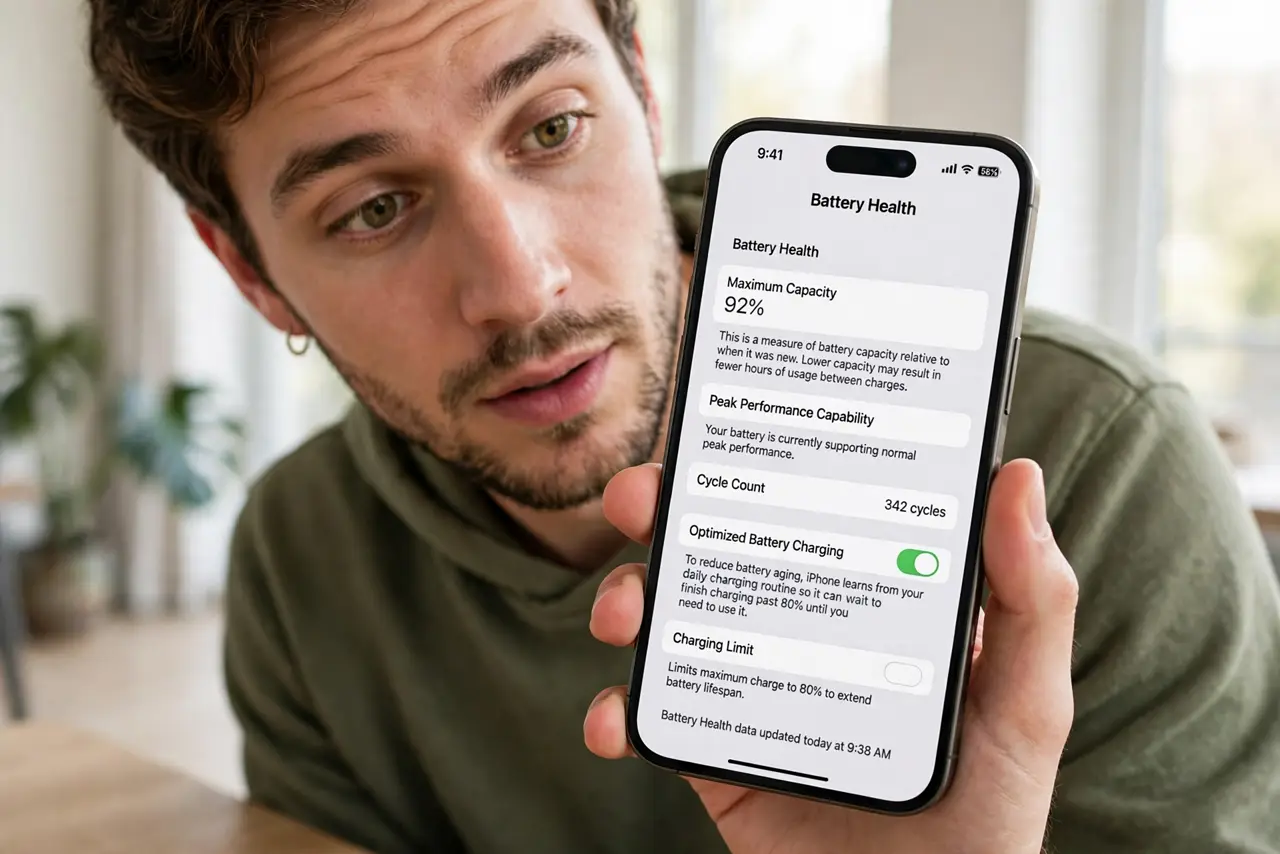
Quick fix: on iPhone, open Settings, go to Battery, then Battery Health, to see your maximum capacity percentage. On Android, check Settings, Battery, for health info — or use a battery app. Below 80% capacity, expect noticeably shorter days and consider a battery replacement.
Follow these steps
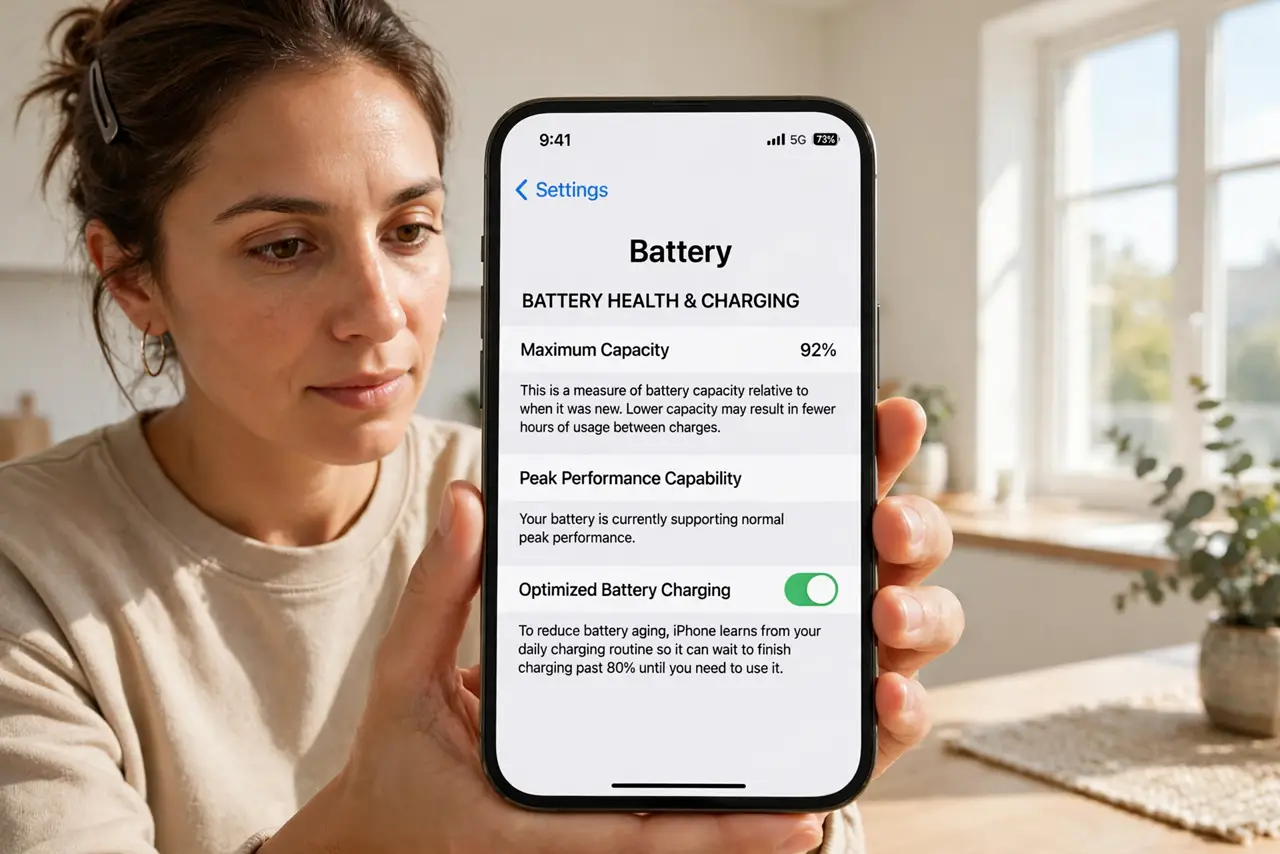
- Check iPhone battery health. Open Settings, tap Battery, then Battery Health and Charging. Maximum Capacity shows the percentage — 100% is new.
- Check Android battery health. Open Settings, then Battery — many Android phones show health or capacity here. Some brands hide it deeper under device care menus.
- Understand the 80% threshold. Below about 80% maximum capacity, Apple considers the battery worn. Days get noticeably shorter and unexpected shutdowns can start.
- Rule out swelling danger first. A bulging phone or lifting screen is a safety issue, not a health-percentage issue — stop using it and get it serviced.
- Compare against your actual experience. A 92% battery with terrible life means a drain problem, not a worn battery — check which app drains before replacing anything.
- Replace, don't suffer. A genuine battery replacement restores original life for a fraction of a new phone's cost. Third-party shops are fine if reputable.
What NOT to do
- Do not replace a battery over the number alone. An 85% battery that still lasts your day needs nothing — replace for real-world shortfall.
- Do not trust random 'battery health' apps blindly. Many guess; the system's own reading is the authoritative one.
- Do not ignore physical warning signs. Swelling, heat, or a lifting screen outrank any percentage — act on those immediately.
- Do not calibrate by draining to zero. Modern phones self-calibrate; deep discharges just add wear.
Frequently asked questions
Is 90% battery health bad?
No — it is normal aging after a year or two of use. You will barely notice 90% in daily life.
Why did my percentage drop suddenly?
Big drops often follow updates that recalibrate the estimate — the battery did not actually degrade overnight.
Does fast charging hurt battery health?
Slightly more than slow charging, but modern phones manage it well. Heat hurts far more than speed.