Phone Connects but the Laptop Doesn't? Fix It
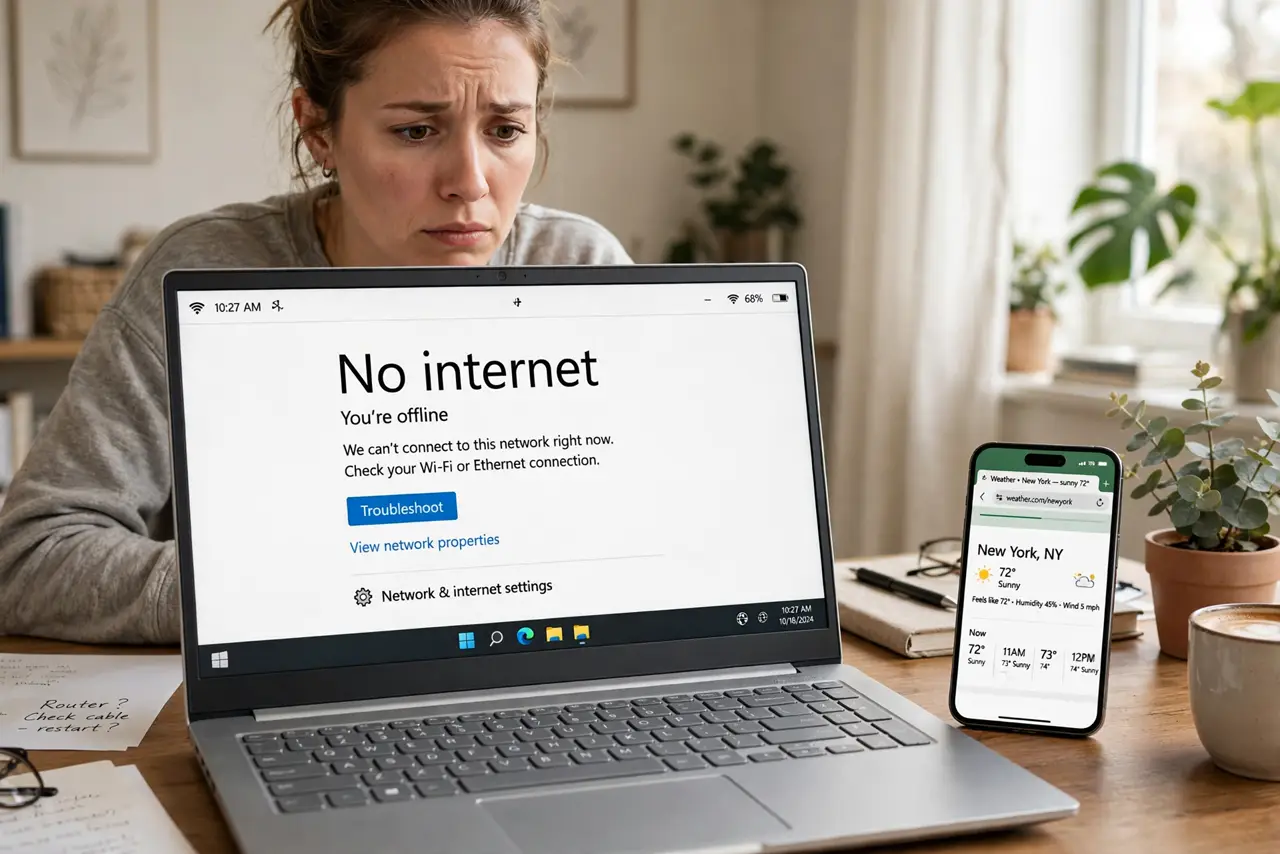
The phone streams happily while the laptop insists there's no internet — same room, same Wi-Fi. When one device fails and others fly, the router and the line are innocent; the fault lives in the laptop's network stack. This guide works the laptop side only, from the two-minute fixes to the deeper resets.
TL;DR / Quick Fix
Quick fix: on the laptop, toggle Wi-Fi off and on, then forget the network and rejoin. If it still fails, restart the laptop — a wedged network stack is the top cause. Check for a stuck VPN and the right band. When the phone works, never reboot the router first.
Follow these steps
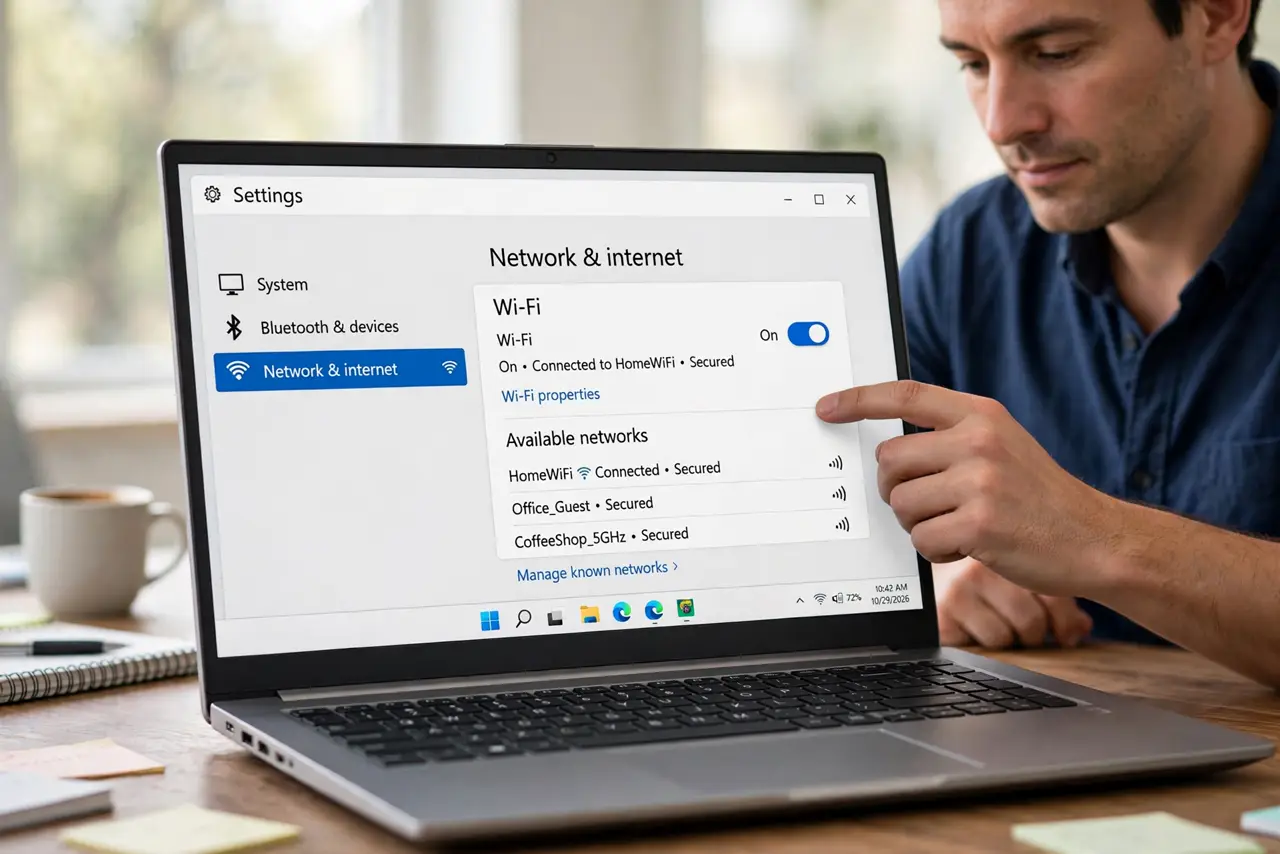
- Toggle the laptop's Wi-Fi. Off, count to ten, on. This is the laptop equivalent of 'have you tried turning it off' — and it works embarrassingly often.
- Forget and rejoin the network. Saved profiles corrupt. Forgetting on the laptop and re-entering the password rebuilds the connection cleanly.
- Restart the laptop. A full restart clears wedged drivers and DHCP states that a Wi-Fi toggle cannot reach.
- Check for a stuck VPN. An old VPN client can route traffic into a dead tunnel. Disconnect it fully — not just minimize — and retest.
- Check date and time. A laptop with the wrong date breaks secure connections silently. Enable automatic date and time, then retest.
- Reset the network stack. On Windows: Settings > Network > Network reset. On Mac: remove and re-add the Wi-Fi service. This is the deep clean.
What NOT to do
- Do not reboot the router first. The phone works — the router is fine. Rebooting it interrupts everyone for nothing.
- Do not reinstall the operating system. A network reset achieves the same for connectivity without the nuclear option.
- Do not buy a USB Wi-Fi adapter yet. Diagnose first; most one-device failures are software, not a dead radio.
- Do not forget the VPN check. It is the single most overlooked cause of 'everything else works but this laptop'.
Frequently asked questions
Why does my phone work but not my laptop?
Because the fault is in the laptop, not the network. One working device exonerates the router and the line completely.
Could it be the laptop's Wi-Fi card?
Possible but unlikely — hardware failure is far rarer than a wedged driver or a stuck VPN. Rule out software first.
The laptop connects but says no internet — same fix?
Yes, start here. If the whole network shows no internet on every device, switch to that guide instead.