Echo on Speakerphone Calls? Fix It
Callers hear their own voice echoing back whenever you use speakerphone. The echo is your microphone picking up the speaker output and sending it back down the line. This guide fixes it with placement, volume, and settings — so your call audio sounds clean on both ends.
TL;DR / Quick Fix
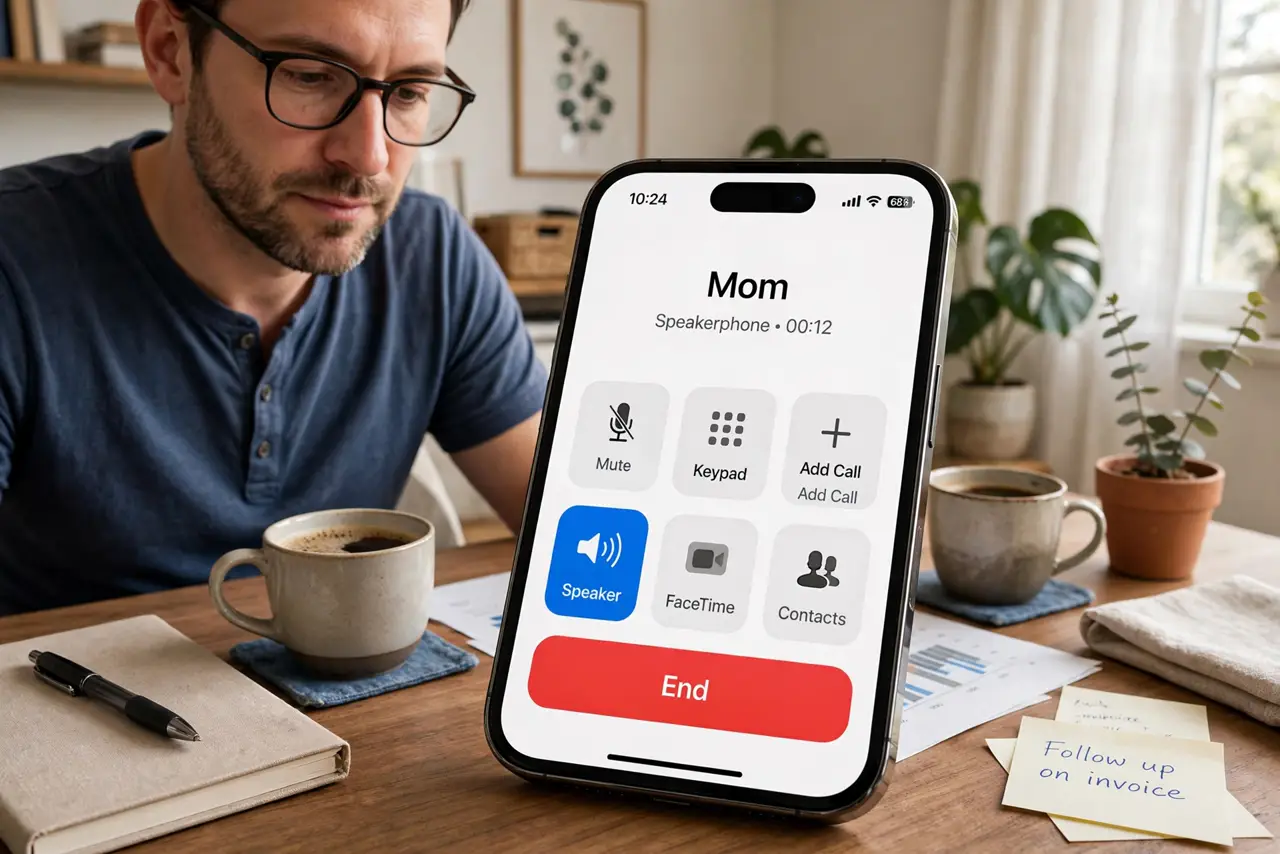
Quick fix: lower the speaker volume a notch and move the phone away from walls and hard surfaces. Hold the phone normally instead of speakerphone when possible. If the echo persists on every call, clean the microphone holes and test with headphones to isolate the problem.
Follow these steps
- Lower the speaker volume. Echo starts when the mic hears the speaker. Dropping the volume one or two notches often breaks the feedback loop completely.
- Move away from walls and hard surfaces. Sound bouncing off a nearby wall or desk feeds straight back into the mic. Move the phone to open space or onto a soft surface.
- Hold the phone instead of laying it flat. A phone face-down or flat on a desk couples speaker sound into the mic through the surface. Holding it, or propping it at an angle, reduces the pickup.
- Clean the microphone holes. Lint in the mic holes muffles your voice, making the phone boost mic gain — which also boosts echo. Clear them gently with a dry soft brush.
- Test with headphones. Plug in headphones or earbuds for one call. If the echo vanishes, the problem is the speaker-mic loop, not the network or the other person's phone.
- Restart and update as a last check. If echo happens on every call in every app, restart the phone and install any pending update. Persistent echo across apps points to hardware.
What NOT to do
- Do not max out speaker volume to hear better. Louder speaker means louder echo for the other person.
- Do not assume the other person's phone is at fault. If every caller hears echo only when you use speakerphone, the loop is on your end.
- Do not cover the microphone while on speaker. Covering it muffles you and makes the phone raise gain, worsening echo.
- Do not use speakerphone in a tiled bathroom or car and expect clean audio. Reflective spaces are echo factories.
Frequently asked questions
Why do callers hear an echo on speakerphone?
Your microphone picks up the speaker output and sends it back. Lower volume and distance from hard surfaces break the loop.
Does echo mean my phone is broken?
Rarely. It is almost always volume, placement, or a dirty mic — hardware failure is the last suspect, not the first.
Why is there no echo on regular calls?
Because the earpiece is quiet and pressed to your ear, so the mic barely hears it. Speakerphone is loud and exposed, which creates the loop.