Lock Exposure? How To
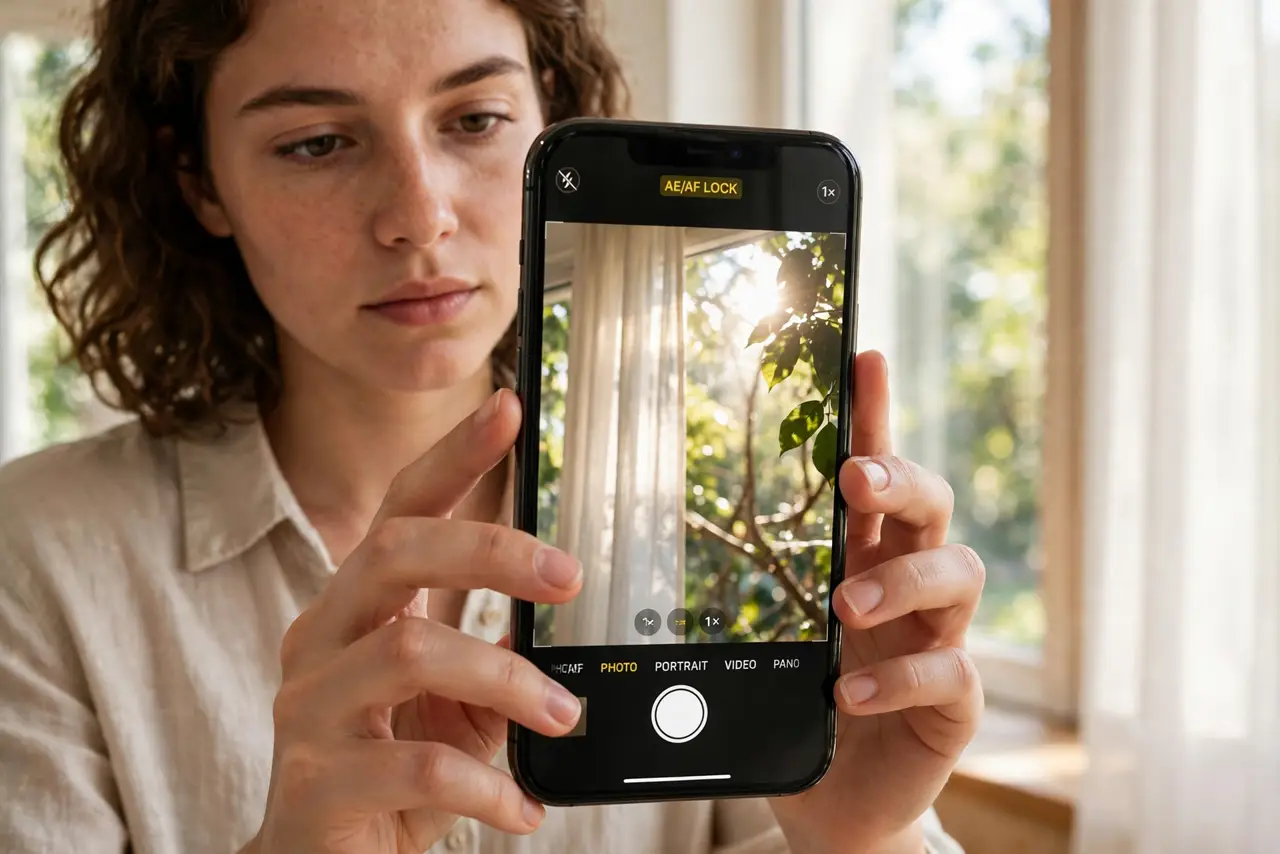
You tap to focus on a face, and the phone helpfully re-exposes for the bright window behind them — now the face is a silhouette. Then you recompose and the exposure jumps again. Locking exposure (and focus) freezes the camera's settings so recomposing does not ruin the shot. One long-press does it.
TL;DR / Quick Fix
Quick fix: lock exposure so recomposing doesn't change brightness. On iPhone, long-press the subject until AE/AF LOCK appears, then slide the sun icon to fine-tune. On Android, long-press to lock in most camera apps, or use Pro mode. The exposure stays put until you tap elsewhere.
Follow these steps
- Long-press to lock on iPhone. In the Camera app, press and hold on your subject until the AE/AF LOCK banner appears. Focus and exposure are now frozen — recompose however you like.
- Long-press on Android. Most Android camera apps lock focus and exposure on a long-press too. For full control, switch to Pro or Manual mode, where exposure is a dial, not a suggestion.
- Fine-tune with the sun slider. After locking on iPhone, drag the sun icon up or down to nudge brightness. Lock first, then adjust — the lock holds your manual tweak.
- Use it for backlit subjects. Person against a bright window, stage performer under spots, sunset portraits — lock exposure on the subject's face and the background can blow out all it wants.
- Use it for panoramas and series. Locked exposure keeps a photo series consistent — no flickering brightness between frames. Panoramas especially benefit; unlocked sweeps band visibly.
- Tap elsewhere to release. The lock holds until you tap a new focus point or exit the camera. For the next scene, re-lock fresh — old locks on new scenes underexpose.
What NOT to do
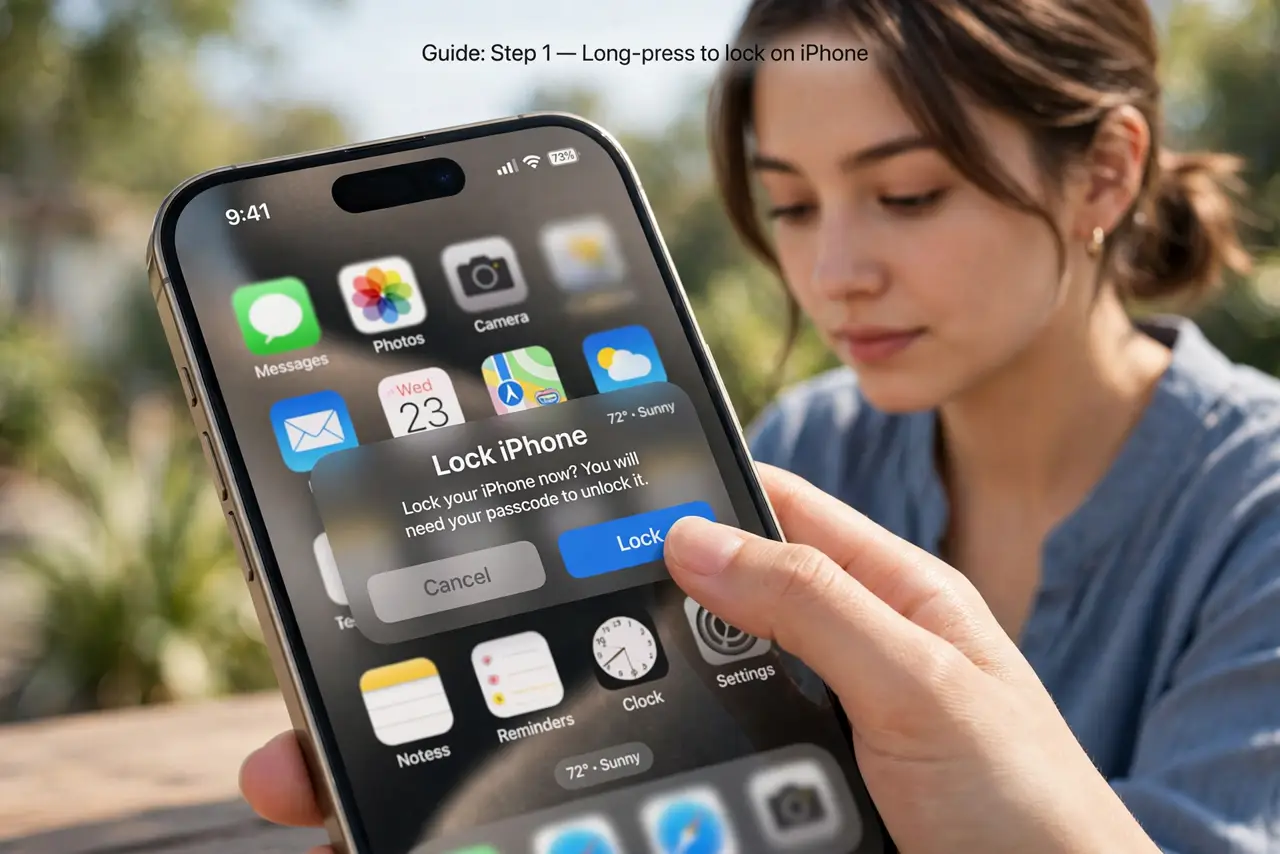
- Do not lock and forget. A lock from the sunny patio follows you indoors and ruins the next five shots.
- Do not confuse focus lock with exposure lock. On iPhone they lock together; on some Android apps they are separate — know your app.
- Do not use it in fast-changing light. Concerts and partly cloudy days defeat locks — let auto work when the light will not sit still.
- Do not expect miracles in extreme contrast. Locking picks the lesser evil; some scenes need HDR or a different angle, not a lock. For dark scenes where no lock can save the exposure, switch to night mode instead of fighting it.
Frequently asked questions
What does AE/AF LOCK mean?
AE = auto exposure locked, AF = auto focus locked. The camera stops adjusting both until you release the lock.
Why do my photos get darker after recomposing?
Auto exposure re-metered on the brighter part of the new framing. Locking on your subject first prevents exactly this.
Does the lock survive switching cameras?
No — switching lenses or modes clears it. Re-lock after any camera change.