GPS Drifts in the City? Fix It
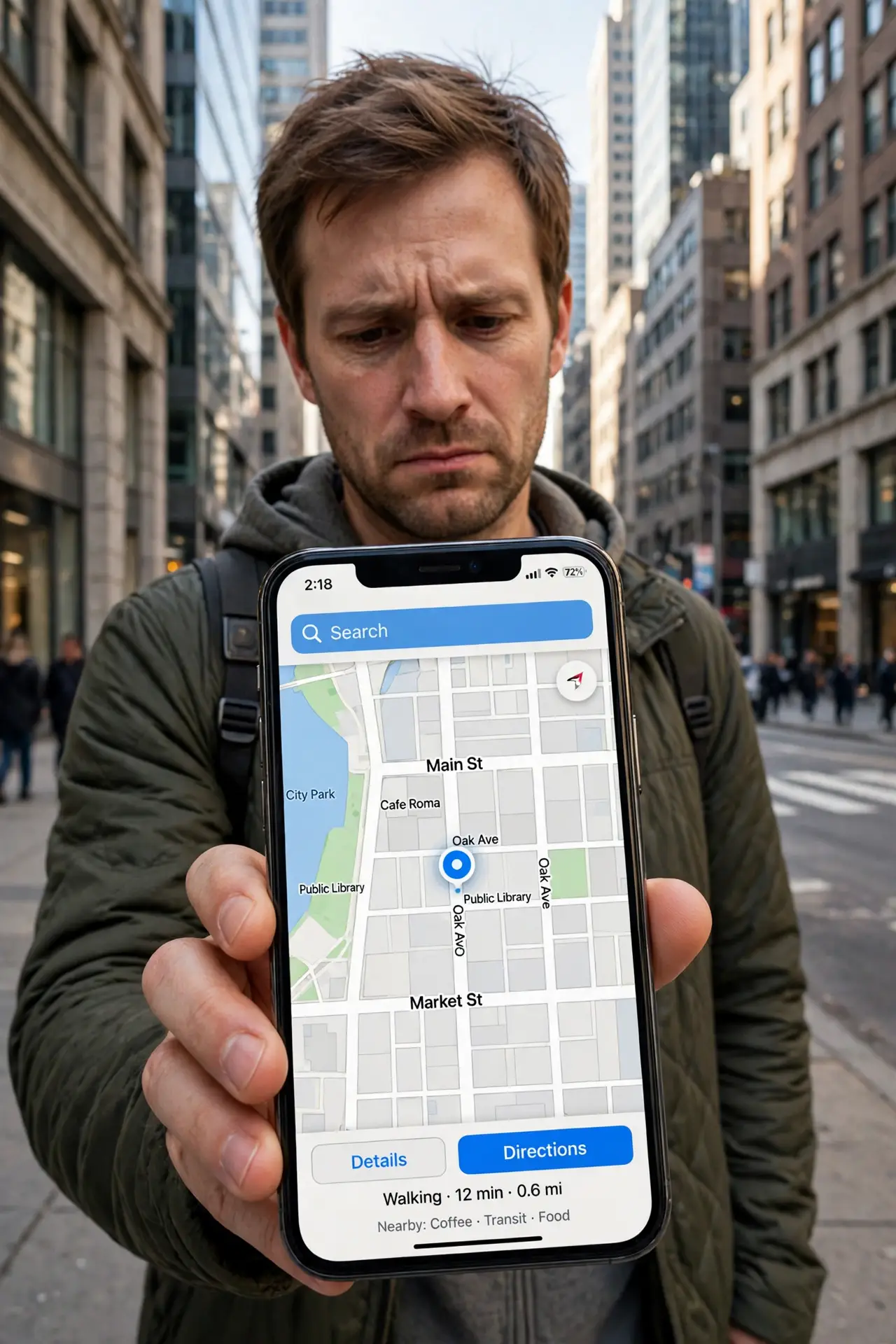
Downtown, your blue dot leaps across the street, walks through buildings, or freezes two blocks behind you. Tall buildings bounce GPS signals around — it's called the urban canyon effect, and every phone suffers from it. You can't fix physics, but you can give the phone better data to work with.
TL;DR / Quick Fix
Quick fix: turn Wi-Fi and Bluetooth scanning back on — phones locate themselves faster with nearby networks than satellites alone. Grant the app precise location permission, step into a clearer spot for ten seconds, and restart the app. Downtown drift is physics, but these steps shrink it dramatically.
Follow these steps
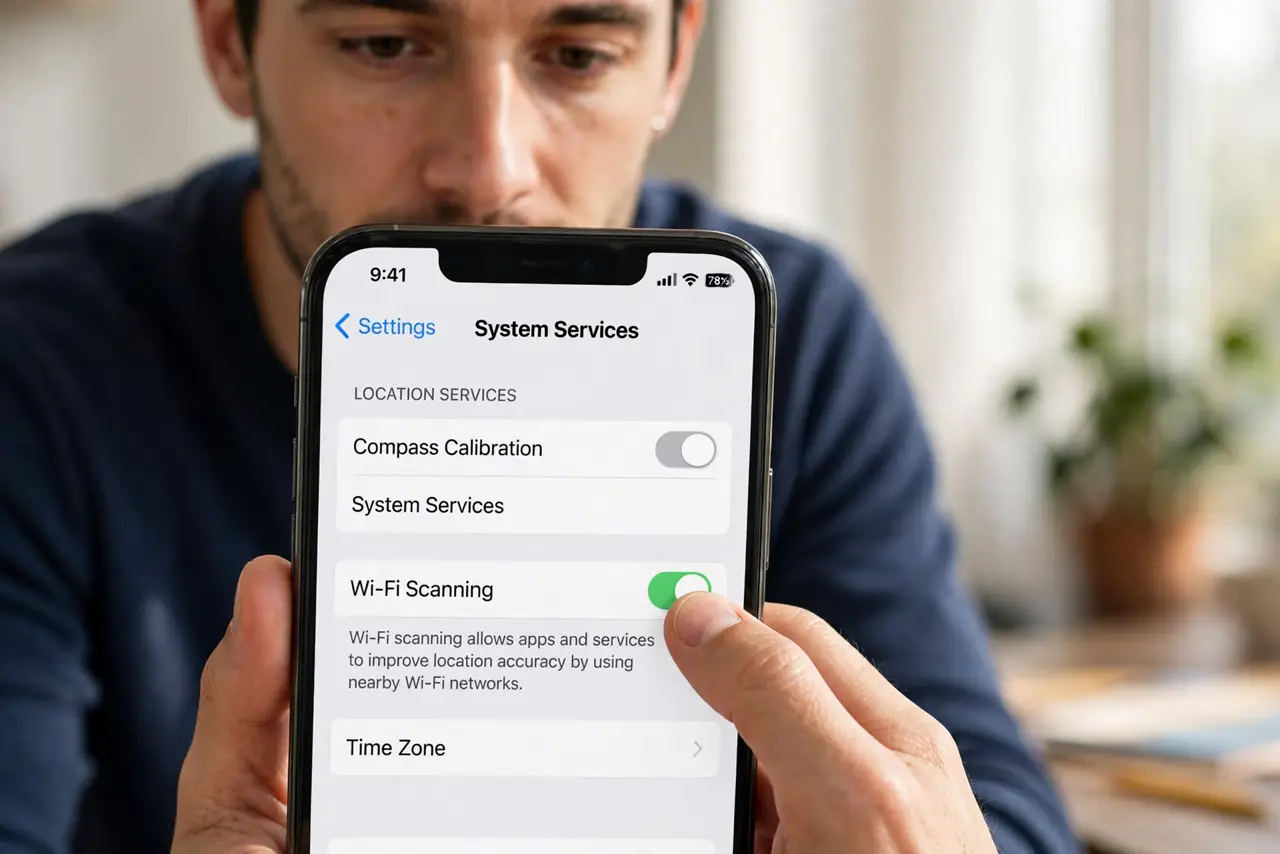
- Turn Wi-Fi scanning back on. Phones triangulate from nearby Wi-Fi networks, which beats bouncing satellite signals downtown. Keep Wi-Fi on even if you are not connected.
- Turn Bluetooth scanning back on. Nearby beacons refine the fix further. Both scanning options live under Location Services settings.
- Grant precise location permission. Open the app's location settings and choose Precise instead of Approximate — see precise vs approximate for what changes. Approximate location alone can look like drift.
- Step into a clearer spot briefly. Walk to an intersection or a wider street for ten seconds. One clean satellite fix re-anchors the dot, and it holds for a while.
- Restart the navigation app. A stuck location session keeps replaying old bad data. Force-close the app and reopen it for a fresh fix.
- Download offline maps for the area. Offline maps remove the data-connection variable. If the dot still jumps with maps downloaded, it is purely a signal problem.
What NOT to do
- Do not disable Wi-Fi to save battery while navigating downtown. You are removing the phone's best urban positioning tool.
- Do not judge GPS from inside a building. Step outside first — no setting fixes a satellite signal through concrete.
- Do not grant every app precise location. Navigation needs it; a flashlight app does not. Review location permissions app by app once a year.
- Do not factory-reset over downtown drift. Every phone drifts between skyscrapers; it is physics, not a defect.
Frequently asked questions
Why does my location jump between buildings?
Tall buildings reflect GPS signals, so the phone hears echoes and miscalculates. Wi-Fi and Bluetooth scanning give it ground truth to correct the echoes.
Does precise location drain more battery?
Marginally. Precise mode uses GPS more actively, but for navigation the accuracy is worth the small cost — see precise vs approximate.
Why is GPS fine in the countryside but bad downtown?
Open sky gives clean satellite lines of sight. Downtown, the same signals bounce off glass and steel — the urban canyon effect no phone fully escapes.