Night Mode Manual Control? How To
Your phone decides when night mode kicks in — and sometimes it guesses wrong: firing in a moody restaurant where you wanted atmosphere, or staying off in a dim bar where you needed it. Taking manual control of night mode means the phone stops second-guessing your intent. Here is where the override lives.
TL;DR / Quick Fix
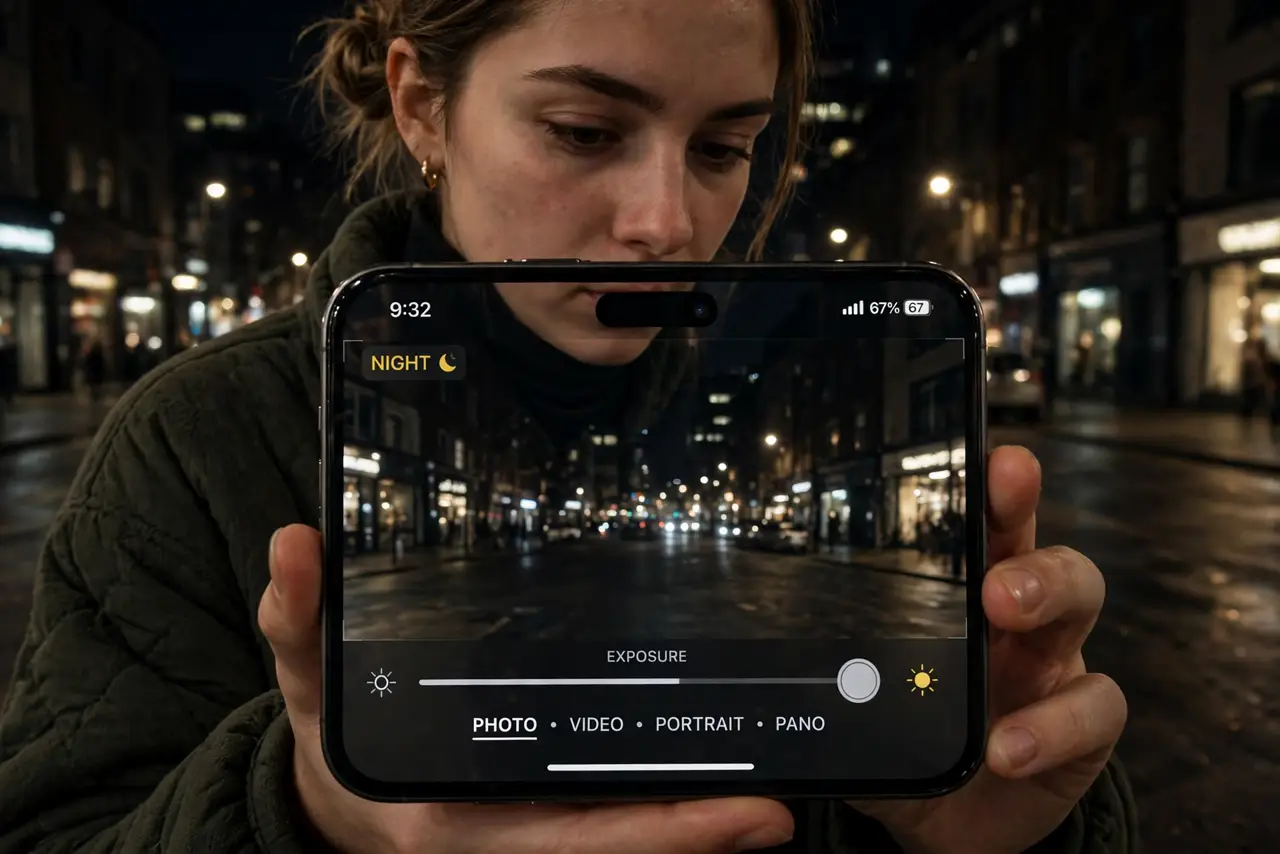
Quick fix: night mode brightens dark scenes by merging multiple exposures — but auto misfires. On iPhone, tap the arrow in the Camera app, tap the moon icon, and drag the slider to set seconds or turn it off. On Android, pick Night mode deliberately instead of waiting for auto.
Follow these steps
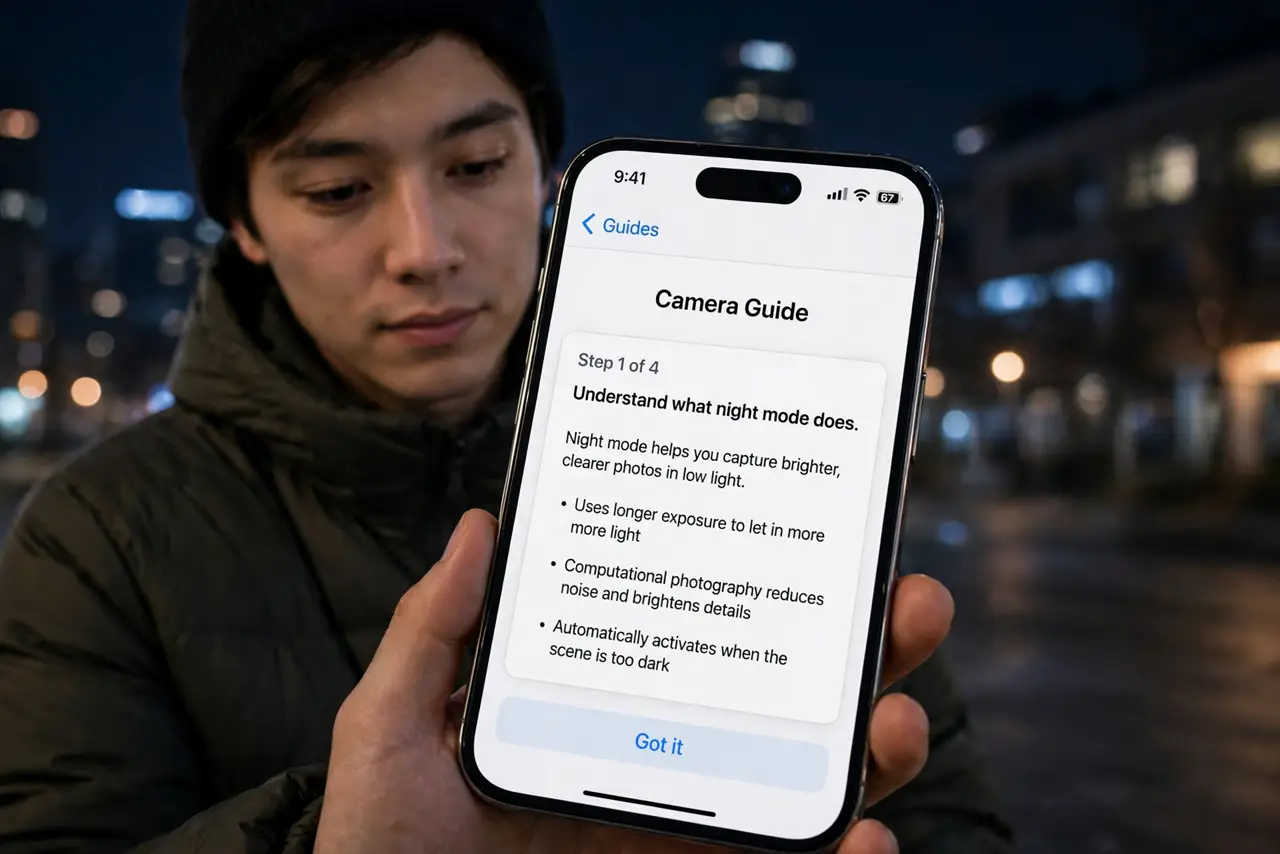
- Understand what night mode does. It captures several frames over a few seconds and merges them — brighter, cleaner, sharper than a single dark exposure. The cost: you must hold still for the duration.
- Take manual control on iPhone. Tap the arrow at the top of the Camera app, tap the moon icon, and drag the slider: left shortens or disables it, right extends the exposure. The phone remembers your preference per lighting level.
- Choose Night mode deliberately on Android. Open the camera's mode selector and pick Night or Night Sight yourself instead of waiting for auto. Manual selection also lets you frame the shot before the exposure starts.
- Hold still — then hold stiller. Night mode punishes movement. Brace against a wall, rest elbows on a table, or prop the phone. The difference between braced and handheld at three seconds is night and day.
- Turn it off when you want mood. Candlelit dinners and neon streets sometimes look better dark and atmospheric than brightened. Auto night mode can sterilize the mood — override it off for intentional darkness.
- Know its limits with motion. Night mode cannot freeze moving subjects — people walking through a long exposure ghost. For moving subjects in low light, accept the grain of a regular shot instead.
What NOT to do
- Do not fight the timer. If the scene needs four seconds, give it four — tapping early cancels the merge and wastes the shot.
- Do not use night mode for action. Long exposures plus movement equals ghosts — switch to burst mode for moving subjects.
- Do not expect daylight. Night mode brightens remarkably, but it cannot invent detail that is not there — some scenes stay dark.
- Do not leave manual-off permanent. You will forget, and next month's dim restaurant shots will suffer — revisit the setting.
Frequently asked questions
Why does night mode turn on by itself?
Auto mode triggers below a light threshold. If it misfires in scenes you like dark, take manual control and set it off for that lighting level.
How long should the exposure be?
The phone suggests a duration based on darkness and steadiness. Longer gathers more light but needs more stillness — braced phones can go longer.
Does night mode work on the front camera?
On recent phones, yes — with shorter exposures. Older models limit night mode to the rear cameras.