Pin a Conversation to the Top
Your most important conversations keep sinking under a tide of group chats, spam, and one-off threads. Pinning floats them to the top of your message list permanently — partner, kids, boss — always one tap away no matter how busy the inbox gets. Here is how to pin on iPhone and Android.
TL;DR / Quick Fix
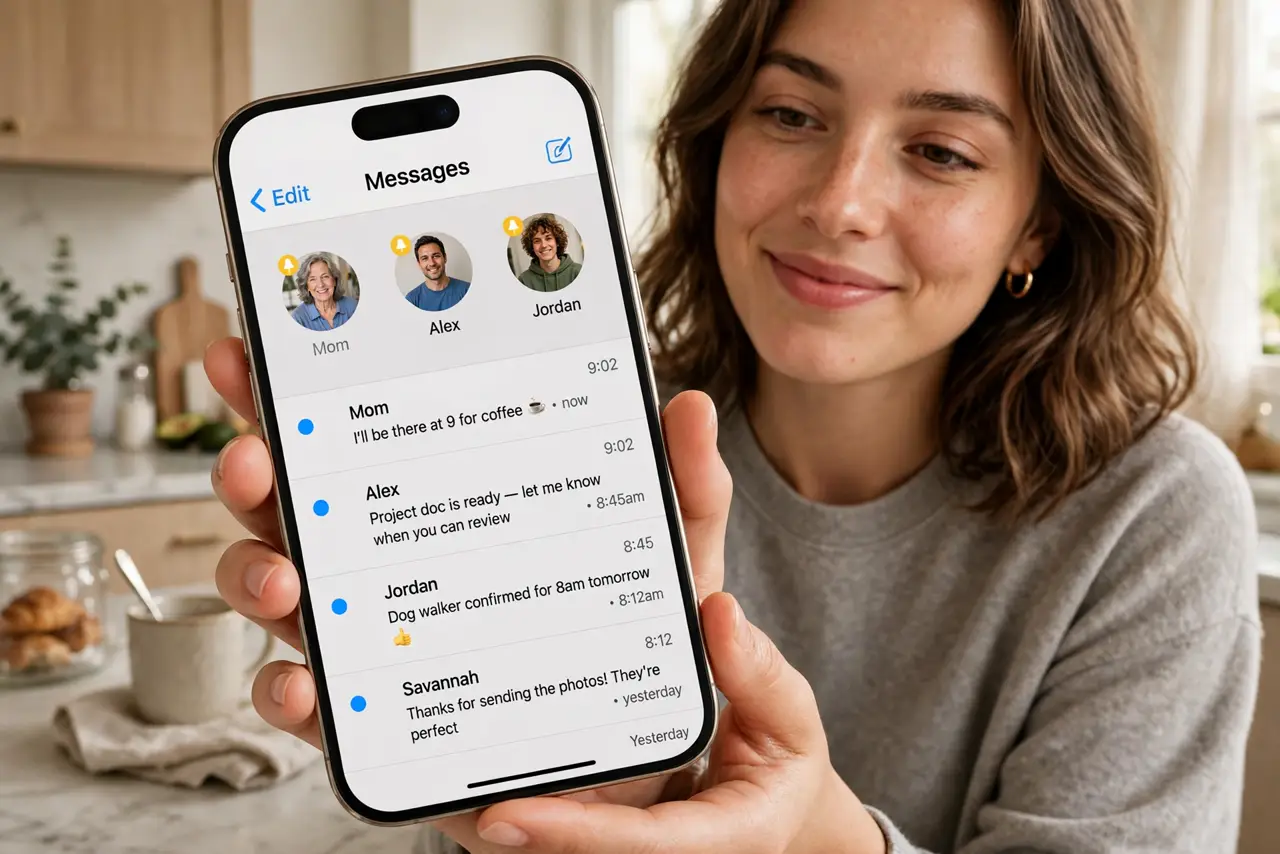
Quick fix: pinning keeps key conversations fixed at the top of your message list. On iPhone, long-press a thread and tap Pin — pinned chats appear as circles above the list. On Android in Google Messages, long-press and tap the pin icon. Unpin anytime the same way.
Follow these steps
- Pin on iPhone. Long-press the conversation and tap Pin, or swipe right on the thread and tap the pin icon. Pinned conversations appear as large circles at the very top, above the chronological list.
- Pin on Android. In Google Messages, long-press the conversation and tap the pin icon at the top. Pinned threads stay fixed above everything else in the list.
- Choose who earns a pin. Partner, kids, parents, boss, the group chat coordinating this weekend — pin the five to nine conversations you open daily. Pinning everything defeats the purpose.
- Know the pin limit. iPhone allows up to nine pinned conversations; Google Messages allows a similar handful. The cap forces prioritization — that is the point.
- Unpin when priorities change. Long-press a pinned conversation and unpin it. Pins are not commitments — rotate them as life changes, like the project group that just ended.
- Combine with mute for balance. Pin the important threads, mute the noisy ones. Your message list becomes a dashboard: what matters on top, what buzzes silenced below.
What NOT to do
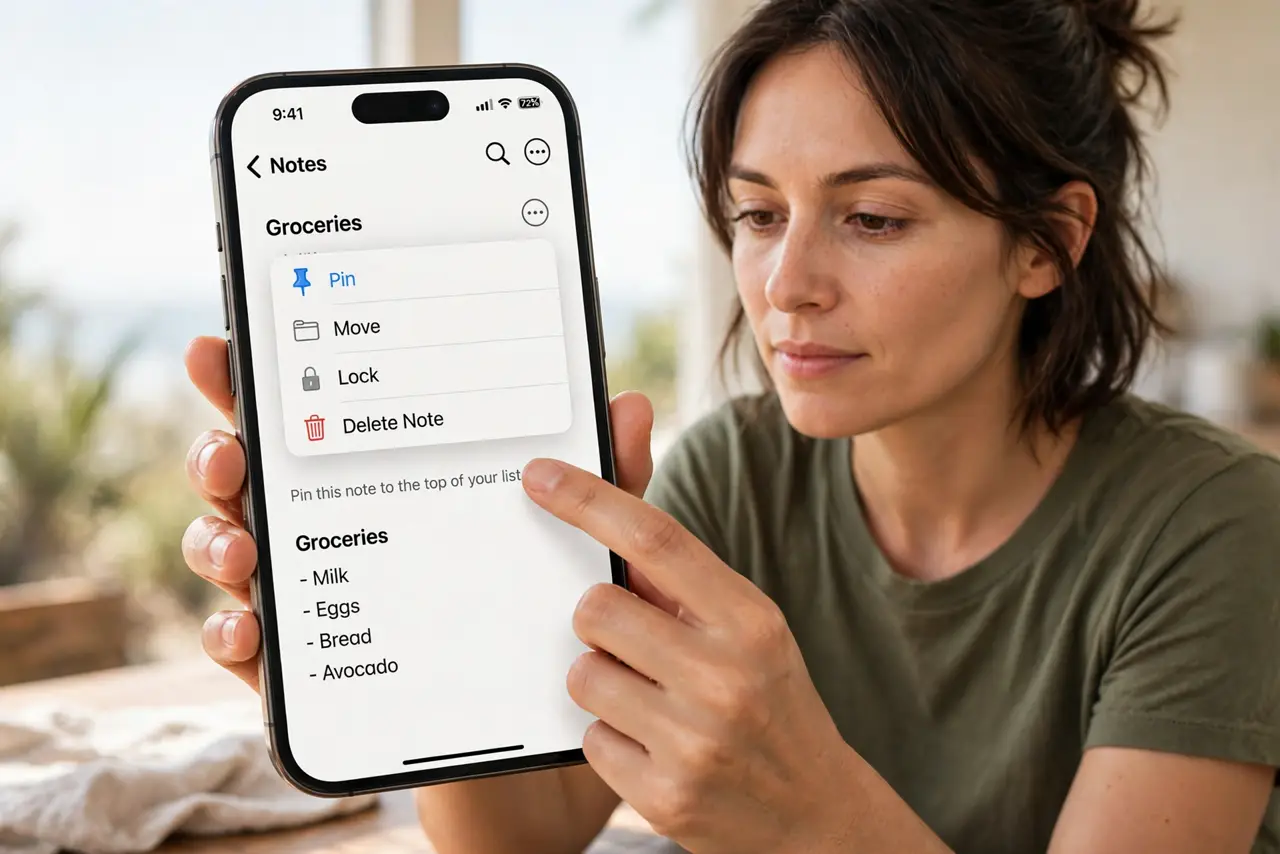
- Do not pin every conversation. Nine pins is a second inbox — pin only what you open daily.
- Do not confuse pinning with notifications. Pinned threads follow your normal notification rules; pinning changes position, not sound.
- Do not pin sensitive threads on a shared screen. Pinned conversations sit at the top where anyone glancing sees names and previews.
- Do not forget pins exist when decluttering. A stale pin from a finished project just occupies prime real estate — unpin it.
Frequently asked questions
How many conversations can I pin?
About nine on iPhone and a similar handful on Google Messages. Enough for your inner circle, not enough to pin the world.
Do pinned conversations still notify normally?
Yes. Pinning only changes list position. Mute or alert settings per thread work exactly as before.
Will pins sync to my other devices?
On iPhone, pins sync across devices signed into the same Apple ID. On Android, it depends on the app and backup settings.