RCS on iPhone? What Changes
For years, texting between iPhone and Android meant the lowest common denominator: grainy photos, no read receipts, broken group chats. RCS — Rich Communication Services — finally brings modern messaging features to those cross-platform threads on iPhone. Here is what actually changes and what still does not.
TL;DR / Quick Fix
Quick fix: RCS upgrades iPhone-to-Android texting with high-resolution photos, read receipts, typing indicators, and better group chats. On iPhone, check Settings > Messages > RCS Messaging is on; it needs carrier support. Bubbles stay green, but the experience finally feels modern.
Follow these steps
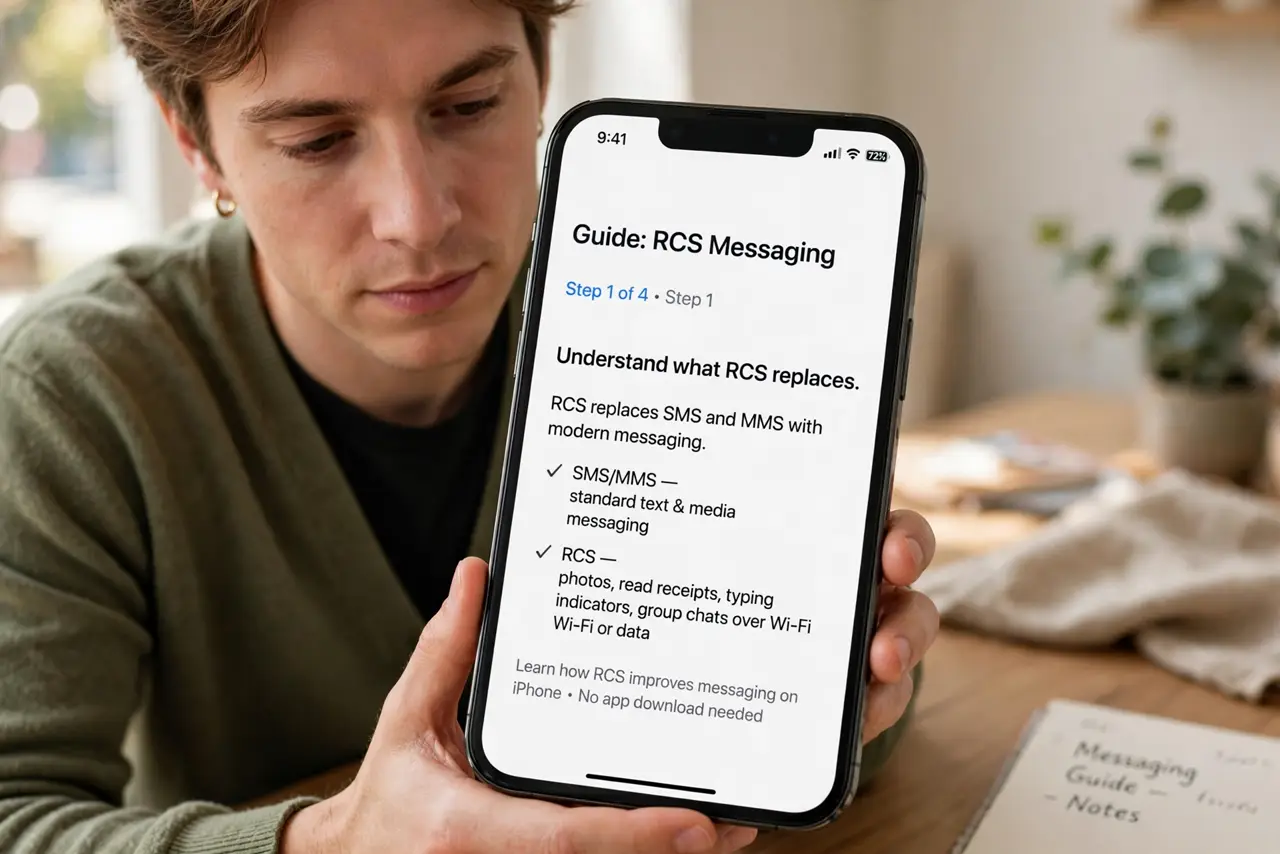
- Understand what RCS replaces. Cross-platform texts used to fall back to SMS/MMS — ancient tech with tiny photo limits and no modern features. RCS is the modern replacement running over data instead.
- Check it is enabled. On iPhone: Settings > Messages > RCS Messaging. Toggle it on. Your carrier must support RCS on iPhones — most major ones now do, but the rollout is still finishing.
- Expect better photos and video. The biggest visible win: full-resolution photos and much better video between iPhone and Android. No more postage-stamp images in cross-platform chats.
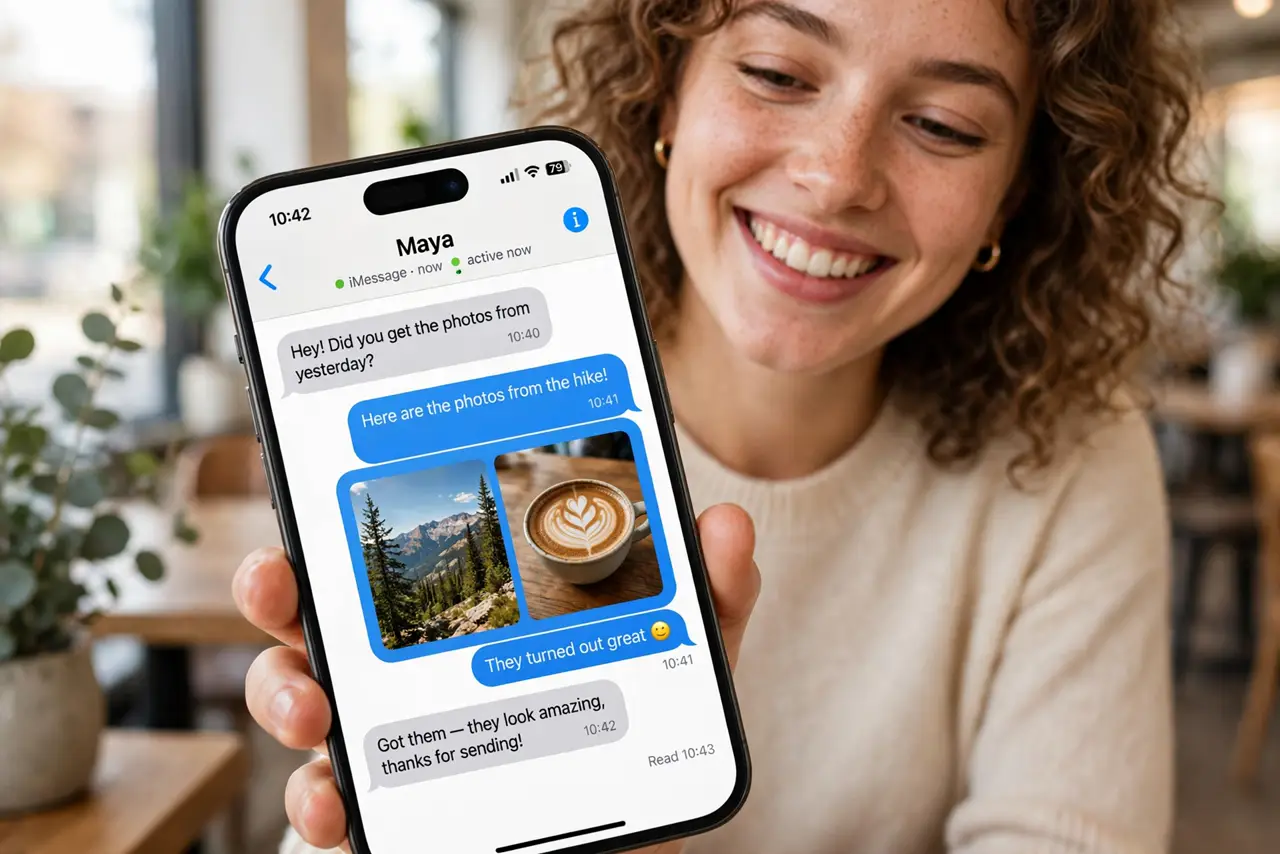
- Get read receipts and typing indicators. Those 'read' ticks and '...' bubbles now work across platforms when both sides have RCS. See the green vs blue bubble guide for what the colors still mean.
- Know what does NOT change. Bubbles stay green for Android contacts — RCS does not make them blue. And RCS is not end-to-end encrypted the way iMessage is; it is modern, not private.
- Troubleshoot by toggling. If cross-platform chats act up, toggle RCS off and on, and confirm mobile data or Wi-Fi is active — RCS needs a data connection, unlike SMS.
What NOT to do
- Do not assume RCS means encrypted. Carrier RCS lacks iMessage-style end-to-end encryption — do not send secrets you would not send by SMS.
- Do not panic if the toggle is missing. RCS on iPhone is still rolling out by carrier and region — check for a carrier settings update.
- Do not expect blue bubbles. RCS improves green-bubble chats enormously, but the color still marks the platform divide.
- Do not disable SMS fallback. When data drops, fallback keeps messages flowing as plain SMS — leave it on.
Frequently asked questions
Is RCS the same as iMessage?
No. iMessage is Apple's encrypted system for iPhone-to-iPhone. RCS is the cross-platform upgrade for iPhone-to-Android chats — better than SMS, but not iMessage.
Why are bubbles still green with RCS?
Apple kept green for all non-iMessage chats. The color marks the protocol family, not the feature level — green RCS chats are far more capable than green SMS ones.
Does RCS use my data plan?
Yes — it runs over mobile data or Wi-Fi, not the SMS channel. The data use is tiny, comparable to any messaging app.