Read Receipts Per Contact? Setup
Global read receipts are a blunt instrument: either everyone sees when you have read their message, or nobody does. Per-contact control is the grown-up version — receipts on for your partner, off for your boss, decided case by case. Both iPhone and Android now offer it. Here is where the per-contact switch hides.
TL;DR / Quick Fix
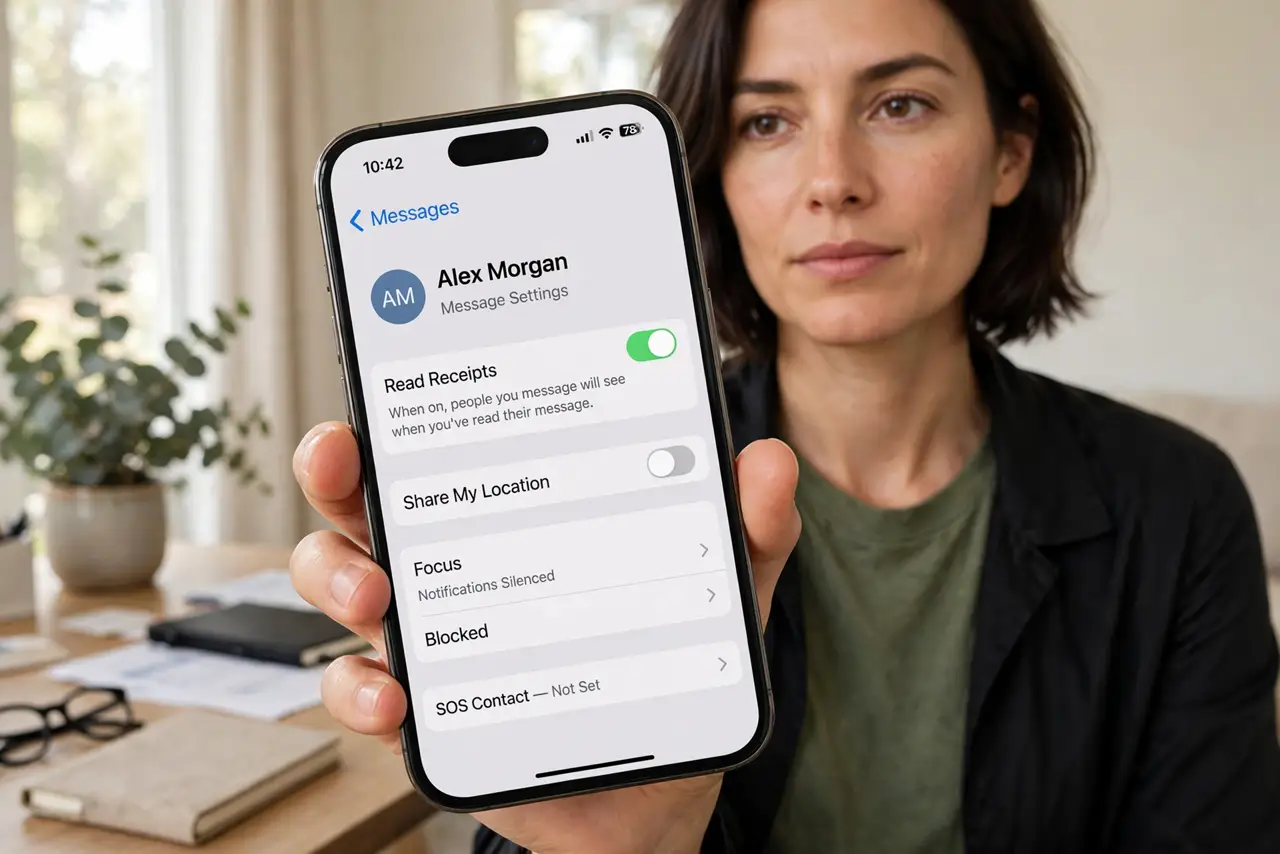
Quick fix: control read receipts person by person instead of globally. On iPhone, open the conversation, tap the contact name at the top, and toggle Send Read Receipts. On Android in Google Messages, open the conversation details for per-chat settings. Set your global default first, then the exceptions.
Follow these steps
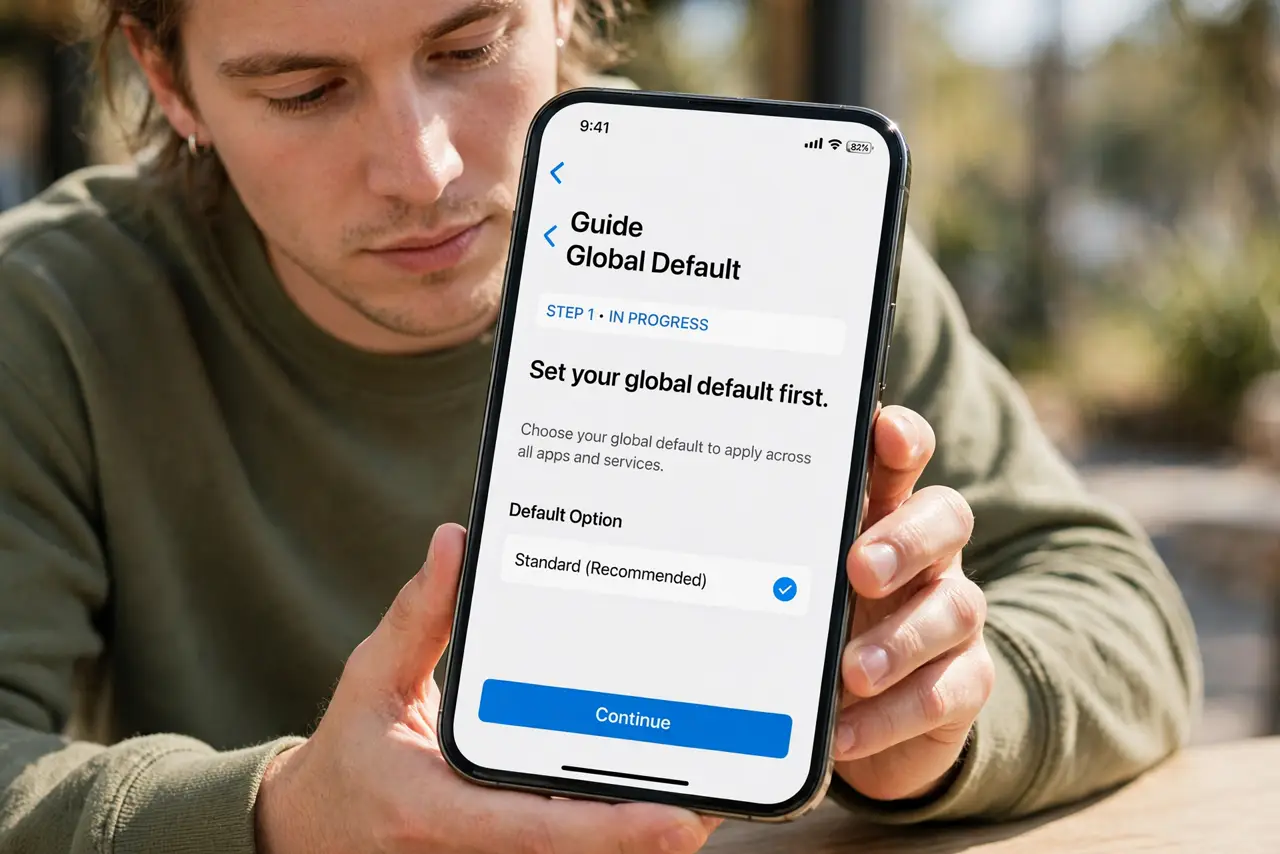
- Set your global default first. On iPhone: Settings > Messages > Send Read Receipts sets the baseline. On Android: Messages settings > RCS chats > read receipts. Most people want the default off, with exceptions on.
- Override per conversation on iPhone. Open the thread, tap the contact's name at the top, and flip Send Read Receipts. This overrides your global setting for this person only — partner on, group chat off.
- Override per conversation on Android. In Google Messages, open the conversation, tap the contact header or details, and find the read receipts toggle. Availability depends on RCS being active for that chat.
- Think about who gets what. Receipts on: partner, close family, anyone you coordinate timing with. Receipts off: work contacts, acquaintances, anyone who might read too much into a 'seen' timestamp.
- Remember group chats are all-or-nothing-ish. In groups, your read status is visible to the group per your settings. If group read receipts stress you out, that is a vote for leaving or muting the group, not just toggling.
- Know the limits. Read receipts only work where the protocol supports them — iMessage and RCS. Plain SMS has no read receipts at all, so green SMS threads simply never show them.
What NOT to do
- Do not leave receipts on globally 'to be polite.' Selective honesty beats performative availability — and burnout.
- Do not read meaning into missing receipts. Their toggle, their protocol, their battery-saver mode — a missing 'read' proves nothing.
- Do not use read receipts as surveillance. Demanding someone enable them is a relationship problem, not a settings problem.
- Do not forget the global toggle after per-contact tweaks. New contacts follow the global default — set it to what you want most of the time.
Frequently asked questions
Can I turn off read receipts for one person only?
Yes — that is exactly what the per-conversation toggle does. It overrides your global setting for that thread alone.
Why do some chats have no read receipt option?
The chat is running on plain SMS, which has no read receipts at all. Only iMessage and RCS threads support them.
If I turn mine off, can I still see theirs?
On iMessage, yes — your setting only controls what you send. On RCS the behavior can be mutual; check your app's wording.