Share Battery Wirelessly? How To
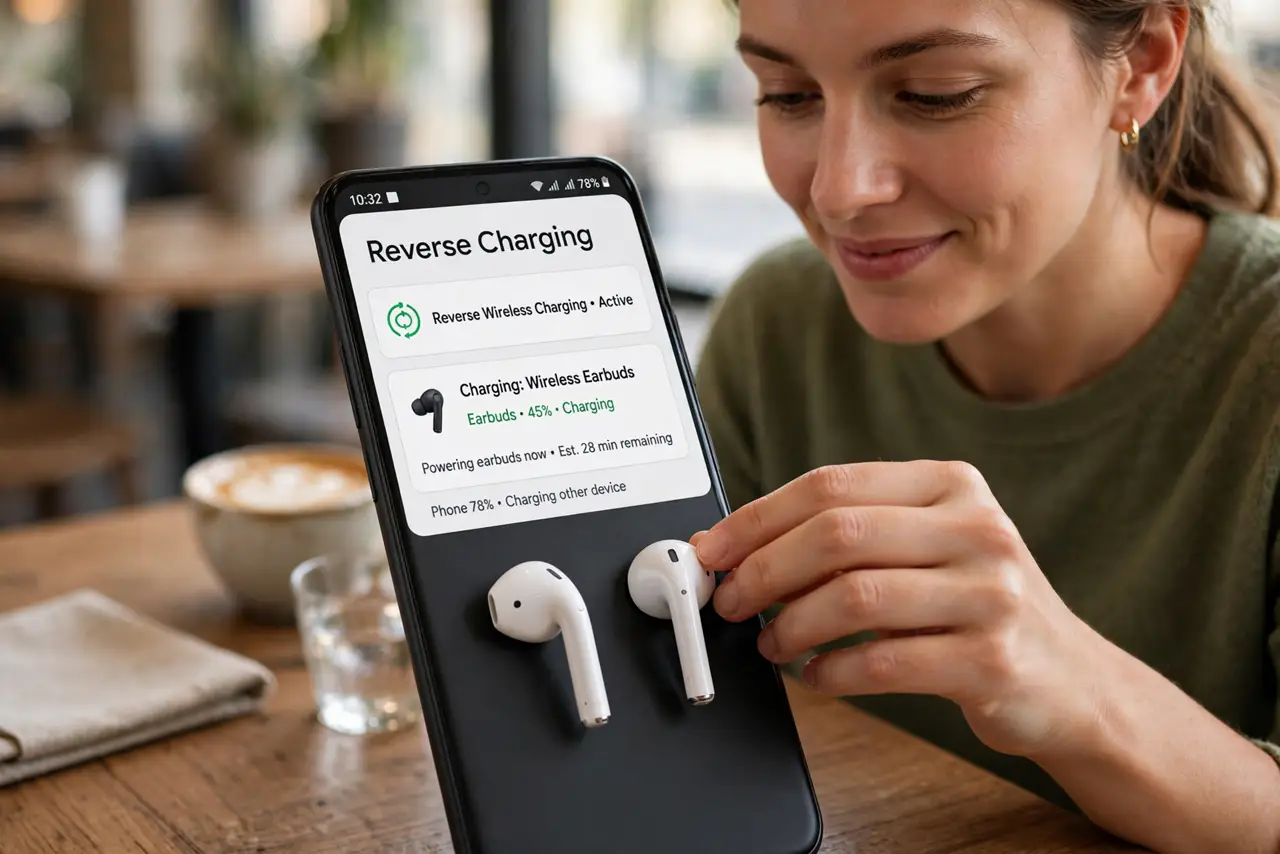
Your earbuds are dying and the only charger is miles away — but your phone has battery to spare. Reverse wireless charging turns the phone into a tiny charging pad for earbuds, watches, or even another phone. It is slow and a little fiddly, but it has saved many a commute.
TL;DR / Quick Fix
Quick fix: reverse wireless charging lets your phone share its battery with earbuds or another phone placed back-to-back. On supported Android phones, enable it in battery settings and align the devices; iPhones do not offer phone-to-phone sharing. It is slow — a top-up, not a full charge.
Follow these steps
- Check your phone supports it. Reverse wireless charging exists on many Samsung, Pixel, and other Android flagships. iPhones do not share battery with other devices this way.
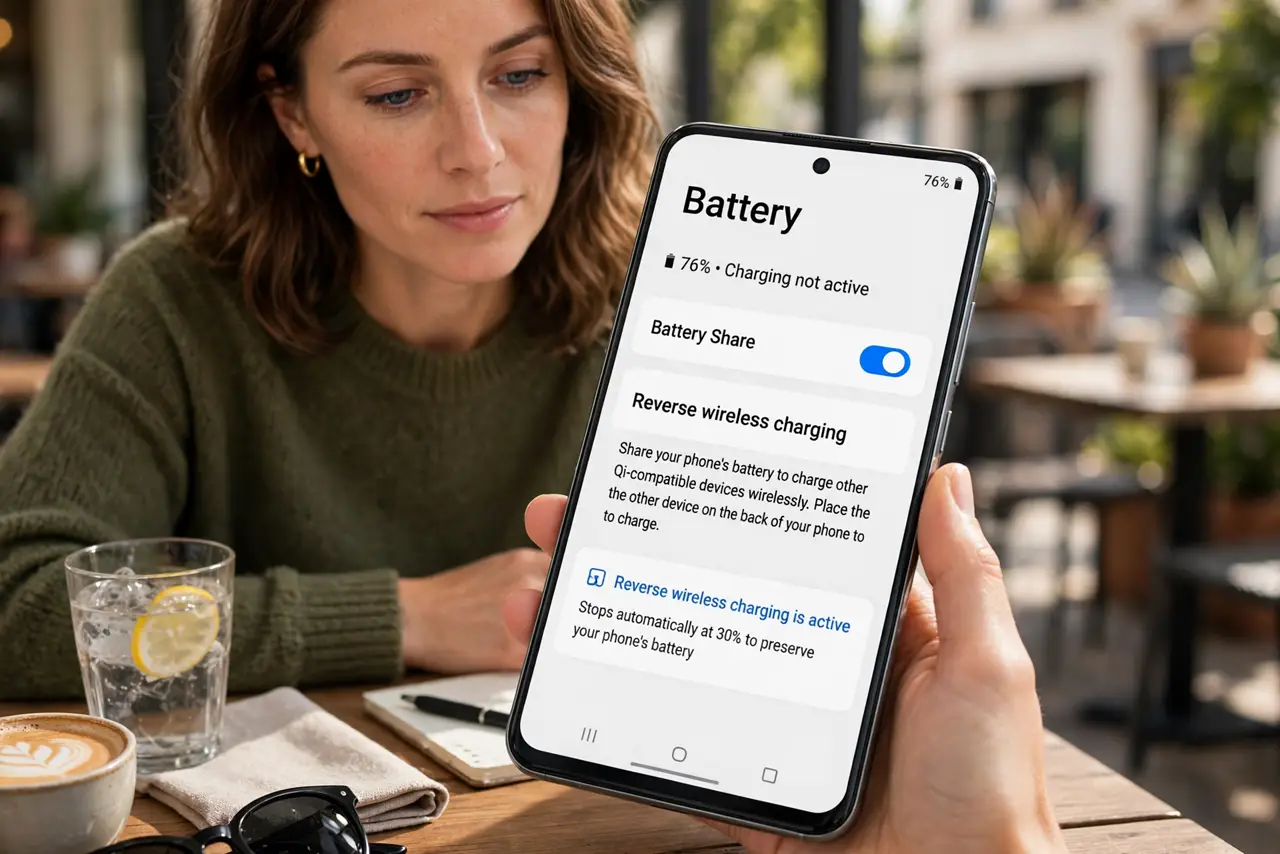
- Enable it in battery settings. On supported phones, find Wireless PowerShare or Battery Share under Settings, Battery, and turn it on.
- Place the devices back-to-back. Center the earbuds case or other device on the phone's back. Alignment matters — off-center means no charging.
- Remove thick cases. Cases add distance that weakens the wireless link. Thin cases usually work; thick or metal ones block it.
- Expect slow speeds. This is a trickle — perfect for earbuds, marginal for phones. Think top-up, not rescue charge.
- Watch your own battery level. Most phones stop sharing below a threshold to protect themselves. Do not drain your phone saving someone else's earbuds.
What NOT to do
- Do not expect to fully charge another phone. The efficiency is low and it is slow — this is an emergency top-up feature.
- Do not use it with a nearly dead phone. Sharing from 15% leaves you stranded too — keep a reserve for yourself.
- Do not stack metal objects between the devices. Coins, magnetic mounts, and metal cases block wireless charging entirely.
- Do not leave it on permanently. The feature usually auto-disables, but verify — an always-on share drains your battery silently.
Frequently asked questions
Why won't my earbuds charge on the phone?
Alignment is the usual culprit — recenter the case. Thick cases and low phone battery are the next suspects.
Does it work through a case?
Thin plastic cases usually yes; thick, metal, or magnetic cases often no. When in doubt, remove the case.
Can iPhones do this?
No — iPhones cannot share battery wirelessly with other devices. This remains an Android flagship feature.