'Storage Almost Full'? Fix It
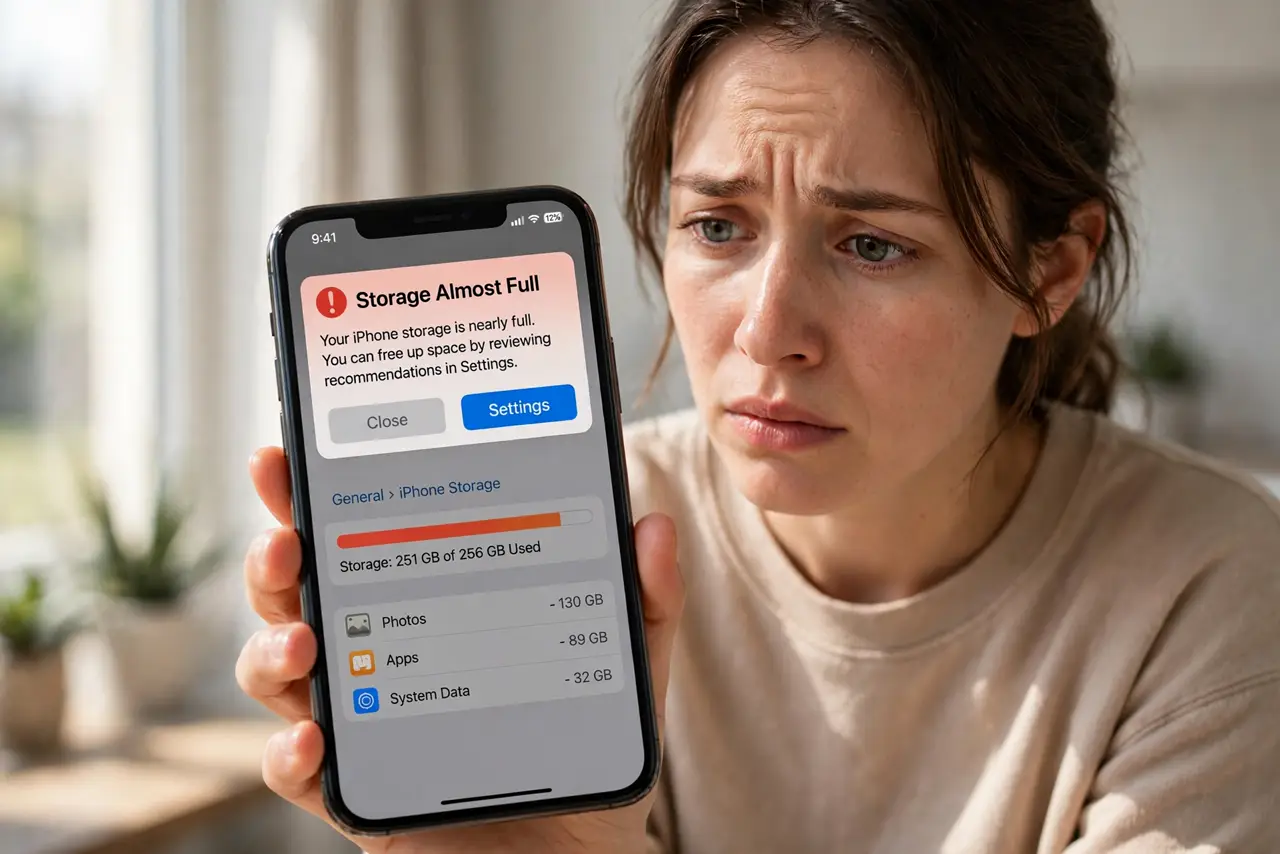
That 'Storage Almost Full' warning pops up right when you need the camera most — and the phone starts misbehaving: updates fail, apps crash, photos refuse to save. A full phone is not just annoying, it is unstable. This guide walks the fastest safe cleanups first, so you get breathing room without deleting anything you will regret.
TL;DR / Quick Fix
Quick fix: free space in the fastest order — review large message attachments, offload unused apps, clear per-app caches, then move photos to cloud or computer. On iPhone, Settings > General > iPhone Storage shows the biggest hogs. On Android, Settings > Storage does the same. Work top-down by size.
Follow these steps
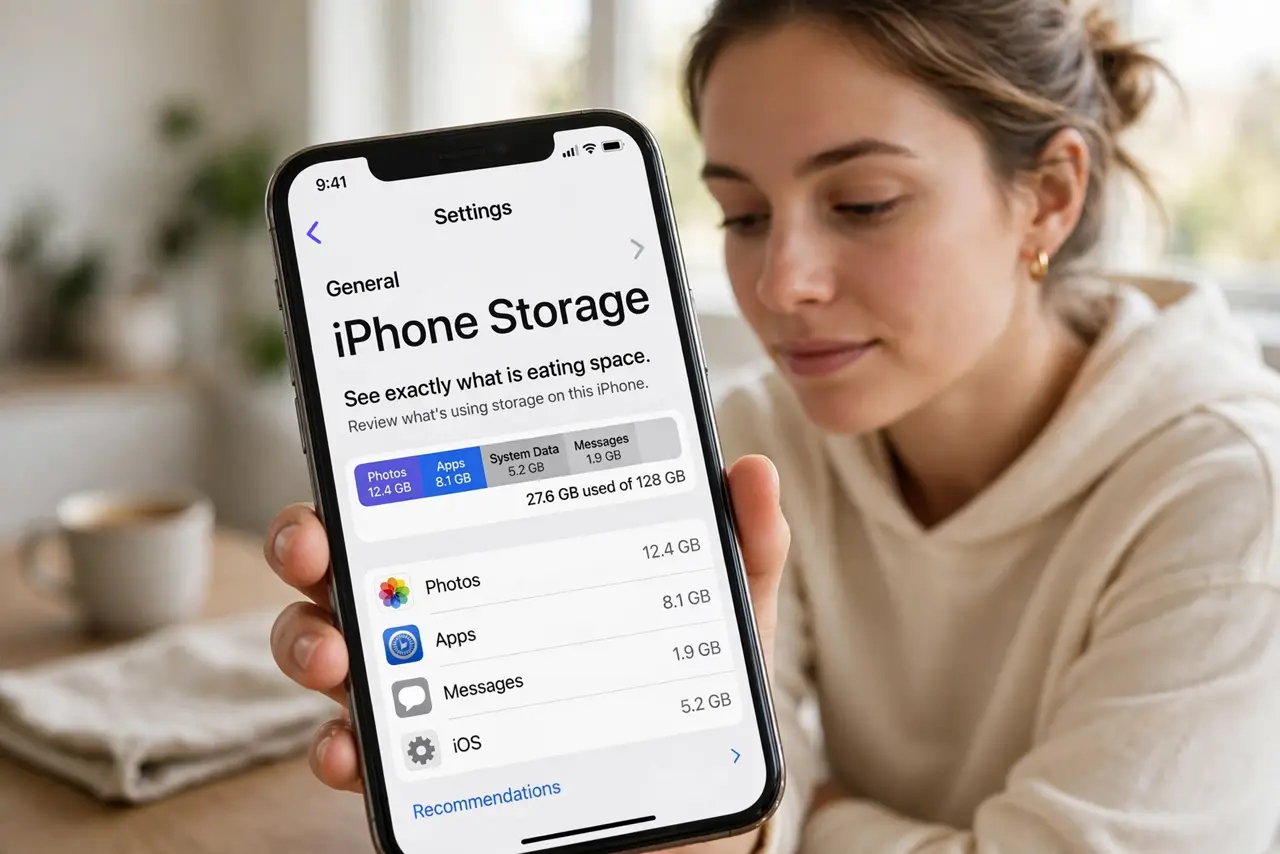
- See exactly what is eating space. On iPhone, open Settings > General > iPhone Storage for a color-coded breakdown. On Android, open Settings > Storage. Both sort by size — attack the biggest categories first instead of guessing.
- Clear large message attachments. Photos and videos people sent you are often the biggest hidden hoard. Follow the large attachment review to delete the biggest files while keeping the conversations.
- Offload or archive unused apps. Big apps you rarely open are easy wins: offload them to remove the app while keeping its data. Sort the storage list by size and start at the top.
- Clear caches per app. On Android, Settings > Apps > [app] > Storage > Clear cache frees temporary files safely — your logins and data stay. On iPhone, offloading and reinstalling an app clears its cache the same way.
- Move photos off the phone. Back photos up to cloud storage or a computer, then use the 'free up space' option to remove local copies. Photos are usually the single biggest category — and the one you least want to lose to a full drive.
- Check the mysterious 'System Data'. If a huge gray chunk labeled System Data or Other remains after cleanup, see what System Data actually is before panicking — it is often caches that clear themselves.
What NOT to do
- Do not delete photos before confirming the backup. 'Storage Almost Full' panic-deletes are how memories get lost.
- Do not factory-reset to 'start fresh.' That is a last resort, not a cleanup — and it wipes everything.
- Do not install 'phone cleaner' apps. Most are adware in disguise and cannot clean what the system will not let them touch.
- Do not ignore the warning. A completely full phone can fail updates and corrupt data — act while you still have a little room.
Frequently asked questions
How much free space should I keep?
Aim for at least a few gigabytes free — roughly 5 to 10 percent of the phone's capacity. Updates and the camera both need working room.
Why does the warning appear when I still see free space?
The phone reserves working room for the system. When usable space drops near zero, apps and updates start failing even if the number is not literally zero.
Will deleting apps delete my accounts?
No. Deleting an app removes it from the phone; your accounts live on the services' servers. You can reinstall and sign back in anytime.