Phone Vibration Is Too Weak in a Pocket
Calls buzz in your pocket and you never feel them. A weak motor, a thick case, and quiet vibration patterns stack up — but the phone usually has a stronger buzz hiding in settings.
TL;DR / Quick Fix
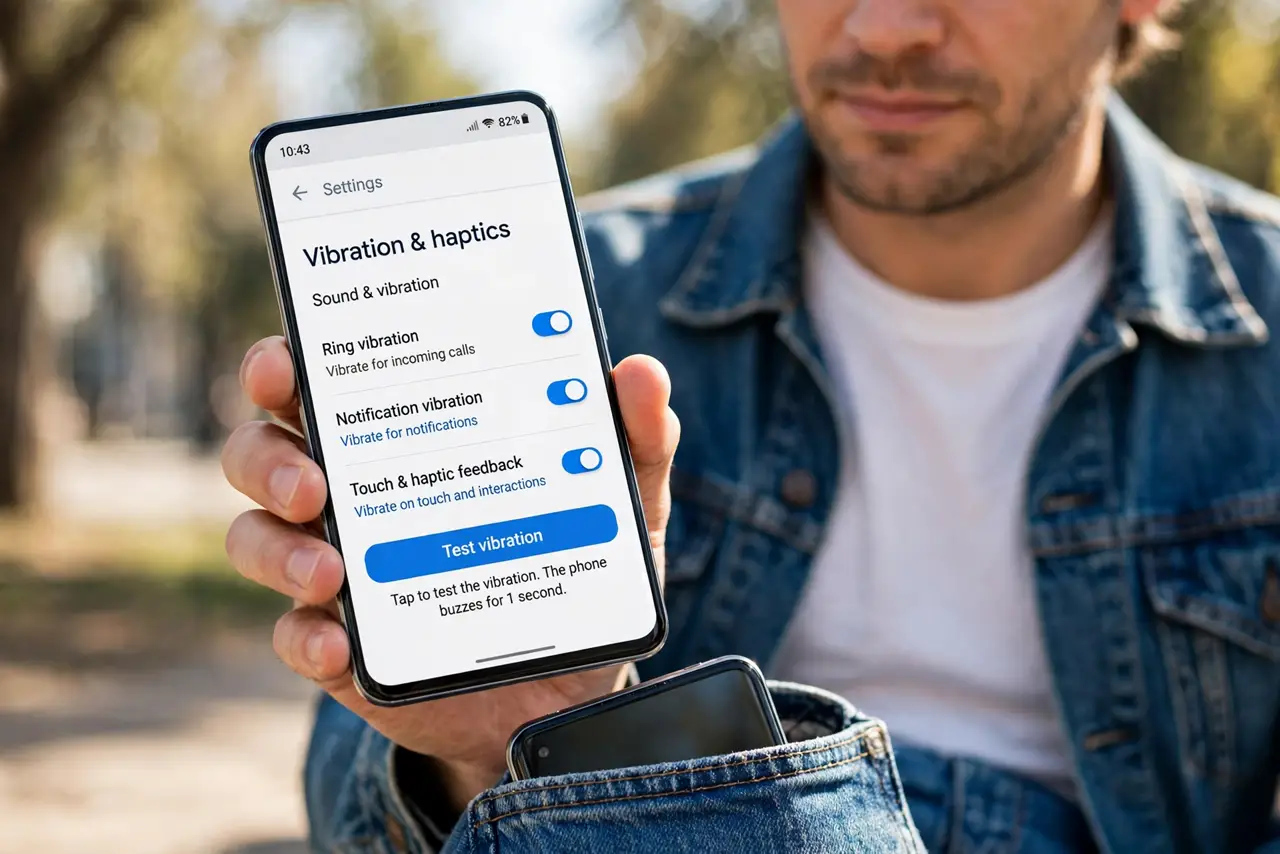
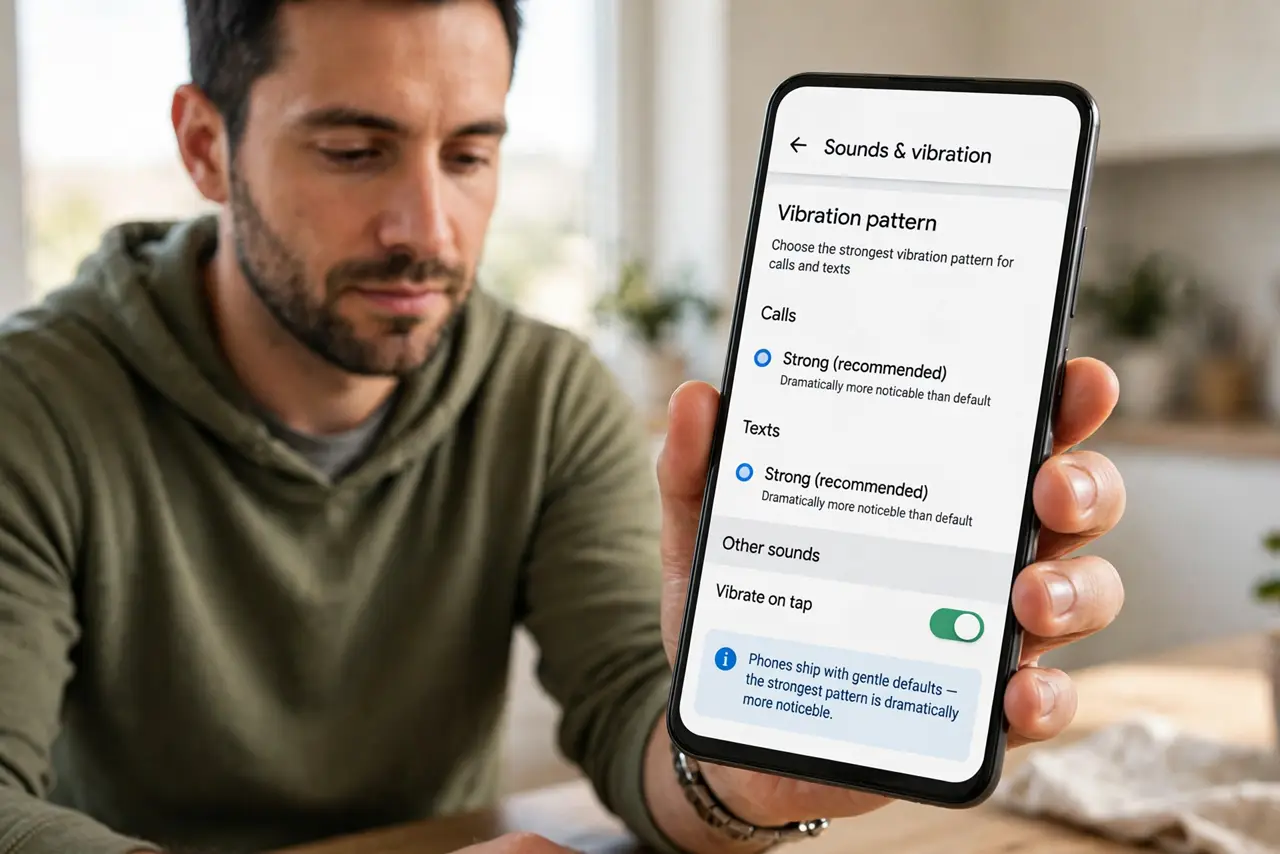
Quick fix: open Settings, then Sounds and vibration, and set the vibration pattern to the strongest option for calls. Take the phone out of a thick case to test — cases muffle vibration badly. A smartwatch on your wrist never misses a call.
Follow these steps
- Choose the strongest vibration pattern. Open Settings, then Sounds, then vibration patterns for calls and texts. Phones ship with gentle defaults — the strongest pattern is dramatically more noticeable.
- Create a custom strong pattern. Most phones let you tap out a custom vibration. Record long, hard buzzes with pauses — custom patterns can exceed every preset's strength.
- Test without the case. Thick and rugged cases absorb vibration. Test the buzz with the case off; if you feel it clearly, the case was the muffler.
- Check vibration is on for silent mode. Some phones disable vibration in certain modes. Confirm vibration is enabled for calls when the ringer is silenced — that is the pocket scenario.
- Keep the phone screen-in against your leg. A phone rattling loose in a bag buzzes into fabric. In a pocket, screen facing inward against your leg transmits vibration best.
- Consider a smartwatch for alerts. A watch buzzing directly on your wrist beats any phone motor through denim. If you miss calls daily, the watch is the reliable fix.
What NOT to do
- Do not set vibration to maximum and also max volume. The combination startles everyone nearby — strong vibration alone is the discreet choice.
- Do not assume the motor is broken. Weak-feeling vibration is almost always settings and case, not a dead motor.
- Do not wrap the phone in extra padding to 'protect' it. Each layer between the phone and your leg weakens the buzz further.
- Do not ignore a vibration that changed suddenly. A buzz that went from strong to faint overnight can mean a loose motor — that one deserves a repair check.
Frequently asked questions
Why can I feel it on the desk but not in my pocket?
A hard desk amplifies vibration; fabric and your leg absorb it. The pocket is simply the hardest place to feel a buzz.
Do all phones vibrate the same?
No. Motor strength varies hugely by model — some phones are famous for weak vibration no settings can fully fix. For the opposite problem, see haptic feedback too strong.
Will a custom pattern drain the battery?
Barely. Vibration uses little power; a stronger pattern costs far less than a minute of screen time.