Set Up Voicemail? How To
You got a new phone or a new number, and now callers hear an awkward robotic default — or nothing at all. Setting up voicemail takes two minutes: record a greeting, choose a PIN, and make sure the carrier feature is actually active on your line. Here is the setup on iPhone and Android.
TL;DR / Quick Fix
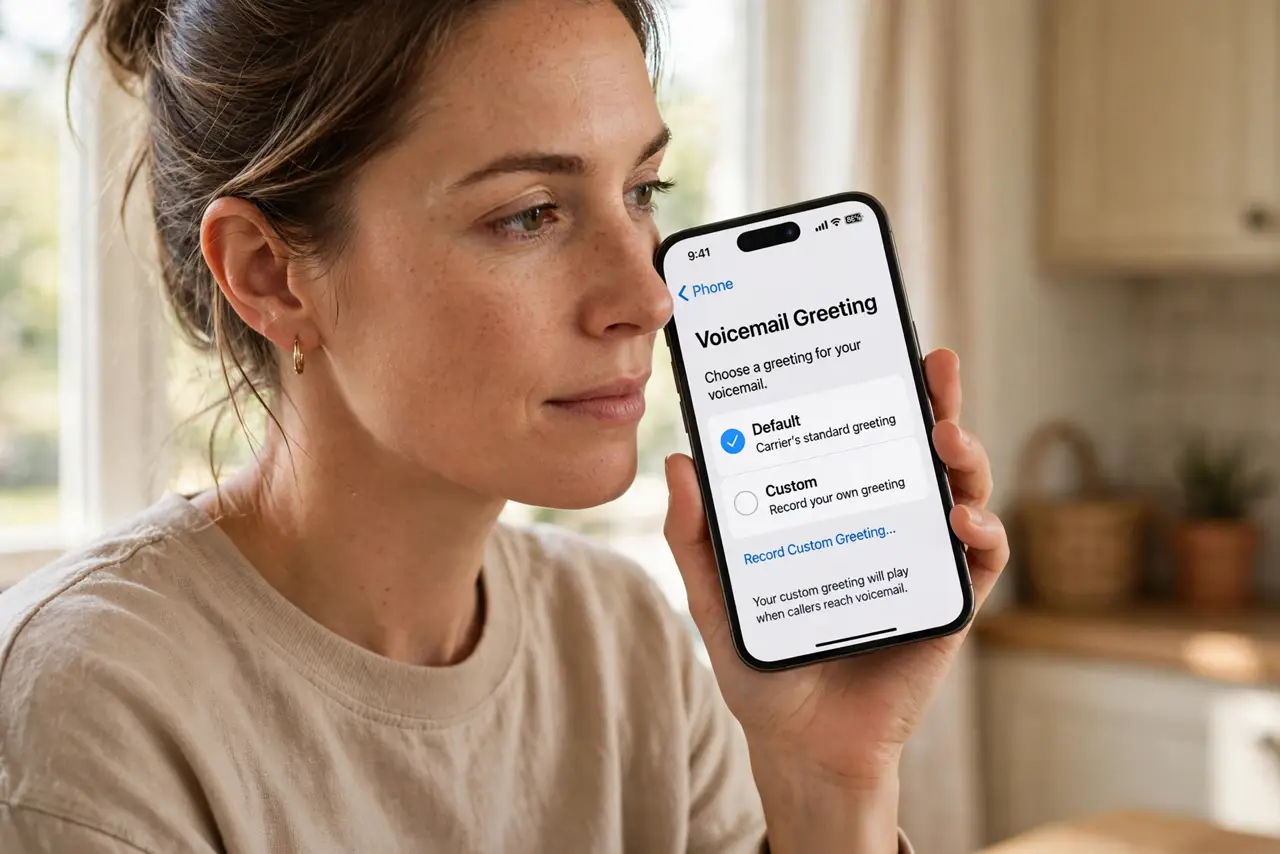
Quick fix: open the Phone app, tap Voicemail, and follow the prompts to record a greeting and set a PIN. On iPhone the Voicemail tab walks you through it; on Android, open Phone > Settings > Voicemail. If setup fails, call your carrier — voicemail needs activating on some lines.
Follow these steps
- Open the voicemail tab. On iPhone, open the Phone app and tap Voicemail at the bottom right. On Android, open the Phone app, tap the three dots, then Settings > Voicemail. First-time setup starts here on both.
- Record a personal greeting. Choose Custom and record your name and a short message. Keep it brief: who you are, that you cannot take the call, and that you will call back. A clear greeting beats the robotic default.
- Set a voicemail PIN. Pick a PIN you will remember — you need it when checking messages from another phone. Avoid birthdays and repeating digits.
- Confirm the carrier feature is active. If the setup screen errors out, voicemail may not be provisioned on your line yet. Call your carrier or check your account app — new lines and ported numbers sometimes need manual activation.
- Test it with another phone. Call your own number from a different phone, let it go to voicemail, and leave a test message. Then check that it arrives. Five minutes now prevents missed-message mysteries later.
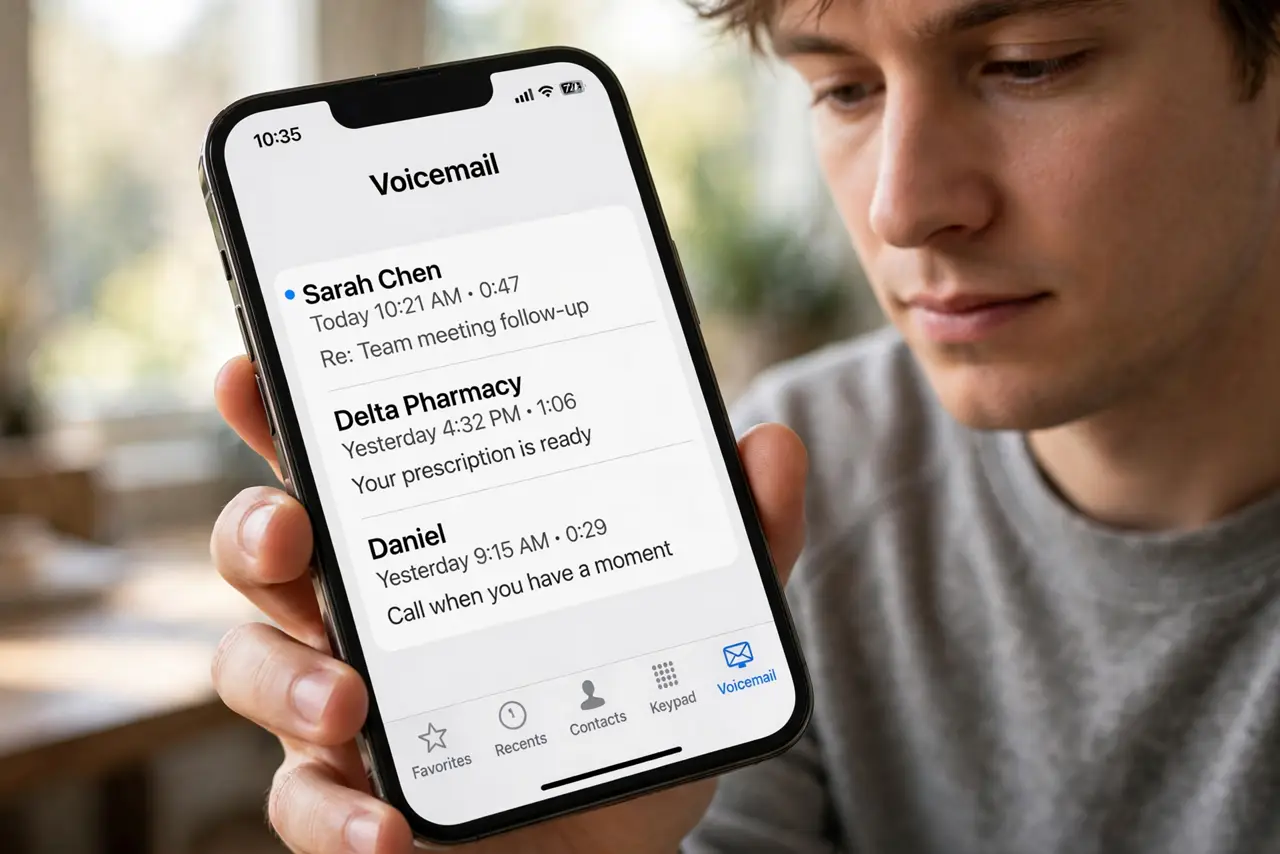
- Consider visual voicemail next. Once basic voicemail works, visual voicemail shows messages as a list with transcripts — no dialing in, no listening in order.
What NOT to do
- Do not skip the PIN. Without one, anyone with your phone — or your number — can listen to your messages.
- Do not record your greeting in a noisy place. Traffic and wind make you sound unprofessional to every caller.
- Do not assume voicemail transferred with your number. Ported numbers often need the carrier to re-provision voicemail.
- Do not leave the carrier default greeting forever. Callers trust a personal greeting; the robot voice screams 'unreachable.'
Frequently asked questions
Why does voicemail setup keep failing?
Almost always the carrier side: the feature is not active on your line. Contact your carrier — no phone setting fixes a missing carrier feature.
Do I need voicemail if I never check it?
Callers still need somewhere to go. Even a simple greeting with 'text me instead' is better than a full mailbox or endless ringing.
Can I change my greeting later?
Yes — return to the same voicemail settings anytime and re-record. Seasonal or travel greetings take thirty seconds.