Find Which App Drains Battery
The phone was at 80% at lunch and dead by five — and you barely touched it. One app is almost certainly burning battery in the background, and both iPhone and Android will name it for you. Finding the culprit takes a minute; fixing it takes two.
TL;DR / Quick Fix
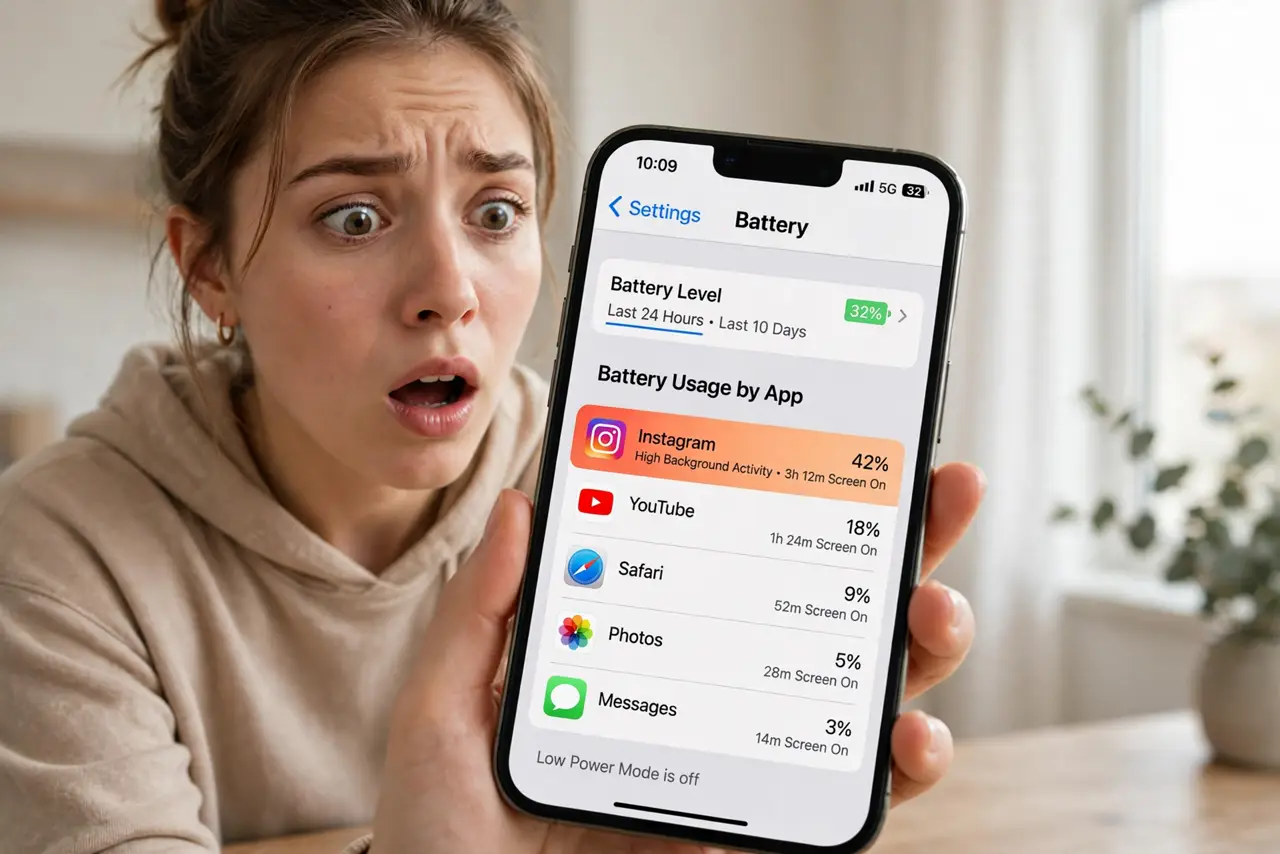
Quick fix: on iPhone, go to Settings, Battery, to see battery usage by app over the last 24 hours or 10 days. On Android, check Settings, Battery, Battery usage. Restrict background activity for the worst offenders — one rogue app often explains a battery that dies by afternoon.
Follow these steps
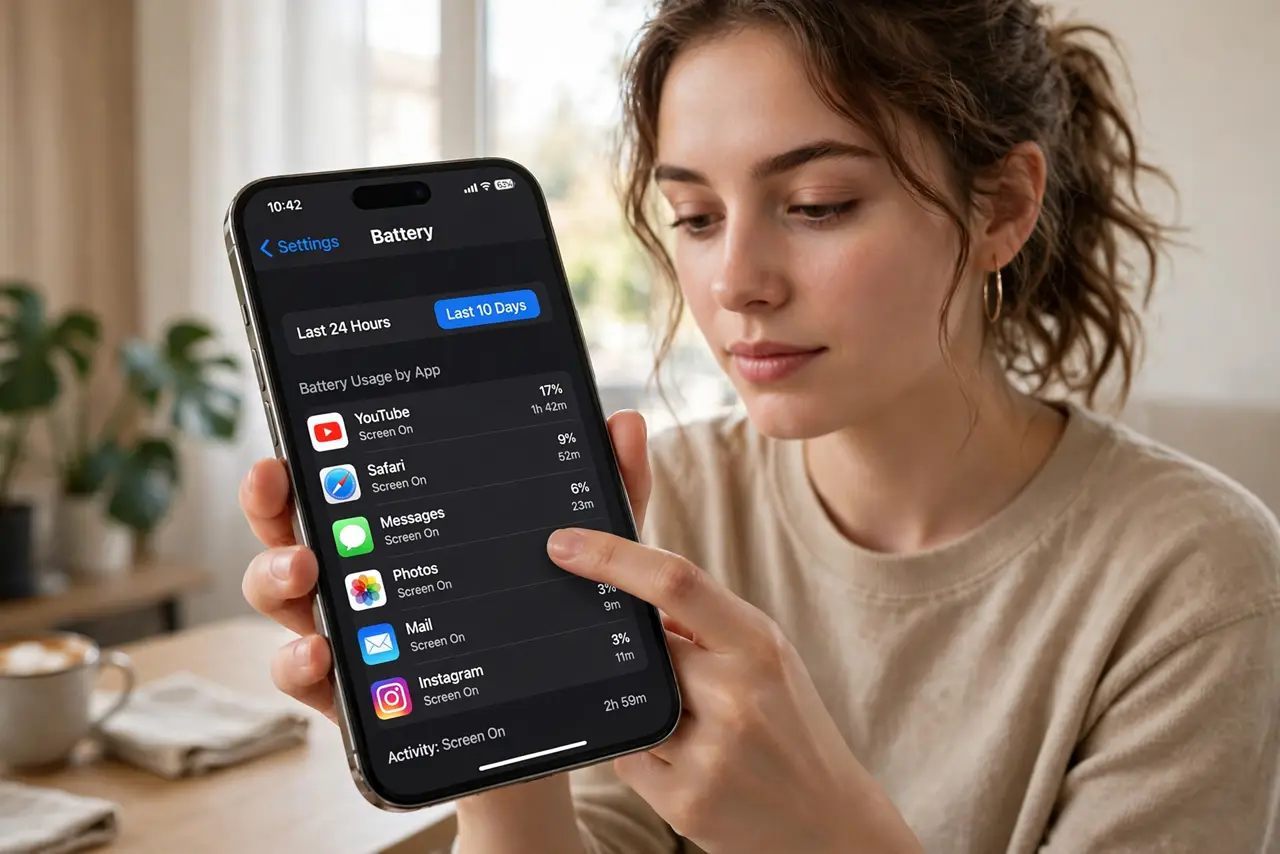
- Open battery usage on iPhone. Go to Settings, Battery, and scroll to the per-app list. Toggle between Last 24 Hours and Last 10 Days for perspective.
- Open battery usage on Android. Go to Settings, Battery, then Battery usage. The ranking shows the same story — background versus screen time per app.
- Read background vs. foreground. High background time on an app you barely open is the smoking gun. Foreground-heavy usage just means you use it a lot.
- Restrict the offender's background activity. On both platforms you can limit background refresh per app — see background refresh for the full walkthrough.
- Update or reinstall the culprit. A suddenly hungry app is often a buggy update. Check for a newer version, or reinstall to clear corrupted state.
- Check battery health if no app stands out. Even usage across all apps with terrible life means a worn battery, not a rogue app.
What NOT to do
- Do not force-close every app obsessively. Reopening apps costs more energy than letting them sleep — iOS and Android manage this well.
- Do not restrict background activity for messaging apps you need. Delayed messages are the price — restrict only apps you can afford to delay.
- Do not install a 'battery saver' app. They cannot do anything the system does not already do, and they add their own drain.
- Do not blame the battery before checking apps. A sudden drain is software nine times out of ten — the app list is the fastest diagnosis.
Frequently asked questions
Why is an app I never open using battery?
Background refresh, location checks, and push sync keep it alive. Restricting its background activity usually fixes it.
Is high screen-time usage a problem?
No — that just reflects your habits. The battery screen is for finding disproportionate background drain, not judging your screen time.
My usage looks normal but the battery still dies — why?
Then suspect battery health, extreme temperatures, or poor signal — the phone works hardest where the signal is weakest.