Phone Won't Turn On After an Update? Fix It
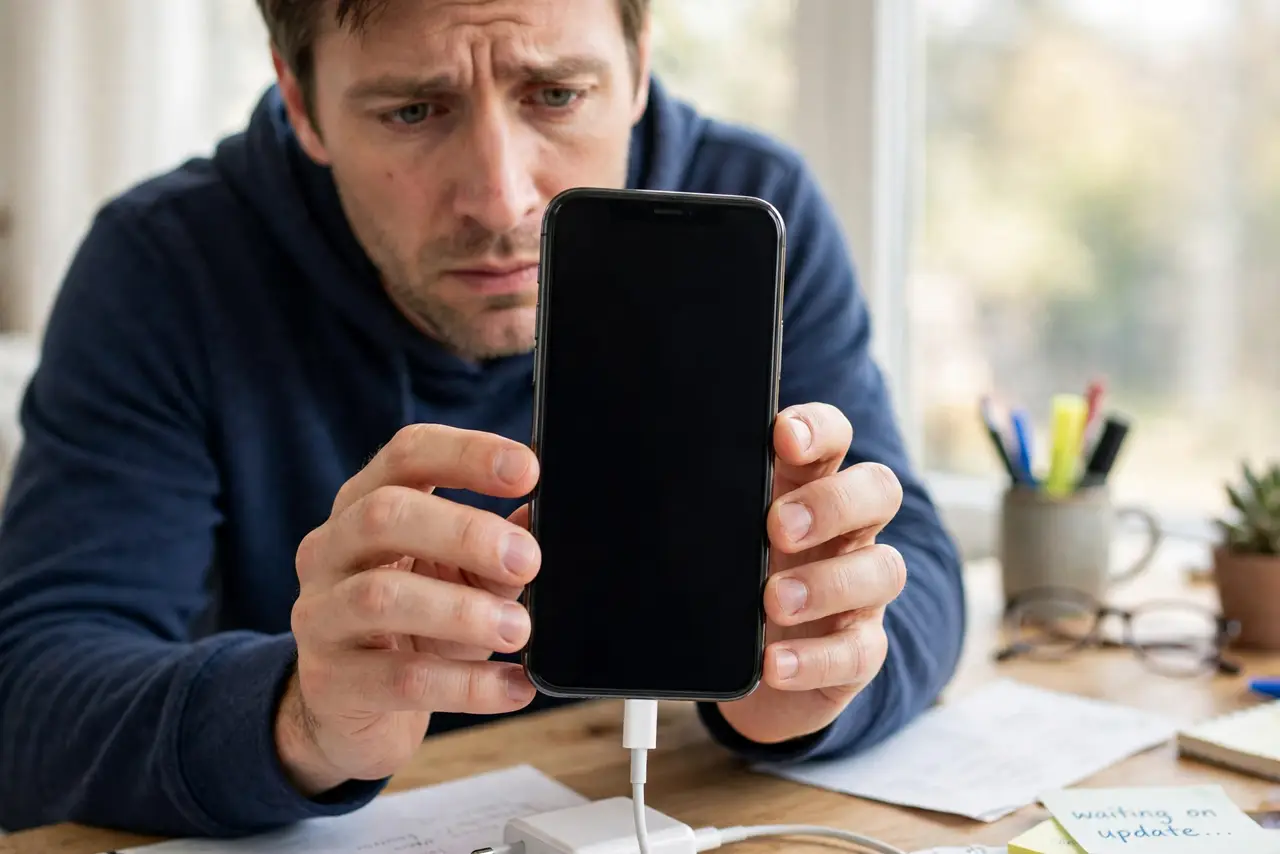
The update finished, the phone went dark — and now nothing wakes it. No logo, no vibration, no charging light. Before you assume the worst, know this: most post-update dead phones are just deeply discharged or stuck in a failed boot, and both have simple revivals. Work through these in order.
TL;DR / Quick Fix
Quick fix: plug the phone into a wall charger for 30 minutes, then hold power for a full 20 seconds. Updates can drain a weak battery mid-install. If no logo appears, try the forced restart for your model. Your data is usually intact — the phone just cannot finish booting.
Follow these steps
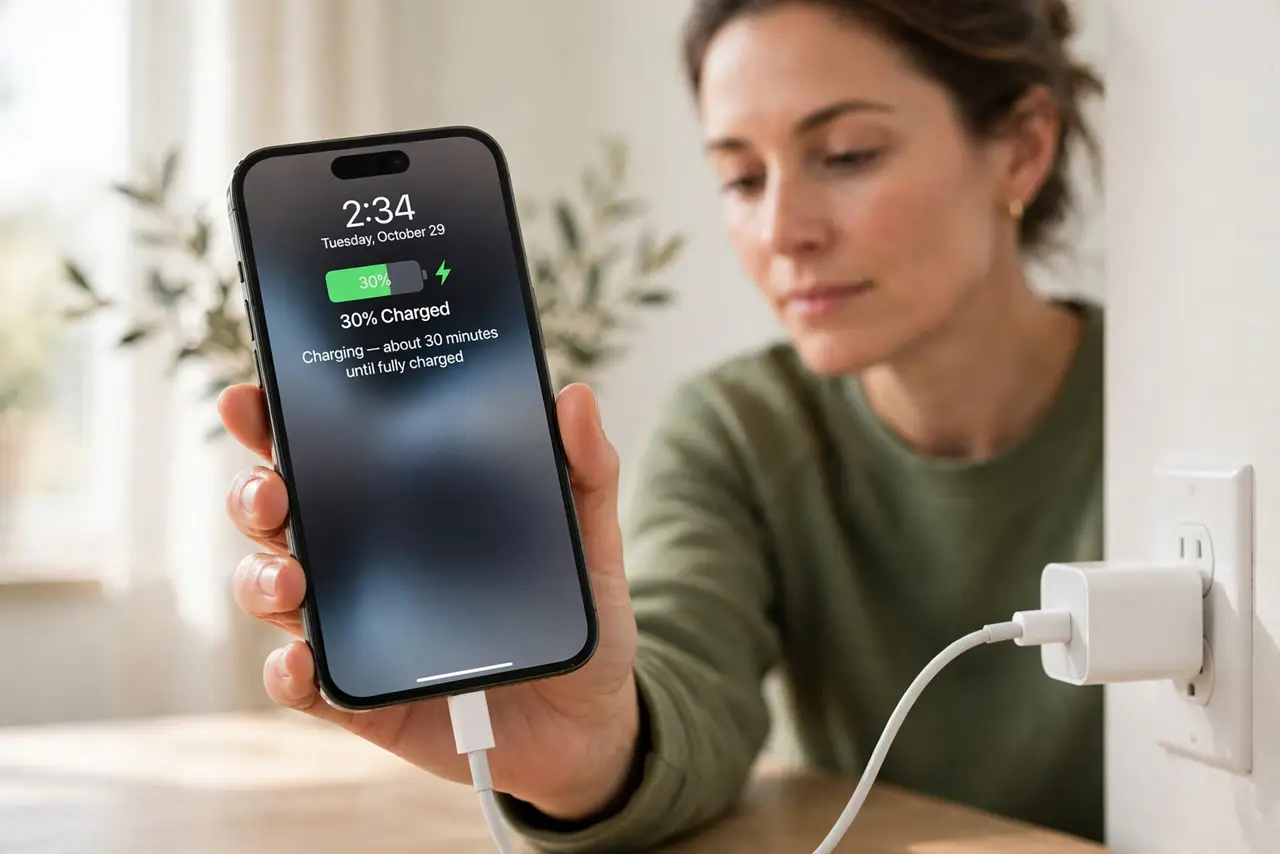
- Charge from a wall outlet for 30 minutes. Updates can exhaust a weak battery mid-install. Use a wall charger and a known-good cable, and give it a full half hour before judging.
- Hold power for a full 20 seconds. A long press forces hardware that a tap cannot wake. Count it out — most people release far too early.
- Try the forced restart for your model. iPhone: quick-press volume up, volume down, then hold the side button. Most Androids: hold power plus volume down for 15 seconds. This is the logo-stuck revival sequence.
- Check for any sign of life. A faint vibration, a charging icon after several minutes, or heat near the port all mean the phone is alive but struggling — keep charging.
- Try a different cable and brick. A cable that charges slowly can fail right when the phone needs peak power to boot. Swap both before concluding anything.
- Know when to get help. If an hour of wall charging plus forced restarts shows zero response, the update may have exposed a hardware fault. Take it to a repair shop — mention the update timing.
What NOT to do
- Do not keep mashing buttons randomly. Random combos can enter recovery or download modes that confuse the situation.
- Do not open the phone yourself. Prying a sealed phone risks the battery and voids any warranty.
- Do not assume your data is gone. A phone that will not boot usually still holds its storage intact — repair shops recover it routinely.
- Do not interrupt the next update. Most post-update deaths trace back to a previous update that was unplugged halfway.
Frequently asked questions
Is my data gone if the phone won't turn on?
Almost certainly not. The storage chip is separate from the boot process, and a failed update rarely touches your photos. A repair shop can usually recover everything.
How long should I charge a dead phone before trying?
At least 30 minutes on a wall charger. A deeply discharged battery needs a while before it can even show a charging icon.
Can an update really kill a phone?
An update can expose a weak battery or a failing storage chip, and interrupting an update mid-write can corrupt the boot partition. The update is usually the trigger, not the root cause.