PIN Stopped Working After Update? Fix It
When a PIN stops working after an update, it feels like you are locked out, but your password usually still works. Signing in with the password once, then resetting the PIN, restores fast sign-in without losing your account.

TL;DR / Quick Fix
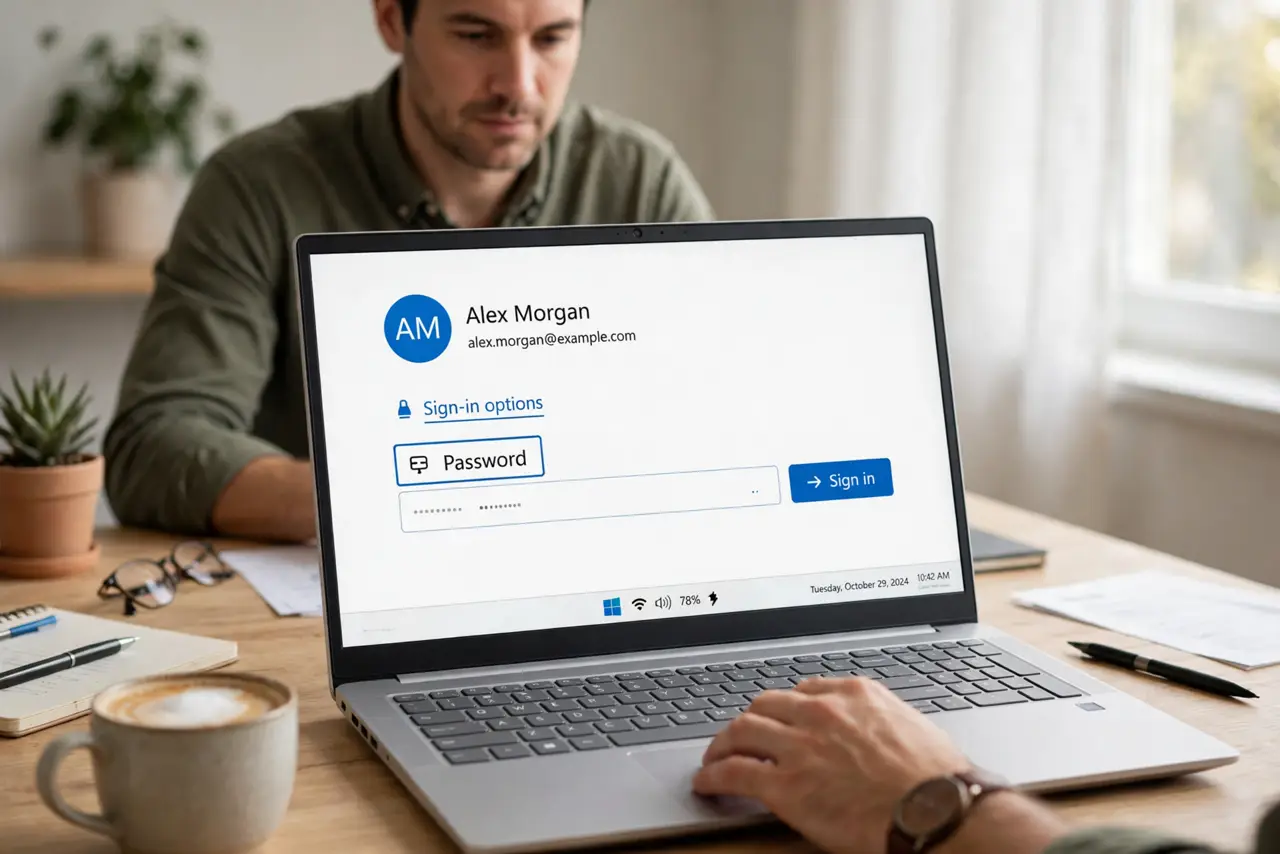
Quick fix: on the sign-in screen, choose Sign-in options and sign in with your password instead of the PIN. Then open Settings, then Accounts, then Sign-in options, remove the old PIN, and set a new PIN. Restart and test the new PIN.
Follow these steps
- Sign in with your password. On the sign-in screen, choose Sign-in options and pick the password option. Enter your account password to get in, even though the PIN fails.
- Remove the old PIN. Open Settings, then Accounts, then Sign-in options, then PIN, and choose Remove. Removing a broken PIN is safer than trying to repair it in place.
- Set a new PIN. On the same page, choose Set up or Add a PIN, and pick a PIN you can remember. Use a PIN that is not your birth year or a simple sequence.
- Restart and test the new PIN. Restart the computer, and on the sign-in screen choose the PIN option and enter the new PIN. If it works, the reset fixed it.
- Check for a second update pending. Open Settings, then Windows Update, and check for updates. An update that interrupted the last one can leave sign-in in an odd state until it finishes.
- Use a recovery option if the password fails too. If the password also fails, use the forgot password option on the sign-in screen, or a recovery method you set up earlier, before trying anything drastic.
What NOT to do
- Do not keep guessing the PIN. Repeated failed attempts can lock the account or delay sign-in, so switch to the password after a couple of tries.
- Do not share your password with a helper to fix the PIN. Sign in yourself, or use a recovery option you control, and keep the password private.
- Do not reset the whole computer for a broken PIN. A PIN reset through Settings fixes this in minutes, and a reset would lose far more.
- Do not write the new PIN on a note stuck to the laptop. Anyone near the computer could read it, which defeats the point of a PIN.
Frequently asked questions
Why did the update break my PIN?
Updates can reset the secure sign-in data that stores the PIN. The account and password stay intact, so a PIN reset restores fast sign-in.
Is a PIN less safe than a password?
No, on the same device. A PIN works only on that device, while a password can work from anywhere, so a PIN is the safer quick option.
What if I forgot the password too?
Use the forgot password option on the sign-in screen, or a recovery email or phone you set up earlier. Do not guess repeatedly.