Powerline Adapter Slow? What to Check
Powerline adapters promise internet through your wall sockets — no drilling, no cables across the hall. When they are slow, the cause is almost always the wiring path between the two plugs, not the adapter. Here is what to check, in order.
TL;DR / Quick Fix
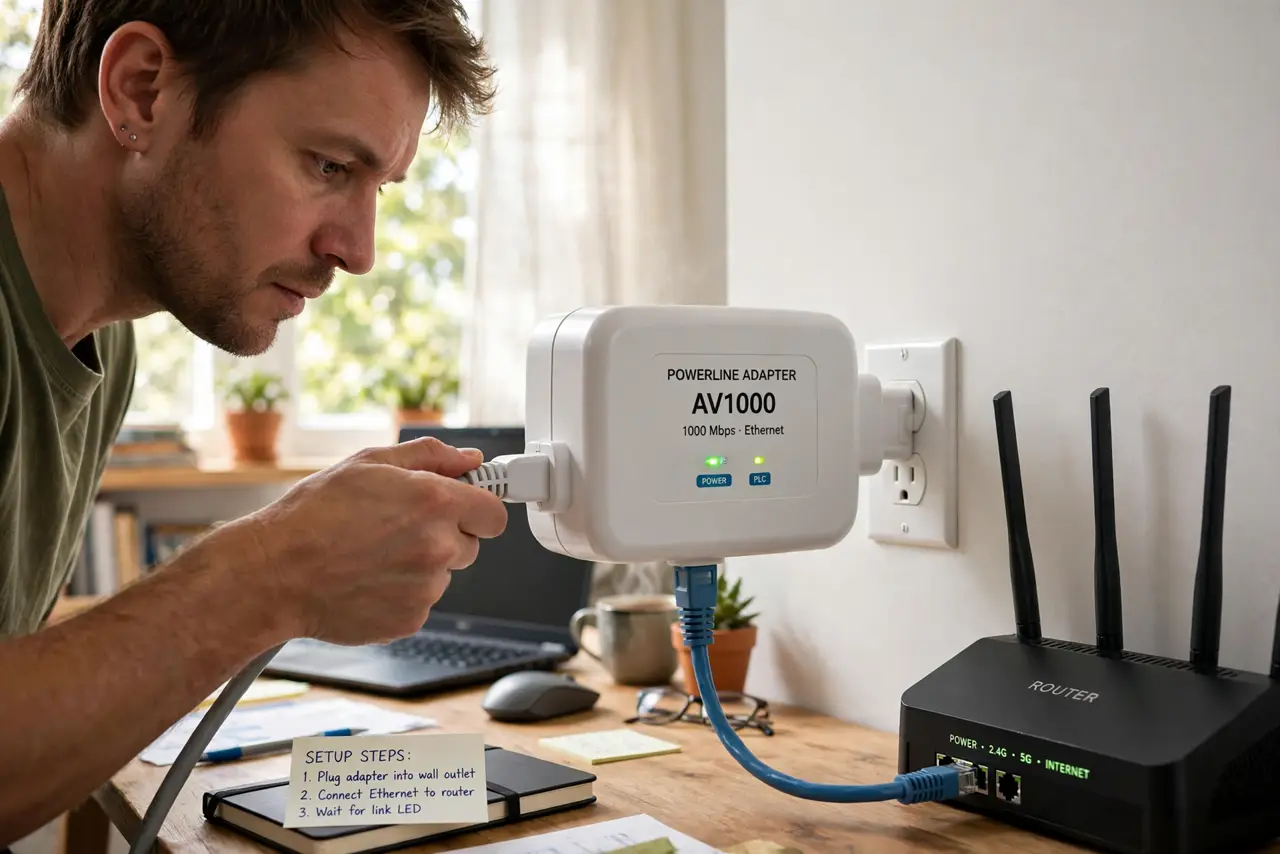
Quick fix: plug both adapters directly into wall outlets — never power strips — on the same electrical circuit. Keep them away from big motors like fridges and washers, which inject noise. If speed stays bad, try closer outlets; that confirms the wiring path is the limit.
Follow these steps
- Plug directly into wall outlets. Power strips filter and surge protectors strangle the signal. Both adapters go straight into the wall — this alone fixes most slow cases.
- Keep them on the same circuit. Adapters on different breaker circuits cross more wiring and lose speed. Same room or adjacent rooms usually share a circuit.
- Move away from noisy appliances. Fridges, washers, microwaves, and phone chargers inject electrical noise. Give the adapter an outlet or two of distance.
- Check the adapter's link-rate lights. Most show green, amber, or red for link quality. Red means the wiring path is poor — try a different outlet pair.
- Test with a short Ethernet cable. Rule out the cable: connect the far adapter to your laptop with a known-good short cable before blaming the powerline link.
- Know when wiring wins. Old wiring or separate circuits cap powerline no matter the brand. If close outlets fly and far ones crawl, that is your answer — consider mesh instead.
What NOT to do
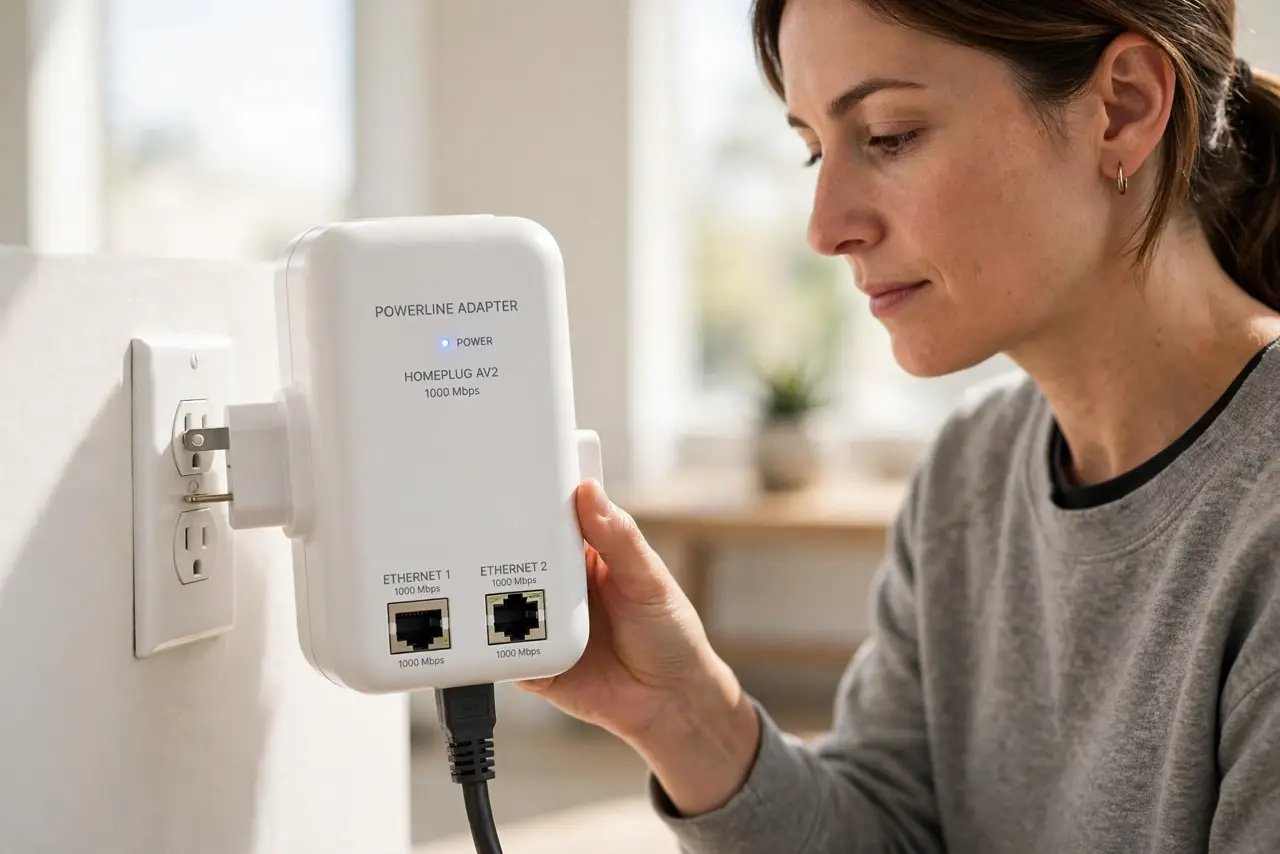
- Do not use power strips or surge protectors. They are the number one powerline killer — wall outlets only.
- Do not plug in next to the washing machine. Motor noise murders throughput; move the adapter, not the washer.
- Do not expect gigabit from powerline. Real-world speeds are a fraction of the box claim — fine for streaming, not for bragging.
- Do not ignore the dropping connection variant. Drops plus slowness point at noise; slowness alone points at distance or circuits.
Frequently asked questions
Why is powerline slower than the box says?
Box numbers are lab-perfect signaling rates. Real wiring, distance, and noise cut them to a fraction — 100 to 200 Mbps real is typical for AV1000-class kits.
Do powerline adapters work across breaker circuits?
Sometimes, slowly. Crossing the breaker panel adds loss; same-circuit pairs perform far better.
Is powerline secure from neighbors?
Modern adapters encrypt the link — press the pair button to set a private key so a neighbor's adapter cannot join.