Right-Click Menu Looks Different? Understand the Change
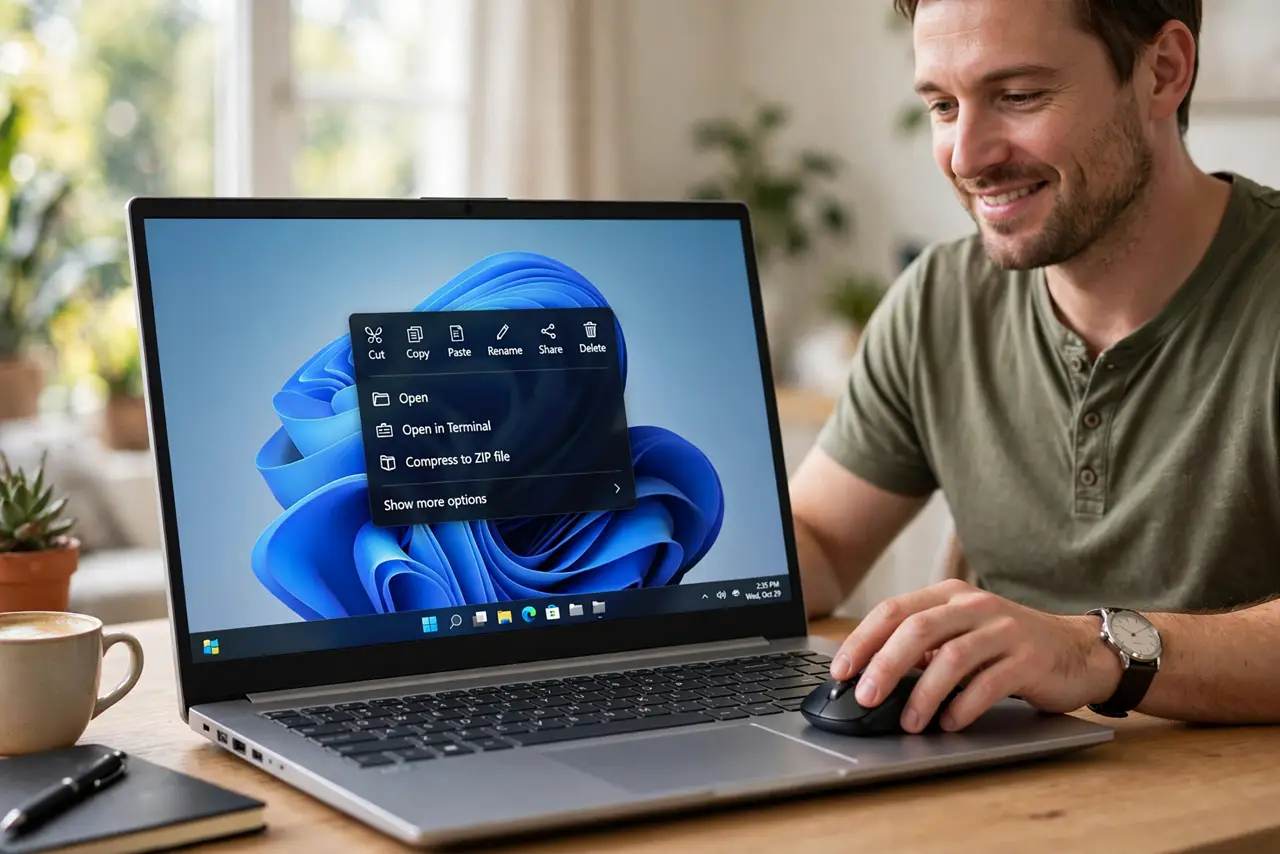
You right-click and the menu looks shorter, or different from what you remember. Windows shows a compact menu by default, with the full menu one click further away. Nothing is lost, it just moved.
TL;DR / Quick Fix
Quick fix: right-click, then choose Show more options at the bottom to see the full classic menu. If one app still shows a different menu, that app uses its own menu design, and the Windows menu is not broken or missing.
Follow these steps
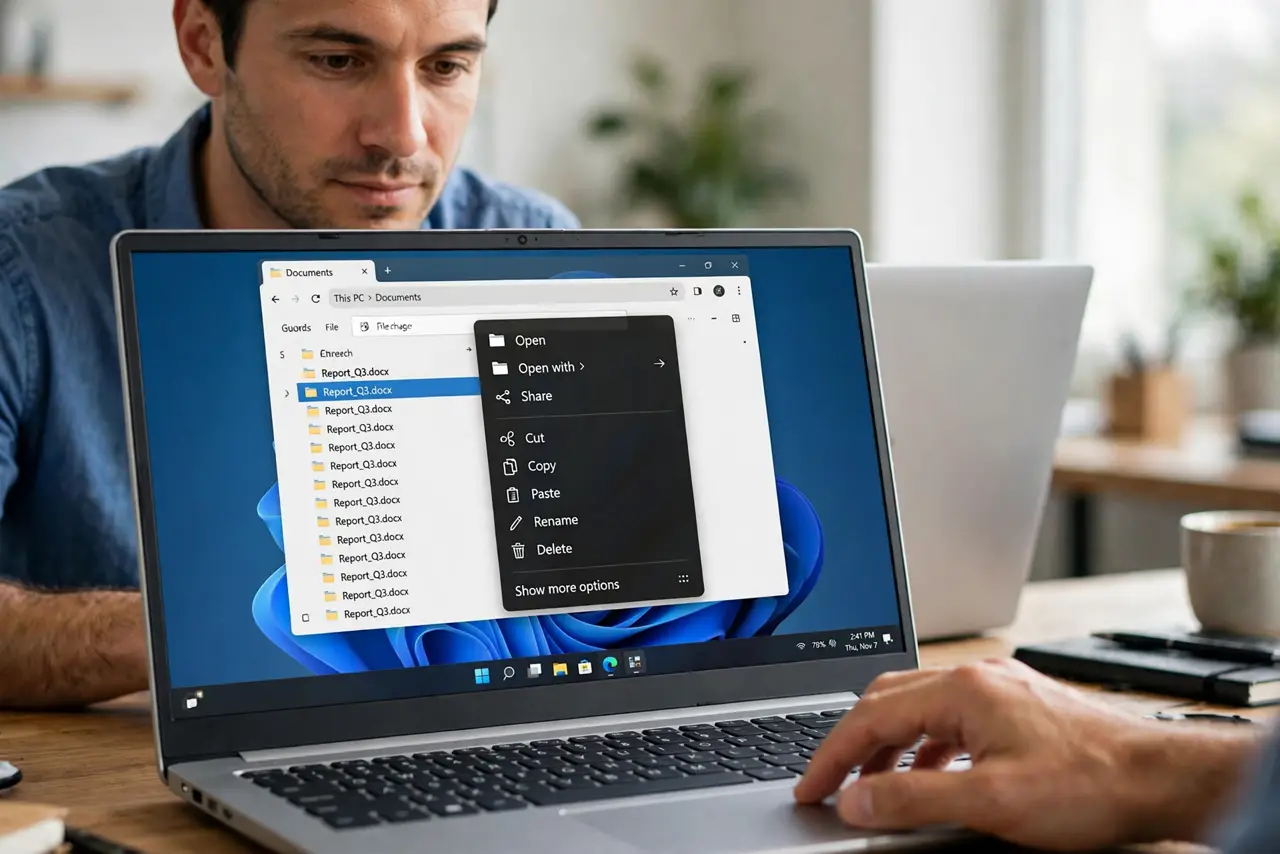
- Right-click and look for Show more options. Right-click a file or empty desktop area, then look at the bottom of the menu for Show more options. Clicking it reveals the full classic menu you may remember.
- Compare the two menus. Open the compact menu and the full menu side by side in your mind: the same actions are present, just arranged differently. This confirms nothing important vanished.
- Test on a file and on the desktop. Right-click a file, then right-click empty desktop space, and compare. Different targets show different menus by design, so a desktop menu will never match a file menu.
- Test inside one app. Right-click inside a single app and note its menu. Apps can draw their own right-click menus, which differ from the Windows menu without any fault.
- Restart if the menu looks broken. If menu text is garbled or the menu will not open at all, save your work and restart, then right-click again. A restart clears a stuck menu process.
- Learn the new habit. Use the compact menu for common actions and Show more options for the rest. After a few days, the two-step habit feels as fast as the old single menu.
What NOT to do
- Do not install a menu-changing tool to force the old menu back. Extra tools can break updates and add entries you did not ask for.
- Do not assume missing items mean a virus or fault. The compact menu hides items behind Show more options by design, and they are still there.
- Do not compare a file menu with a desktop menu. Different targets offer different actions, so the menus are supposed to differ.
- Do not change system settings to restore a menu look. The menu change is a design choice, and Show more options is the built-in route to the full list.
Frequently asked questions
Where did the old right-click menu go?
It is behind Show more options at the bottom of the compact menu. Click it to see the full classic list.
Why is the menu shorter now?
Windows shows a compact menu first for common actions, keeping the full menu one click away instead of removing it.
Why does one app show a different menu?
That app draws its own menu. App menus differ from Windows menus by design, and they are not a sign of a fault.