2.4GHz vs 5GHz: Which to Use?
Your router broadcasts two networks — a 2.4GHz one and a 5GHz one — and picking the wrong one is why the bedroom TV buffers while the phone is fine. The short version: 5GHz is faster but shorter-range, 2.4GHz is slower but reaches further. This guide tells you which band each device should join.
TL;DR / Quick Fix
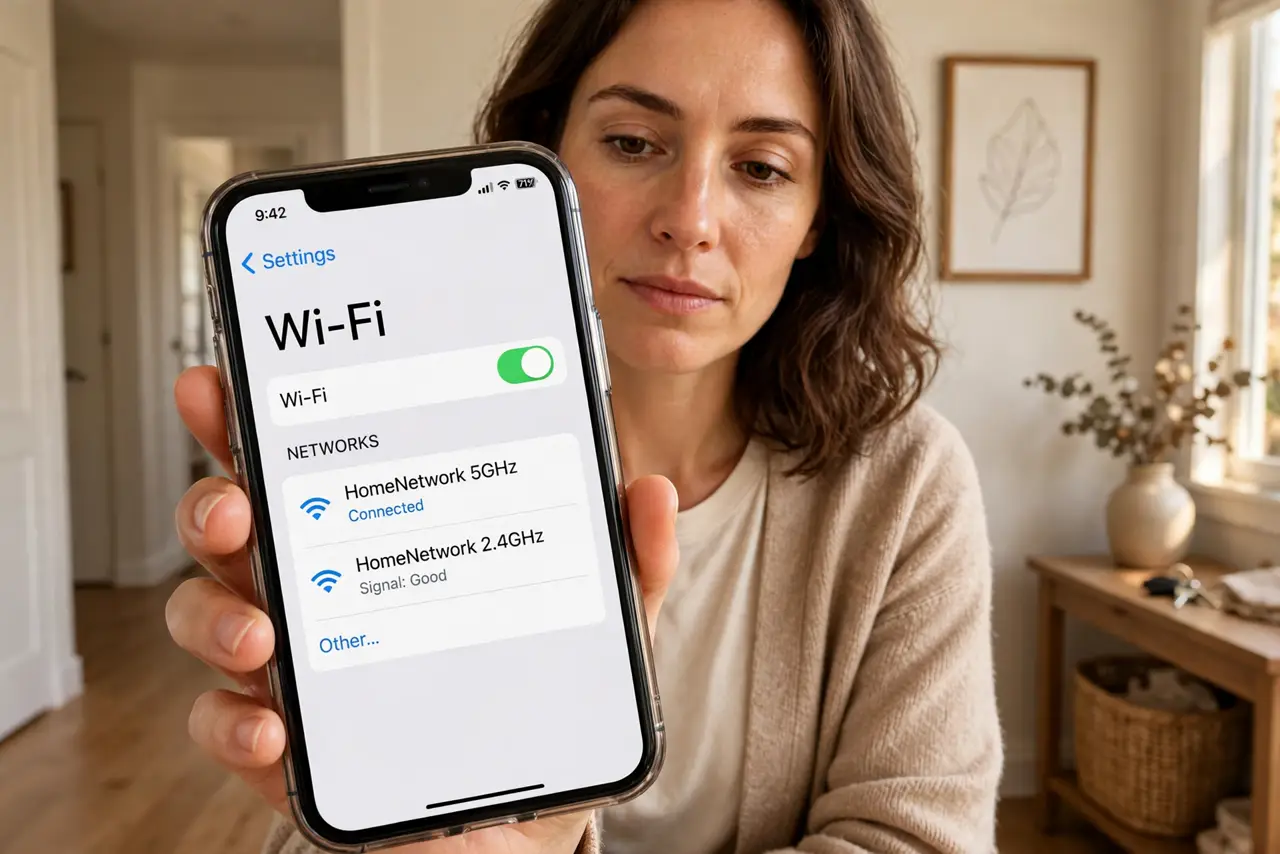
Quick fix: connect phones, laptops, and TVs near the router to the 5GHz network for the fastest speeds. Use the 2.4GHz network for devices far from the router and for smart-home gadgets like plugs and cameras, which only speak 2.4GHz anyway. Distance decides the band.
Follow these steps
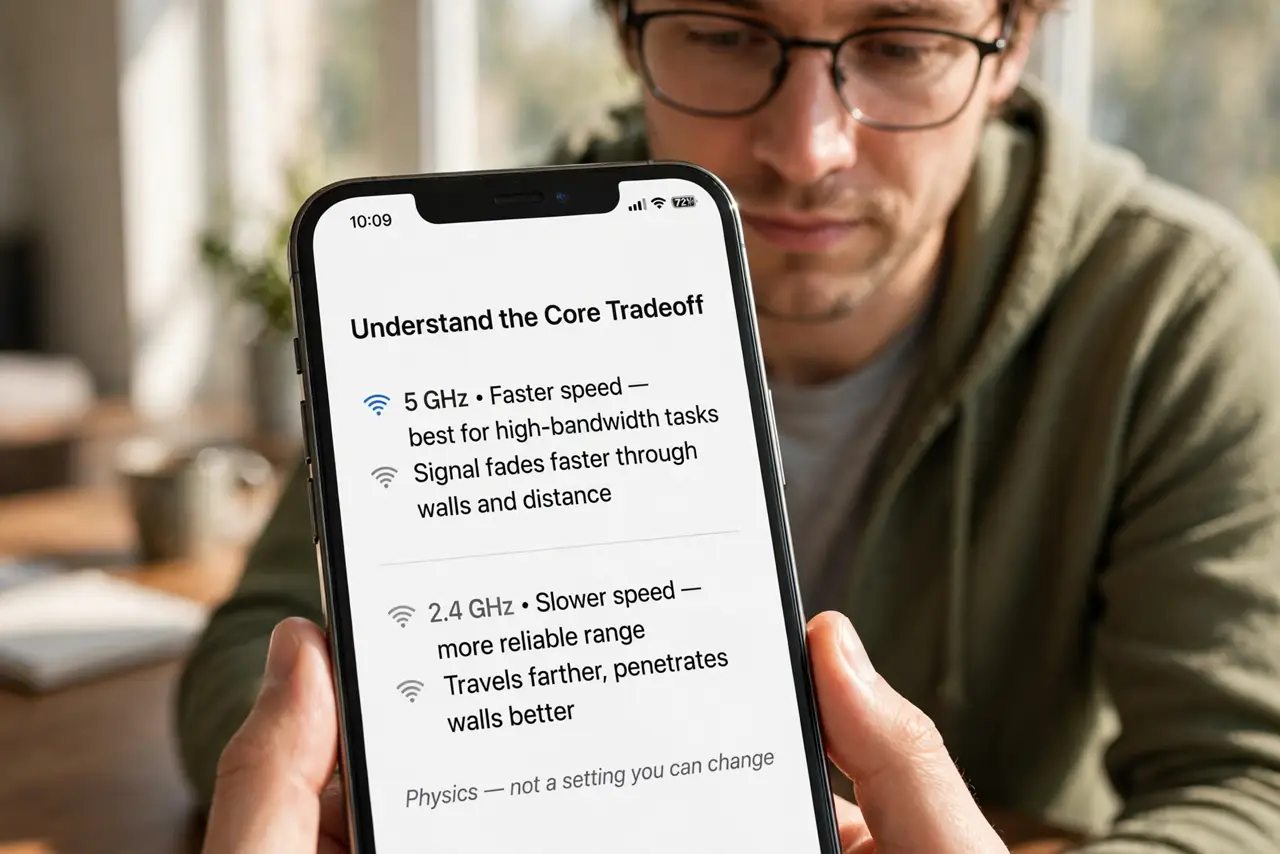
- Understand the core tradeoff. 5GHz carries more speed but its signal fades faster through walls and distance. 2.4GHz is slower but travels further and penetrates walls better — physics, not a setting you can change.
- Put nearby speed-hungry devices on 5GHz. Phones, laptops, and streaming TVs in the same room as the router belong on 5GHz. That is where you feel the speed difference in downloads and 4K video.
- Put distant devices on 2.4GHz. A bedroom two walls away gets a more stable connection on 2.4GHz than a weak, dropping 5GHz signal. Stable and slower beats fast and flaky.
- Leave smart-home gadgets on 2.4GHz. Smart plugs, bulbs, and cameras almost always support only 2.4GHz — and they need almost no speed. Do not fight this; it is by design.
- Try both bands on each device once. Walk each device to its usual spot, test both networks, and keep whichever is stable. One test per device ends the guessing forever.
- Consider one merged network name. Many routers can broadcast both bands under one name and steer devices automatically. If yours does this well, you can stop thinking about bands entirely.
What NOT to do
- Do not force everything onto 5GHz. A distant device clinging to a weak 5GHz signal performs worse than on solid 2.4GHz.
- Do not assume 2.4GHz is 'the bad one.' For smart gadgets and far rooms it is the right tool, not a consolation prize.
- Do not rename bands identically unless the router handles steering. Two networks with the same name and no steering logic confuse devices.
- Do not ignore the router's position. Band choice matters less than where the router sits — fix placement first.
Frequently asked questions
Why does my phone keep switching bands?
Your phone picks the stronger signal as you move. If the hopping annoys you, forget one band's network on that device to lock it in.
Is 6GHz the same idea?
Yes — Wi-Fi 6E and 7 add a 6GHz band that is even faster and even shorter-range. Same logic: fastest near the router, shortest reach.
My smart plug cannot see my Wi-Fi. Why?
It is almost certainly looking for the 2.4GHz network. Connect your phone to the 2.4GHz band during setup so the plug can join.