Router Antenna Position Myths That Waste Time
Everyone has a theory about router antennas — all up, all sideways, one of each. The truth is less exciting: antenna angle matters far less than where the router sits in your home.
TL;DR / Quick Fix
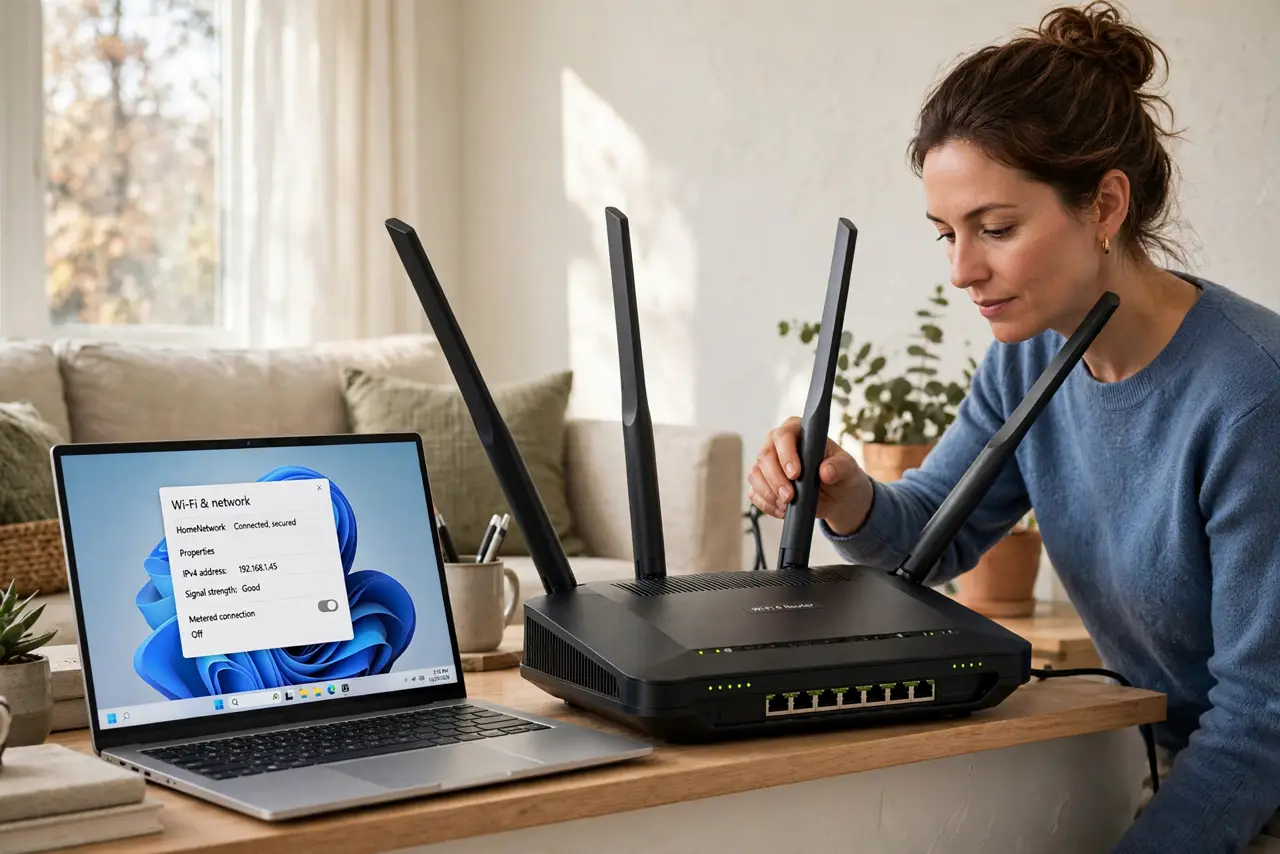
Quick fix: spread the antennas at mixed angles — some vertical, some tilted — then stop fussing over them. Move the router itself to a central, elevated, open spot instead, because router position beats antenna gymnastics every single time in your home.
Follow these steps
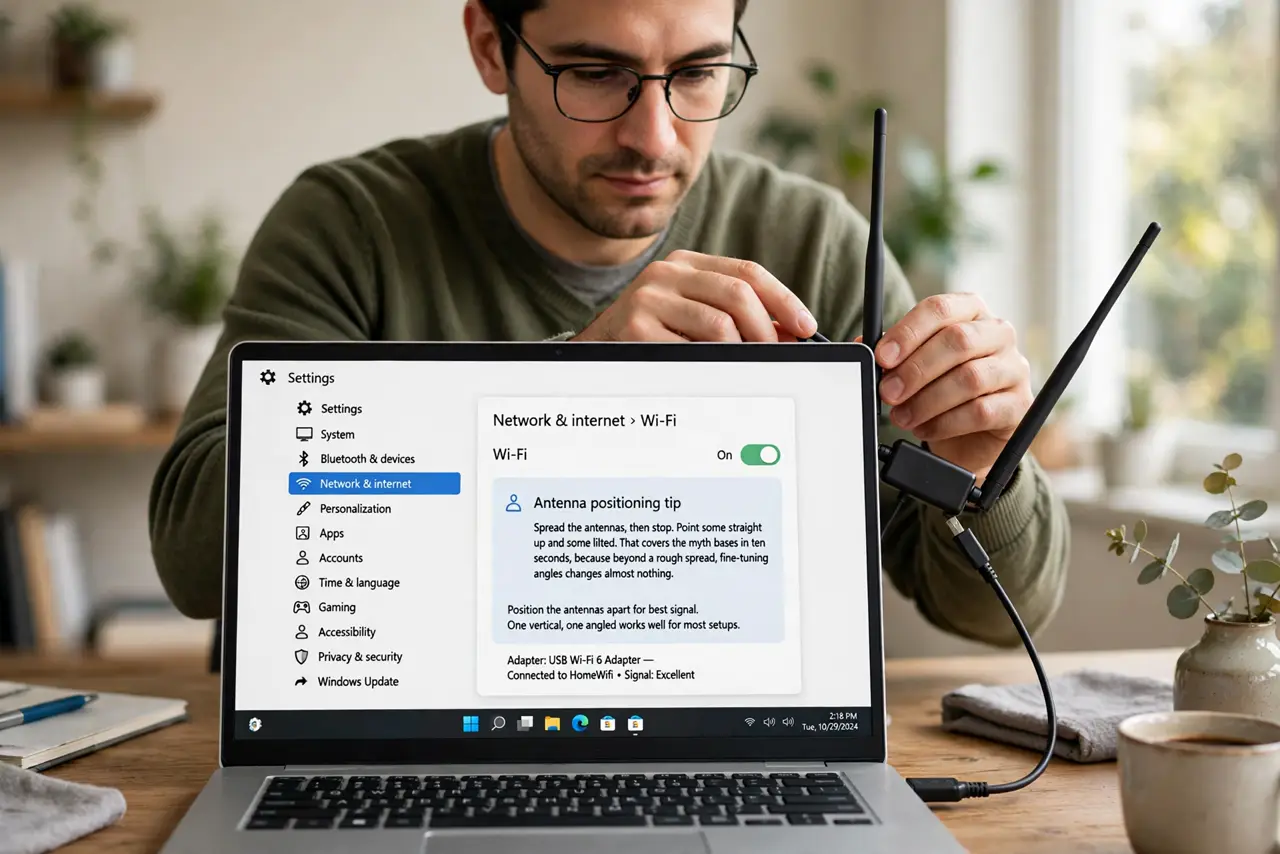
- Spread the antennas, then stop. Point some straight up and some tilted. That covers the myth bases in ten seconds, because beyond a rough spread, fine-tuning angles changes almost nothing.
- Move the router to the center. A router in a corner wastes half its signal on the outside wall. Central placement helps more than any antenna arrangement ever will.
- Elevate it off the floor. Put the router on a shelf, not behind the TV on the ground. Height clears furniture that blocks signal, which no antenna angle can fix.
- Keep it in the open. Inside a cabinet or closet, antennas point at wood. Out in the open, even badly aimed antennas outperform perfectly aimed ones in a box.
- Face the dead zone, not the wall. If one room suffers, make sure the router's broad side faces that room rather than an exterior wall. General direction matters more than precise degrees.
- Test with a better spot before buying anything. Walk the weak room with a speed test after moving the router to a better spot. A free move that fixes it beats any antenna accessory you could buy.
What NOT to do
- Do not spend an evening micro-adjusting antennas. Ten seconds of spreading plus a better router position beats an hour of antenna fiddling.
- Do not buy giant aftermarket antennas first. They rarely help stock routers much, and a central position is free.
- Do not point all antennas flat at the ceiling. Flat antennas radiate sideways poorly for devices below, so keep a mix of angles instead.
- Do not hide the router and compensate with antennas. No antenna position overcomes a router locked inside a metal cabinet.
Frequently asked questions
What is the best antenna position?
A mix: some vertical, some tilted. Precision beyond that is wasted effort compared with moving the router itself.
Do aftermarket antennas help?
Rarely enough to matter. They cannot fix bad placement, which is the real problem in most homes.
Should antennas point at my device?
Roughly facing the area you use matters a little, but central open placement matters far more.