Router Firewall vs Computer Firewall? Both?
Your router has a firewall. Your computer has a firewall. Do you need both, or is one redundant? They're different guards at different doors — and running both is not only fine, it's the recommended setup. Here is what each one actually does.
TL;DR / Quick Fix
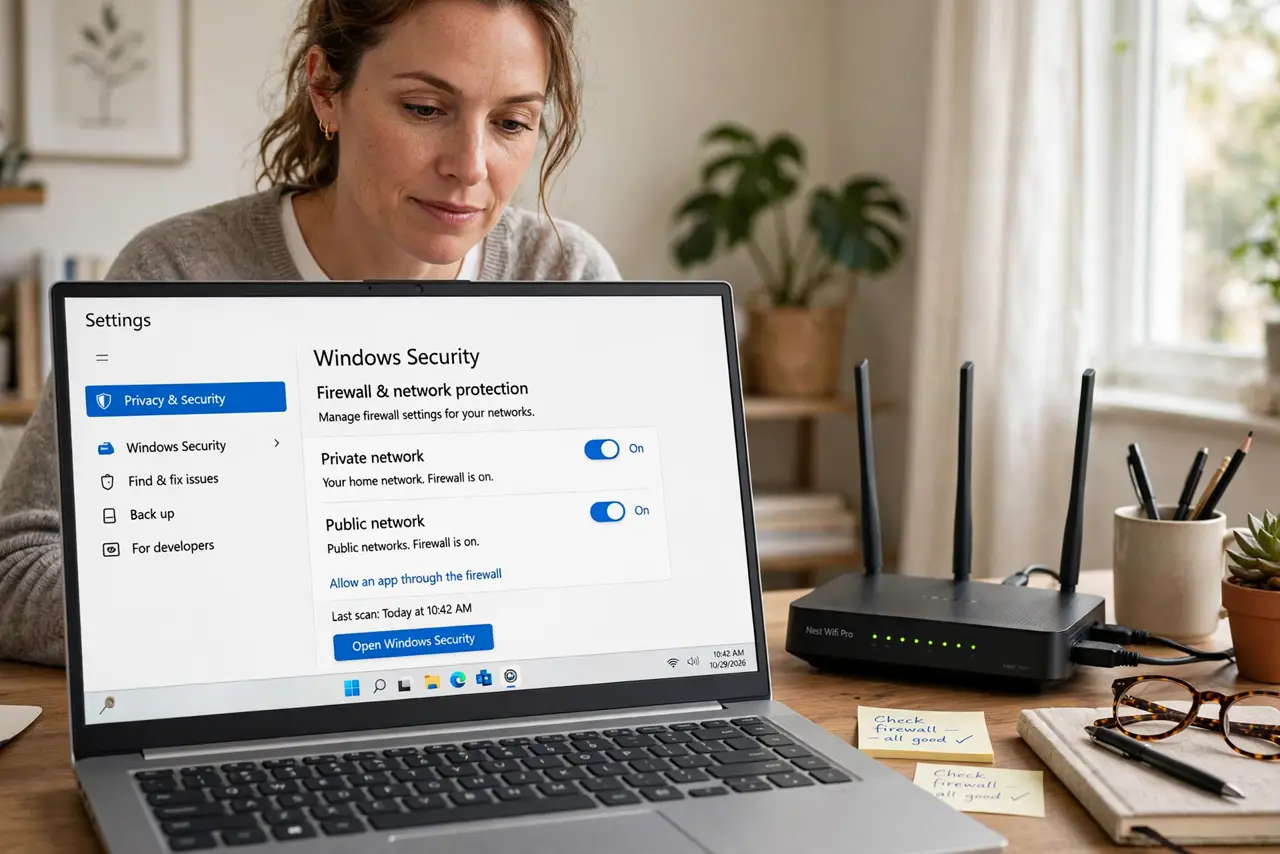
Quick fix: keep both on — the router firewall blocks unsolicited traffic from the internet, while the computer firewall controls what your own apps send and receive. They don't conflict; they layer. Only disable one while troubleshooting, and turn it back on after. Never run with both off.
Follow these steps
- Understand the router firewall. It sits at the internet's door, blocking unsolicited inbound traffic. Your devices aren't directly reachable — good.
- Understand the computer firewall. It guards the device itself: which apps may listen, which may phone home. It protects you on hostile networks too.
- Keep both enabled. They operate at different layers and don't fight. One-is-enough is a myth — defense in depth is the standard advice.
- Check they're actually on. Router: admin page, then firewall or SPI — enabled. Computer: system settings, firewall on. Two minutes to verify.
- Disable one only to diagnose. If an app can't connect, toggle one firewall briefly as a test — then re-enable and add a proper rule instead.
- Don't add a third. Two is the sweet spot. A third firewall adds conflicts, not safety — see port forwarding before poking holes for services.
What NOT to do
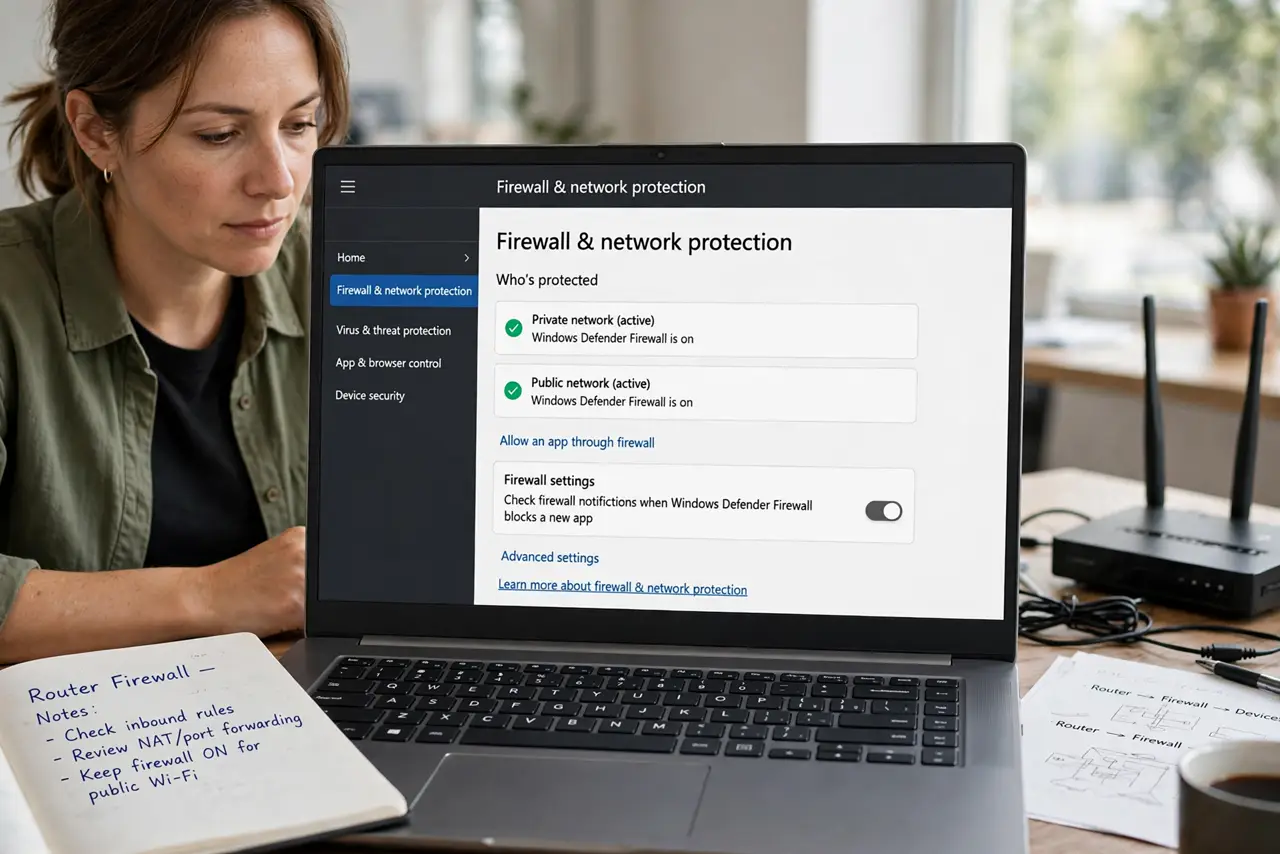
- Do not disable both for speed. Firewalls cost no noticeable speed — the risk is all downside.
- Do not assume the router firewall protects you on public Wi-Fi. Away from home, only the computer firewall stands guard.
- Do not poke holes you don't understand. Port forwarding bypasses the router firewall — only for services you actually run.
- Do not confuse firewall with antivirus. Firewalls control traffic; antivirus scans files. You need both kinds of protection.
Frequently asked questions
Do two firewalls conflict?
No — they work at different layers and almost never interfere. App-connection issues come from rules, not from having two.
Is the built-in computer firewall enough?
With the router firewall, yes for most homes. It handles the device layer competently — keep it on.
Should I enable the firewall on my phone too?
Phones have built-in protections and app sandboxing; there's no user-facing firewall to toggle. Keep the OS updated instead.