Router in a Closet? Why That's Bad
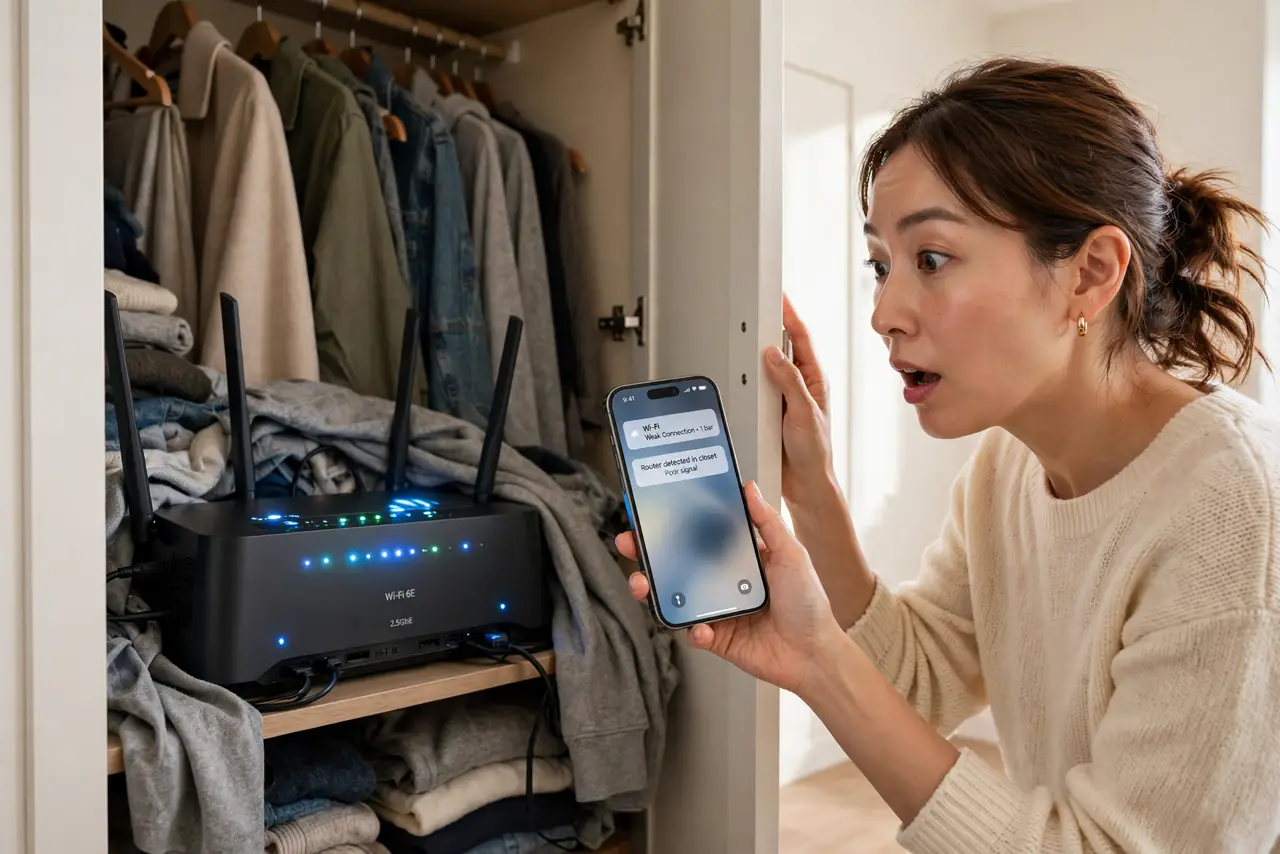
Stuffing the router in a closet hides the blinking lights, but it also hides the Wi-Fi. Closets surround the router with walls, clothes, and often a metal door — every one of them eats signal. If your Wi-Fi dies a few rooms away, the closet is suspect number one.
TL;DR / Quick Fix
Quick fix: move the router out of the closet to an open shelf at chest height. If it must stay hidden, at least open the door and pull it to the closet's front edge — then check the [[placement rules|router-placement-height-rule]] for the rest.
Follow these steps
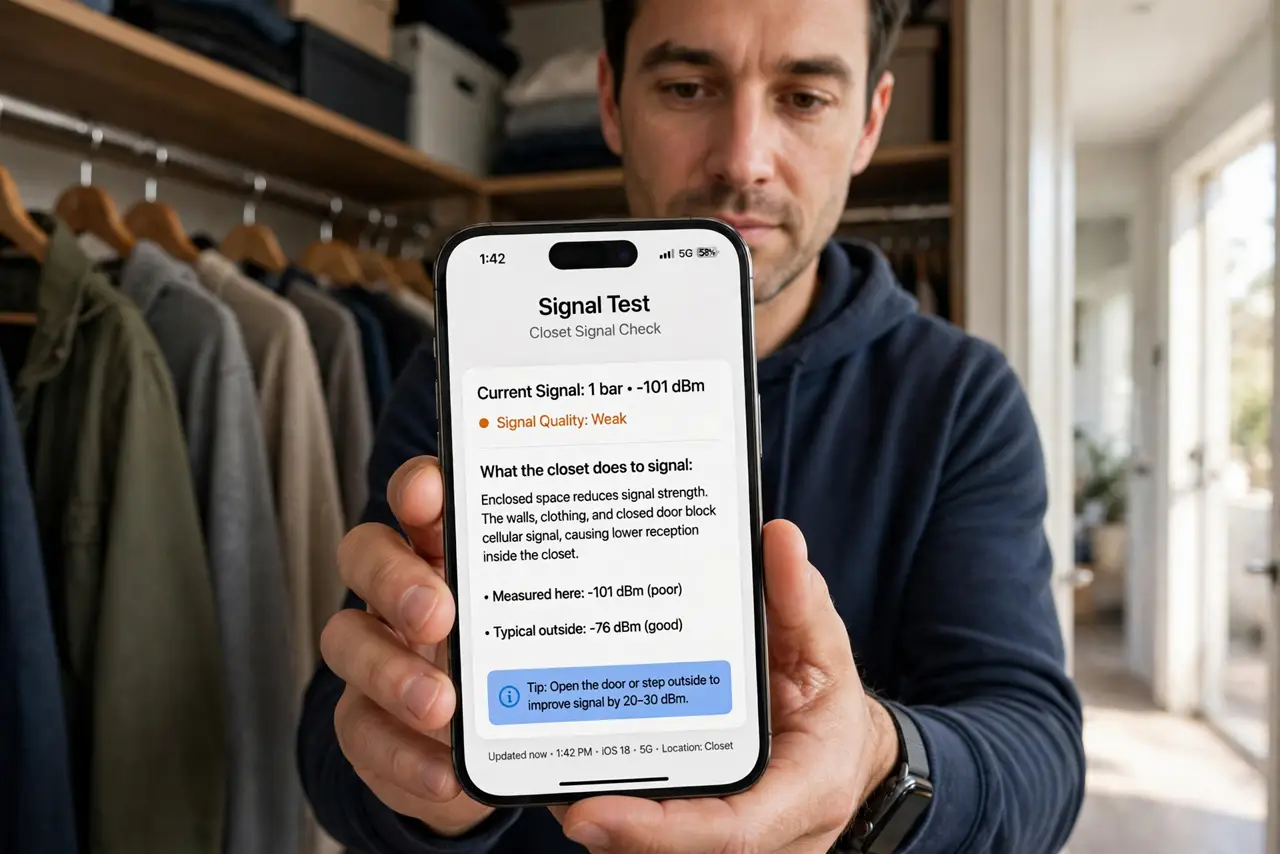
- Understand what the closet does to signal. Walls, clothes, and boxes absorb Wi-Fi; a metal door reflects it. A closet turns one router's signal into a whisper before it leaves the room.
- Move it out, even a little. The front edge of an open closet beats the back of a closed one. Every layer you remove between the router and your rooms helps.
- Check heat too. Closets trap heat, and hot routers throttle or reboot — the summer heat problem applies year-round in a closed closet.
- Watch for the metal door. A metal closet or utility door is nearly a Faraday cage. If the door must stay closed, the router simply cannot live in there.
- Route the cable, not the compromise. Run a longer ethernet cable from the entry point to a good shelf spot. A 10-meter cable costs little and frees the router from the closet entirely.
- Retest your worst room. After the move, check the room that suffered most. Better numbers there confirm the closet was the bottleneck.
What NOT to do
- Do not drill ventilation holes as the 'fix'. Ventilation helps heat but does nothing for walls and doors blocking the signal.
- Do not replace the router before moving it. A new router in the same closet inherits the same problem — placement first, hardware second.
- Do not put the modem in the closet and the router elsewhere without a cable. They need an ethernet link; Wi-Fi between them defeats the purpose.
- Do not hide it behind mirrored closet doors. Mirrors are among the worst signal blockers in a home — worse than drywall by far.
Frequently asked questions
Is it ever okay to keep a router in a closet?
Only with the door open, the router at the front edge, and no metal door. Even then, an open shelf is better.
Why did the installer put it in the closet?
The cable entry was there. Installers optimize for their time, not your coverage — you are allowed to move it.
Will a mesh node fix a closet router?
Partly. A node outside the closet helps, but moving the main router out is cheaper and more effective.