Router Height Matters More Than You Think
Wi-Fi signals spread outward and slightly downward from the router's antennas, so a router on the floor bathes the basement in signal while your bedroom starves. Raising it to chest or shelf height is the cheapest speed upgrade you will ever make — and it is free.
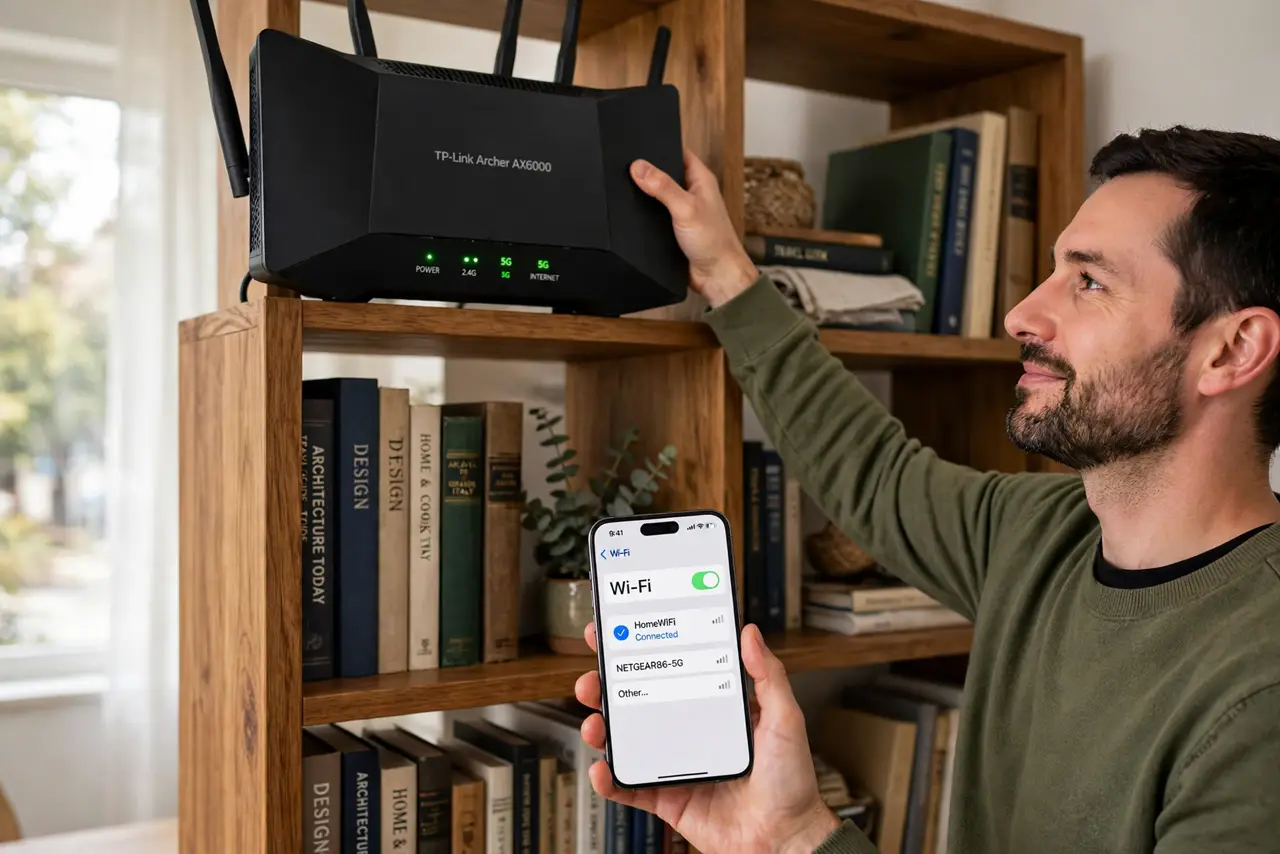
TL;DR / Quick Fix
Quick fix: lift the router to chest height or higher on an open shelf, away from the floor and metal. Then walk the house checking bars — most homes gain a room of coverage from height alone, as the [[placement guide|move-router-better-spot]] explains.
Follow these steps
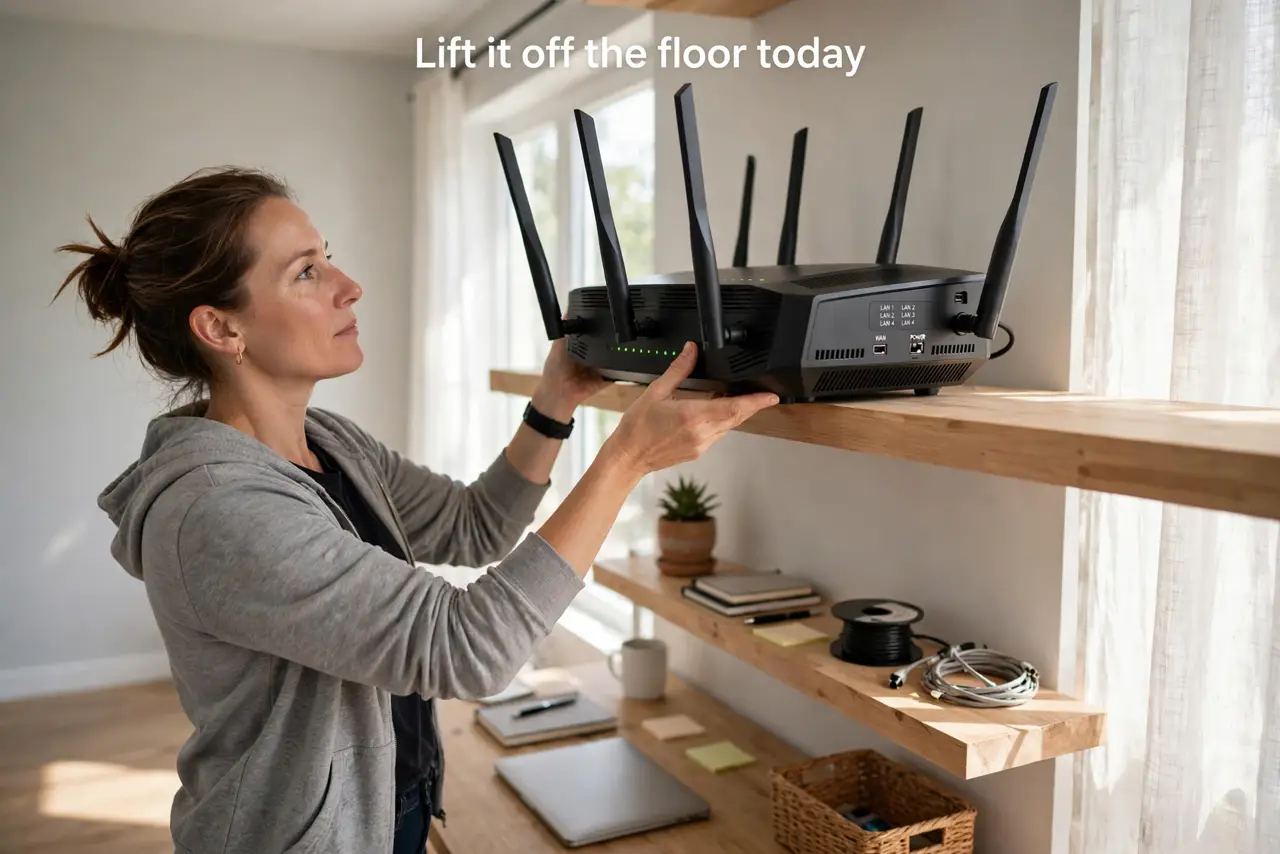
- Lift it off the floor today. The floor is the worst spot: signal goes into the ground and furniture blocks the rest. A shelf at chest height is the minimum good placement.
- Keep it out in the open. Inside a cabinet or behind the TV, the signal dies before it starts. The router should have clear air around it on all sides.
- Center it in the home if you can. Wi-Fi radiates in all directions, so a central spot covers more rooms. A router banished to a corner office starves the far bedroom.
- Point antennas up, not sideways. For single-floor homes, vertical antennas spread signal horizontally across the floor. Save the sideways tilt for multi-floor coverage.
- Keep it away from metal and mirrors. Metal filing cabinets, mirrors, and aquariums reflect or absorb signal. Even a few feet of separation helps a lot.
- Test before and after the move. Run a speed test in your worst room before moving the router, then again after. The numbers prove whether the new spot is better.
What NOT to do
- Do not hide the router in a closet for looks. A closet is a signal coffin — see why closets are bad before you close that door.
- Do not lay external antennas flat. Flat antennas point the signal at the ceiling and floor instead of across your rooms.
- Do not place it next to the microwave or baby monitor. Kitchens are interference zones; the router belongs in living space, not appliance space.
- Do not expect height to fix everything. Height improves coverage, but thick walls and long distances still need an extender or mesh node.
Frequently asked questions
How high should a router be?
Chest to shelf height — roughly 1 to 1.5 meters — in the open. Higher is fine, but the ceiling is not meaningfully better than a tall shelf.
Does router height help upstairs too?
Somewhat. For two floors, place the router high on the ground floor or low on the upper floor, near the stairwell.
Why do ISP techs put routers on the floor?
Convenience — the cable entry is low. It is easy for them, but it is the worst spot for your signal.