Place Your Router Better
The Wi-Fi is perfect in the living room and dead in the bedroom, and you are eyeing a $300 mesh system. Before spending anything, try moving the router — placement is the most underrated Wi-Fi fix there is. Central, elevated, and in the open beats any setting tweak. Five minutes, zero dollars, often dramatic results.
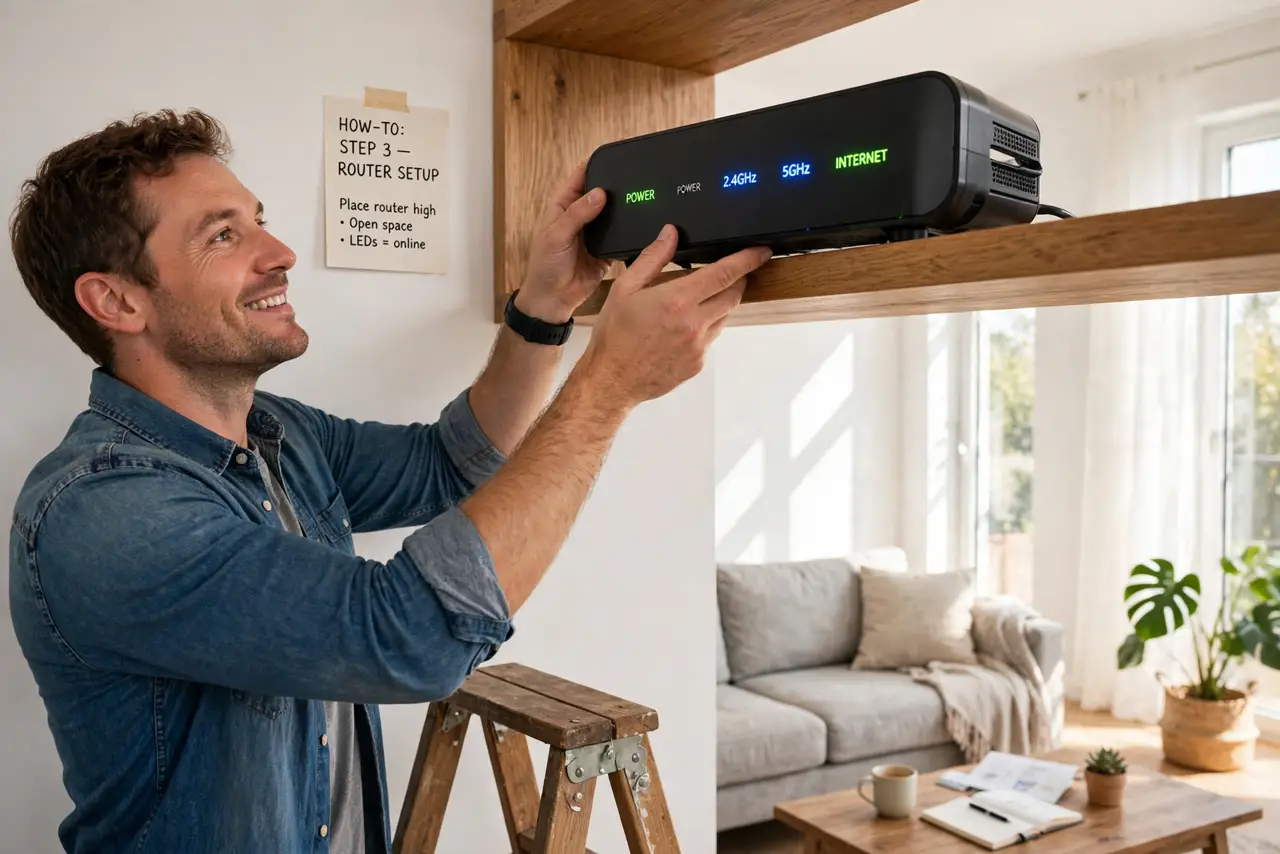
TL;DR / Quick Fix
Quick fix: put your router centrally, elevated, and in the open — not in a closet, behind the TV, or on the floor. A middle-of-home shelf beats a corner desk. Keep it away from microwaves and thick walls. Five minutes of repositioning often beats buying new gear.
Follow these steps
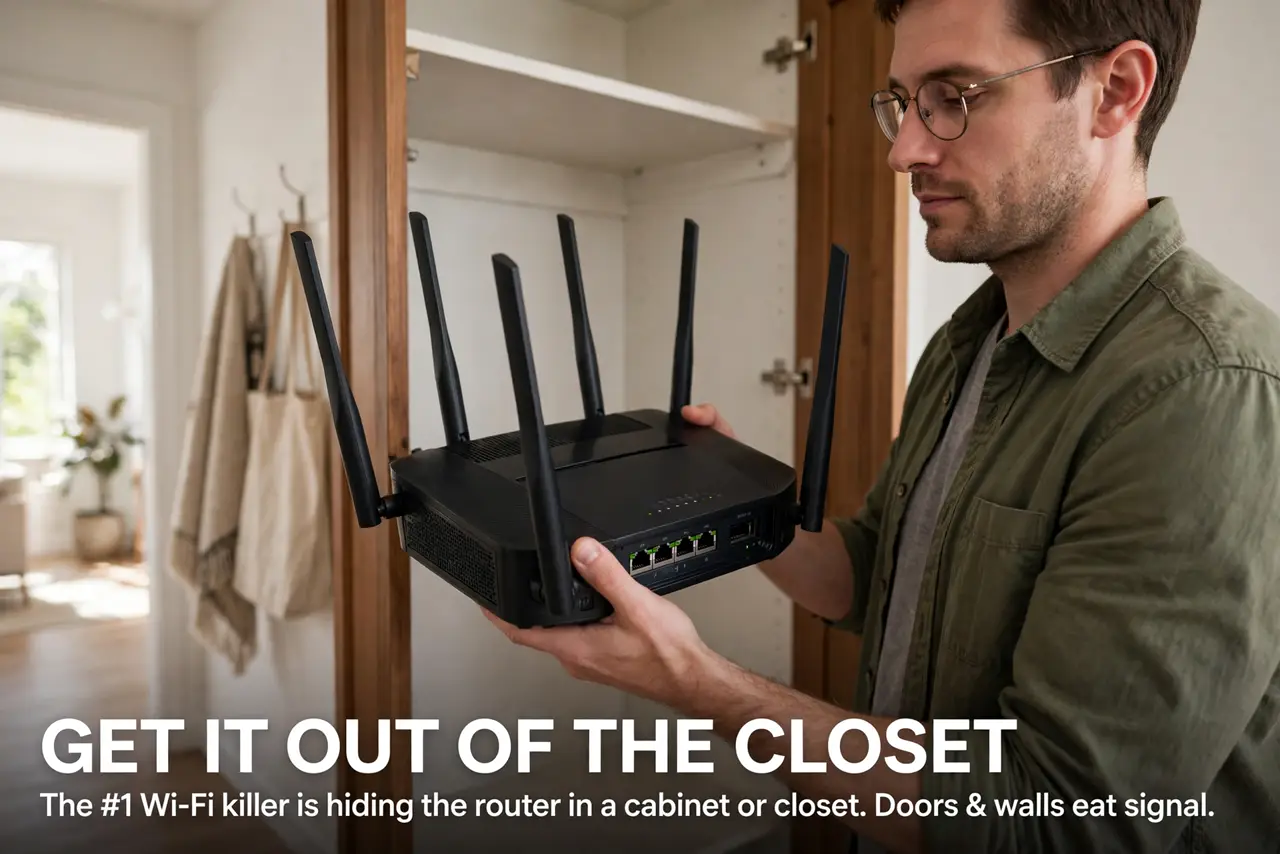
- Get it out of the closet. The number-one Wi-Fi killer is hiding the router in a cabinet or closet. Doors and walls eat signal — the closet warning exists because everyone does this.
- Go central and elevated. Wi-Fi spreads outward and slightly downward. A shelf at chest height in the middle of your home covers more than a floor-level corner — the height rule explains the physics.
- Keep it in the open. Behind the TV, inside a media console, under a pile of cables — every obstruction costs speed. Open air on a shelf is the goal; it also keeps the router cool.
- Mind the interference. Microwaves, baby monitors, and thick masonry walls are the classic killers. A few feet of separation from the microwave and the baby monitor matters more than you would think.
- Point the antennas right. External antennas: one vertical, one horizontal covers the most orientations. The antenna myths guide busts the all-straight-up habit.
- Test before buying anything. Walk around with a speed test after repositioning. If the dead zone persists, THEN consider extending coverage — placement first, purchases second.
What NOT to do
- Do not put the router on the floor. Signal radiates outward and down — floor placement wastes half your coverage into the ground.
- Do not hide it for looks. The sleek cabinet hiding your router is also hiding your Wi-Fi — aesthetics cost megabits.
- Do not place it next to the microwave. Microwaves blast the same 2.4 GHz band when running — your video call will notice.
- Do not expect one router to cover a mansion. Placement optimizes what you have; a huge or multi-floor home may genuinely need a mesh system — that is physics, not failure.
Frequently asked questions
What is the single best spot in a typical home?
Central, chest-high, in the open — often a hallway shelf. The exact room matters less than central + elevated + unobstructed.
Does router placement affect speed or just range?
Both. Weak signal forces slower speeds — moving the router closer to where you work can double real-world throughput without touching any setting.
Should the router be near the modem?
Only if the modem is well-placed. A long Ethernet cable lets the modem sit anywhere and the router sit optimally — cable is cheap, signal is precious.