Screensaver Never Starts? Fix It on Windows
You set a screensaver, but it never appears, no matter how long you wait. A wait time, a power setting, or constant input can each keep it from starting. Check the timer first, then what counts as idle.
TL;DR / Quick Fix
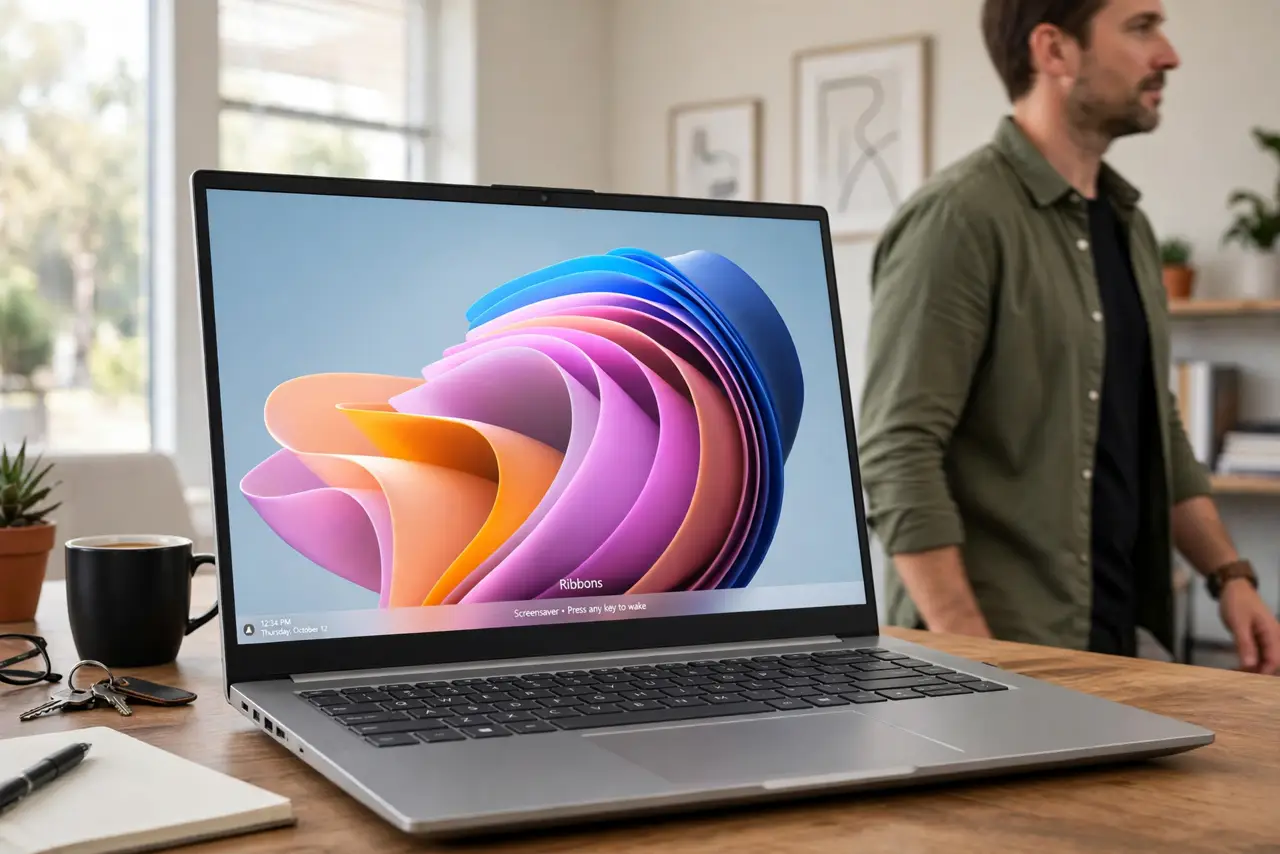
Quick fix: open screensaver settings, confirm a screensaver is chosen and the wait time is short, then leave the computer untouched for that long. If it still never starts, check power settings and unplug any device that may send constant input.
Follow these steps
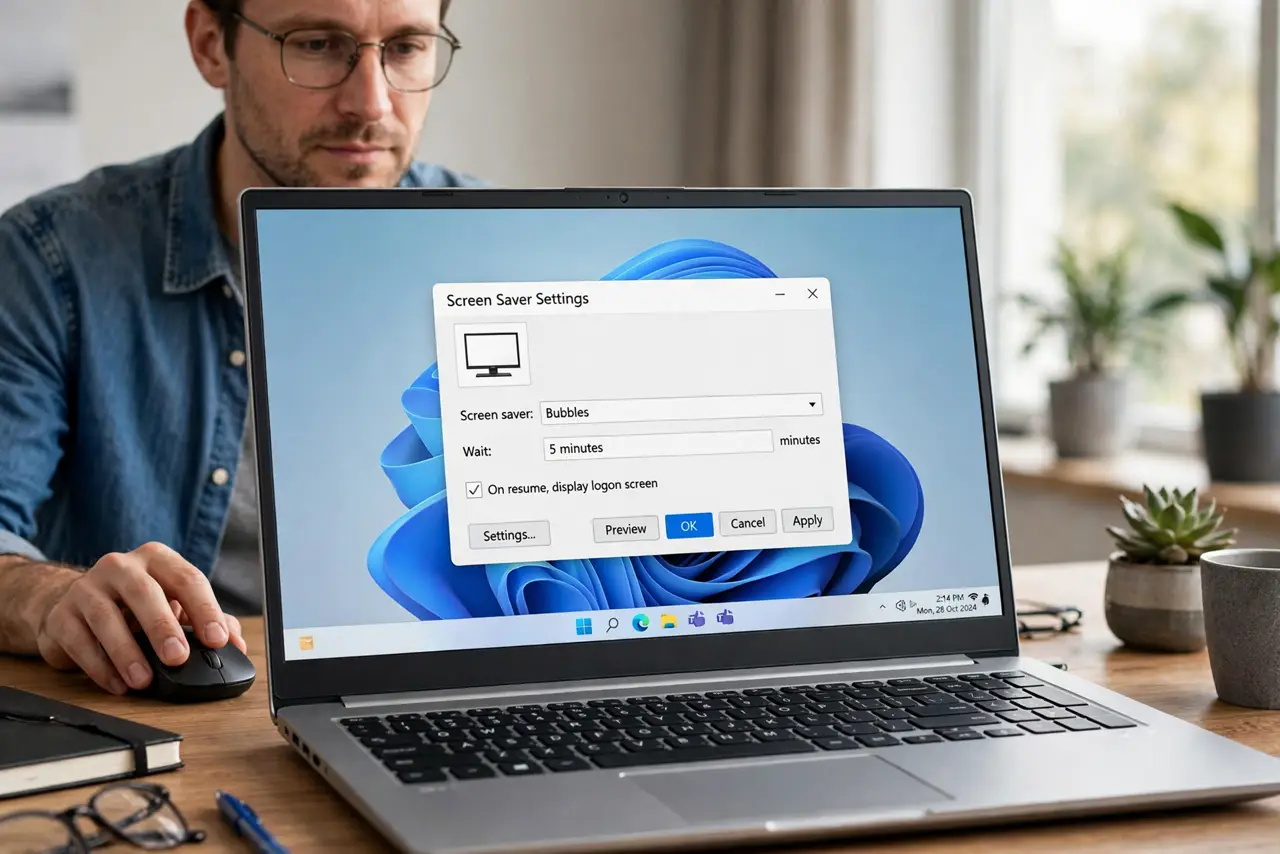
- Open screensaver settings. Search for Change screen saver, open it, and confirm a screensaver is actually selected. A setting of None means no screensaver will ever start, no matter how long you wait.
- Set a short wait time for testing. Set the wait time to one minute for a test. A long wait time makes testing slow, and a short time proves quickly whether the screensaver can start at all.
- Leave the computer completely alone. Step away without touching mouse, keyboard, or touchpad for the full wait time. Any input resets the idle timer, so even a small nudge restarts the wait.
- Check power and sleep settings. Open Settings, then System, then Power and battery, and check when the screen turns off. If the screen turns off before the screensaver wait ends, you will never see the screensaver.
- Unplug possible input devices. Unplug a game controller, drawing tablet, or extra mouse, then test again. A device sending tiny constant input keeps Windows from ever counting as idle.
- Restore a normal wait time. Once the screensaver starts at one minute, set the wait time back to your preferred length. A working test at one minute proves the feature works, and your normal setting will then behave.
What NOT to do
- Do not set the wait time to a very long period while testing. A long wait makes every test slow and makes a working screensaver look broken.
- Do not nudge the mouse to check whether the screensaver started. That nudge resets the idle timer and prevents the very thing you are testing.
- Do not confuse screen-off with a screensaver. If the screen turns off first, the screensaver never gets its turn, no matter how well it is configured.
- Do not install a screensaver app before checking the built-in setting. Windows already includes screensavers, and the built-in choice is the fastest test.
Frequently asked questions
Why does my screensaver never appear?
Usually the wait time is long, the screen turns off first, or constant input keeps resetting the idle timer. Test with a one-minute wait to separate these causes.
Do I need a screensaver on a modern screen?
Not for protection the way old screens needed it, but many people still use one for privacy or personal style. It is a preference, not a requirement.
What if the screensaver starts but stops at once?
Something is sending input. Unplug extra input devices one by one until the screensaver stays on for its full run.