Smart Plug Won't Connect to 5 GHz? Fix It
Your smart plug refuses to join the Wi-Fi no matter how carefully you type the password. Here is the secret: almost no smart plug supports 5 GHz — they only speak 2.4 GHz. The fix is steering your phone to the right band during setup, not a better password.
TL;DR / Quick Fix
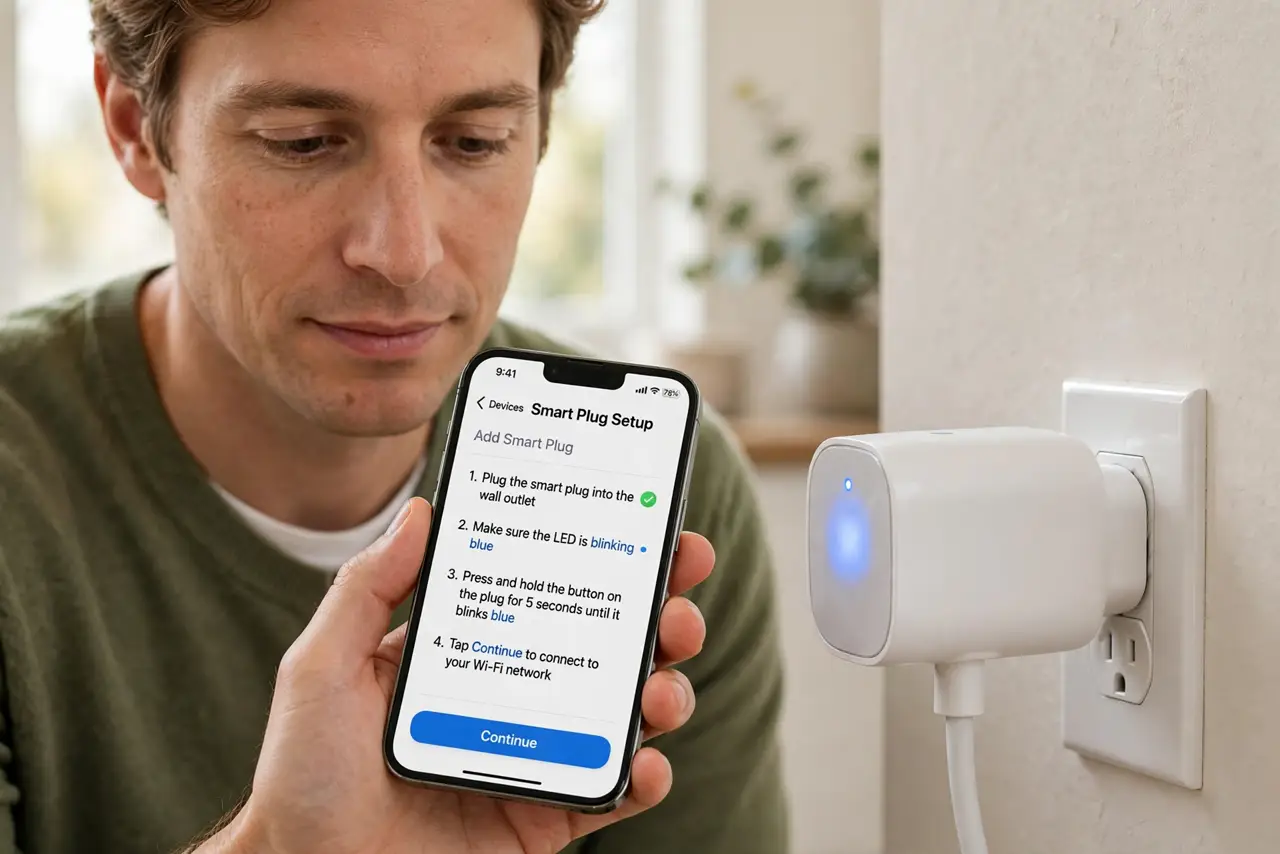
Quick fix: during setup, connect your phone to the 2.4 GHz version of your network — the plug can only see that band. Temporarily split merged bands if needed, stand near the router to pair, and learn the [[band difference|wifi-2-4-vs-5-ghz]] once for every smart gadget.
Follow these steps
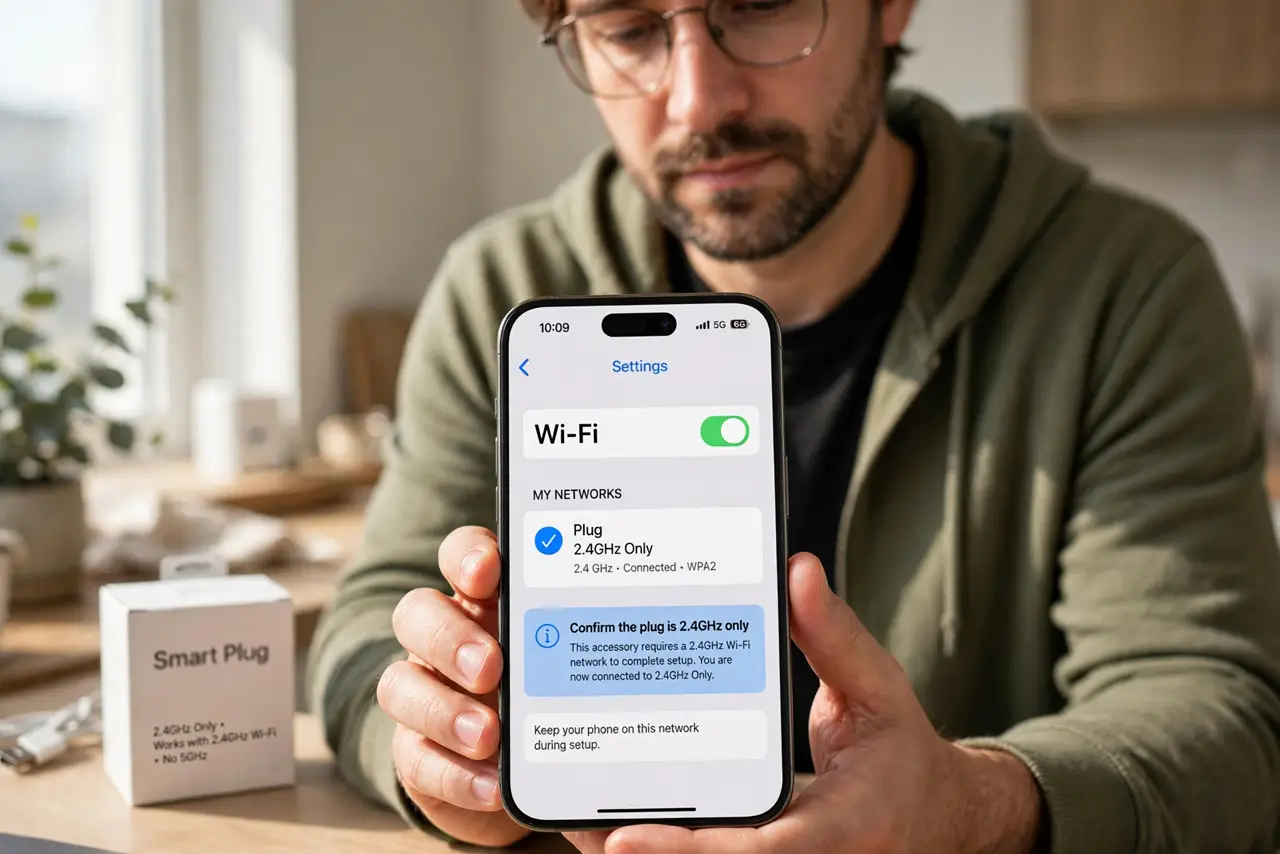
- Confirm the plug is 2.4 GHz only. Check the manual or box — nearly all plugs, bulbs, and cheap cameras are 2.4 GHz only. This is by design, not a defect.
- Put your phone on the 2.4 GHz band. Many setup apps require the phone on the same band as the plug. Switch to the 2.4 GHz network name during setup, then switch back after.
- Temporarily split the bands if merged. If your router merges both bands under one name, split them temporarily in settings. Set up the plug, then re-merge if you like.
- Move closer during setup. Stand near the router with the plug for the pairing step. Weak 2.4 GHz at the outlet causes mysterious setup failures.
- Check the password for special characters. Some plugs choke on exotic characters or very long passwords. A simpler temporary password for setup can unstick it.
- Watch for the router-change trap. After any router swap, every smart gadget needs re-pairing — plugs do not migrate by themselves.
What NOT to do
- Do not keep retrying on the 5 GHz band. The plug physically cannot see it — retrying the same failing step is not troubleshooting.
- Do not assume the plug is broken on day one. Nine times out of ten it is the band mismatch, not defective hardware.
- Do not disable 5 GHz permanently as the fix. Splitting bands temporarily is fine; killing 5 GHz punishes every fast device you own.
- Do not place the plug at the Wi-Fi edge. Plugs need a solid 2.4 GHz signal — a dead-zone outlet gives a dead plug.
Frequently asked questions
Why don't smart plugs support 5 GHz?
Cost and range. 2.4 GHz chips are cheaper and reach farther — perfect for a plug that sends tiny commands.
Can I use a plug on a guest network?
Sometimes, but the app on your main network may not find it. Keep smart gadgets on the main network for reliable control.
The plug worked, then stopped after a router change. Why?
New routers mean new network names or passwords. Every smart device must be re-paired after a router swap.