Streaming App Buffers on One TV Only? Fix It
One TV buffers constantly in the same app, while another TV in the house streams fine. The problem lives with that TV, its connection, its app, or its placement, not with the streaming service as a whole.
TL;DR / Quick Fix
Quick fix: test another TV or device with the same app, then restart the buffering TV app and the TV itself. Check that TV Wi-Fi signal, update the app, and wire the TV if a cable route exists. Write down what worked for next time.
Follow these steps
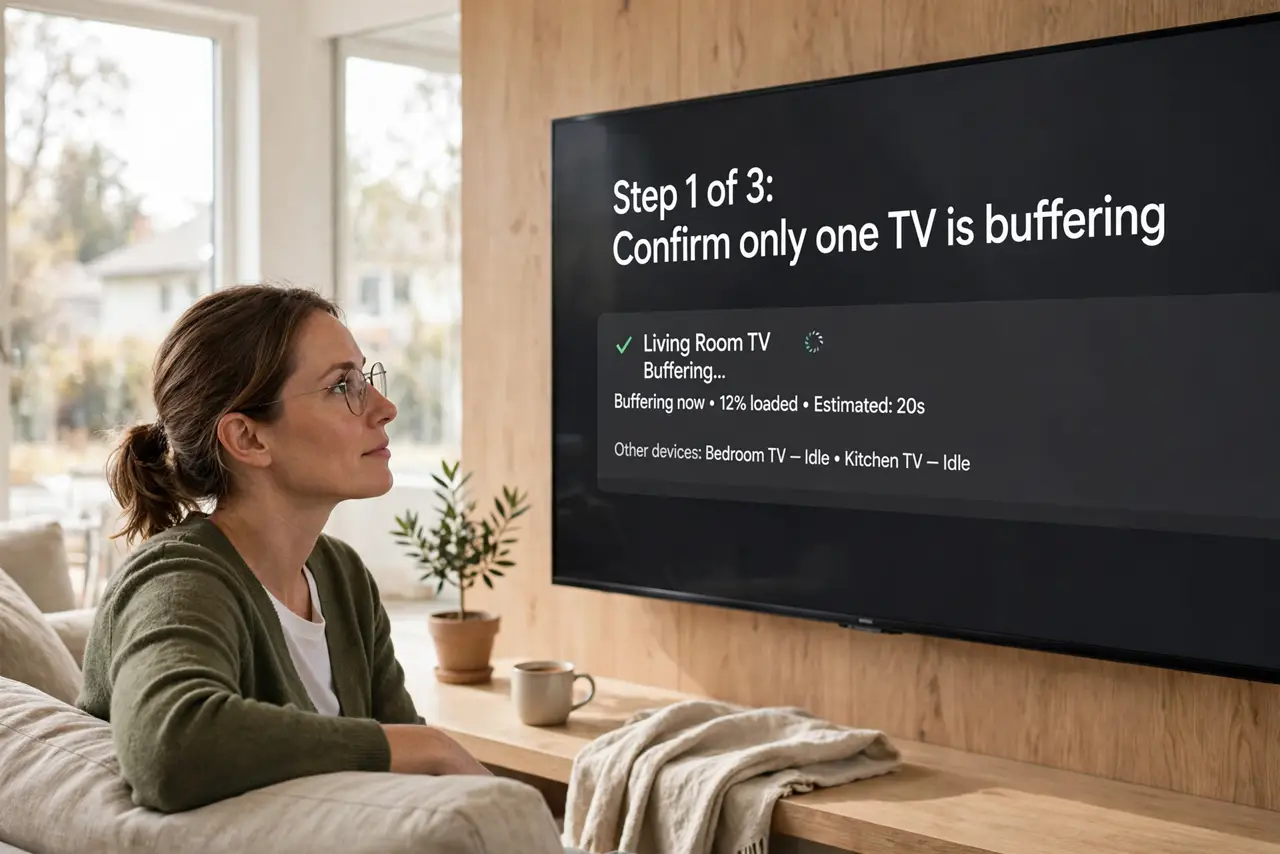
- Confirm only one TV buffers. Play the same show on another TV or device. If only one TV buffers, the service is fine, and that TV is the problem to fix.
- Restart the app and the TV. Close the streaming app fully and reopen it. If buffering continues, restart the TV fully, not just to standby, since standby keeps the app state.
- Check that TV signal and band. In the TV network settings, check its signal strength and band. A TV far from the router on a weak signal buffers first, while nearer TVs cope.
- Update the TV and the app. Check for TV software updates and app updates, and install them. Old TV apps buffer more on newer streams, even when the connection is fine.
- Clear the app data if the TV offers it. If the TV offers clearing app data or cache, use it for that streaming app, then sign in again. Stale app data can make one app buffer while others play.
- Wire that TV if you can. Connect the buffering TV to the router with a cable when a route exists. A wired TV skips the Wi-Fi weakness that singles it out.
What NOT to do
- Do not cancel the streaming service for one-TV buffering. Another TV playing fine proves the service works, so the TV is the fix.
- Do not factory reset the TV as a first step. Restarting the app, updating it, and checking signal are safer and usually enough.
- Do not ignore the TV distance from the router. A far TV buffers first, and a cable or closer node fixes what settings cannot.
- Do not clear app data without knowing the sign-in. You must sign in again after clearing, so confirm the password first.
Frequently asked questions
Why does one TV buffer but another does not?
That TV may have a weaker signal, an older app, or a stuck app state, while the other TV has a clean path.
Does restarting the TV help?
Yes, if you restart fully. Standby keeps the app state, while a full restart clears it.
Should I wire the buffering TV?
If a cable route exists, yes. Wiring removes the Wi-Fi weakness that singles that TV out.