Two-Factor Code Arrives Late? Fix It
A late text or email code is usually a delivery delay, not a wrong code. Requesting codes repeatedly makes it worse, because each new code can replace the last one before it arrives.
TL;DR / Quick Fix
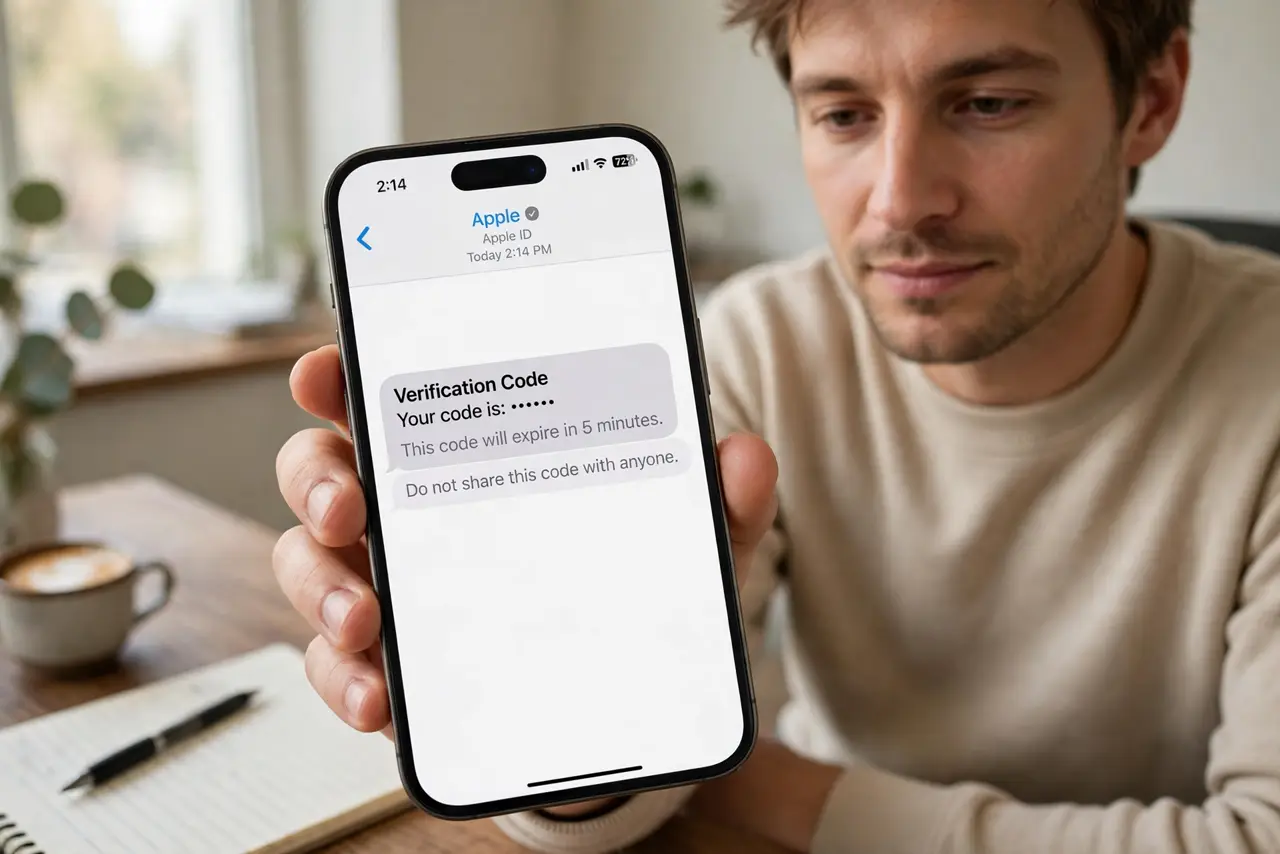
Quick fix: wait for the first code instead of requesting more, check the right inbox and spam folder, and confirm your phone signal. For the long term, switch to an authenticator app, which generates codes instantly offline. Last, switch to an authenticator app to confirm it.
Follow these steps
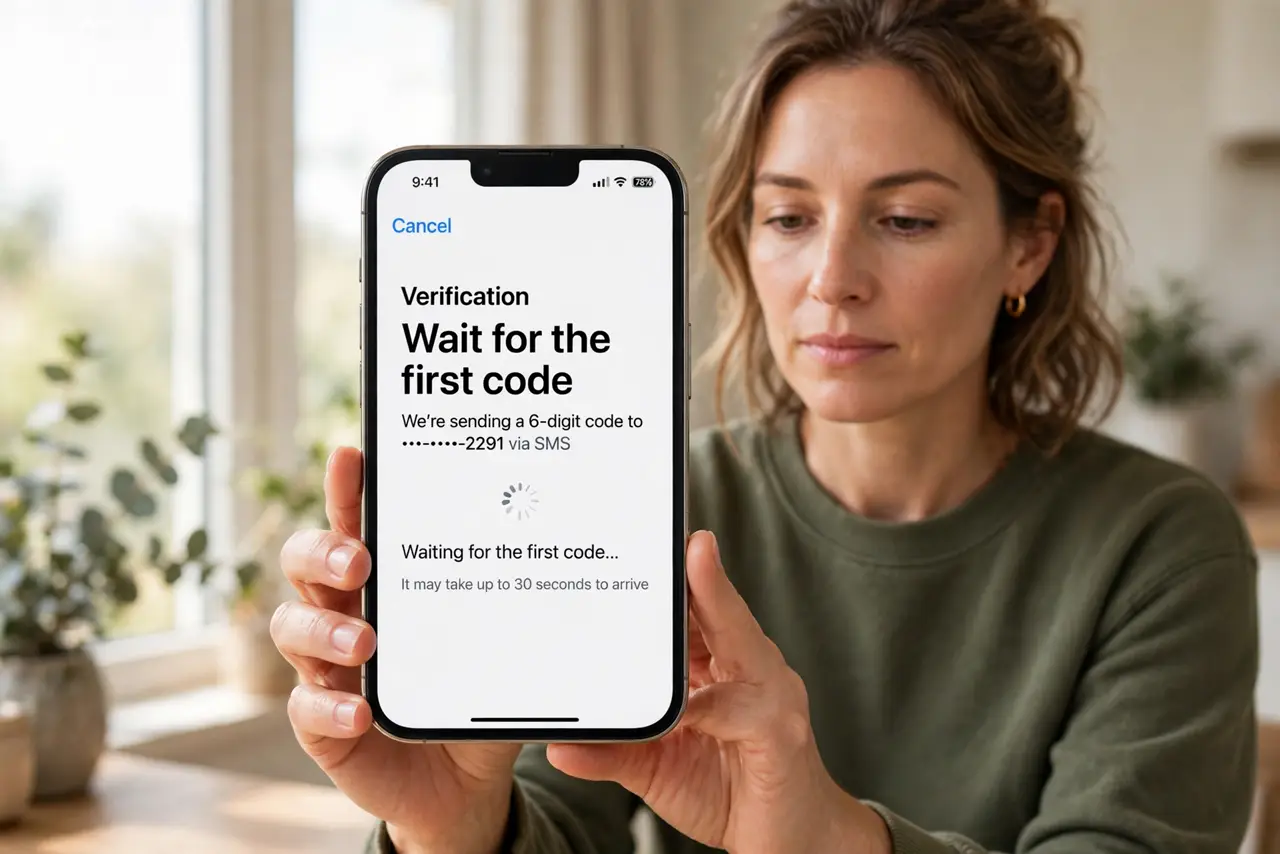
- Wait for the first code. Wait at least a minute for the first code before requesting another. Repeated requests can invalidate earlier codes, so the code that finally arrives may already be dead.
- Check the right inbox and spam folder. For an email code, check the inbox and the spam folder for the account you signed up with. For a text code, check the phone number on the account.
- Confirm signal and message blocking. Check the phone has signal and that the sender is not blocked. A blocked short number silently eats every code.
- Request one fresh code only. If nothing arrives after a few minutes, request one fresh code and wait for that one. Use the newest code, and ignore older ones that arrive late.
- Try the voice call option if offered. If the site offers a voice call with the code, use it. A call can get through when texts are delayed on a busy network.
- Switch to an authenticator app. Set up an authenticator app for the account, which generates codes on your device without waiting for delivery. This removes delivery delays entirely.
What NOT to do
- Do not request five codes in a row. Each new code can replace the last, so you end up chasing codes that no longer work.
- Do not enter an old code that arrived late. An expired code fails, and repeated failures can lock the account.
- Do not share a two-factor code with anyone, even someone claiming to help. A real helper never needs your code.
- Do not turn off two-factor authentication because codes are slow. Switch to an app code instead, and keep the protection.
Frequently asked questions
Why is my code always late?
Text and email delivery can lag on busy networks, or the message may land in spam, while app codes never wait for delivery.
Should I use the newest code or the first one?
Use the newest code. Older codes are often invalidated when a new one is requested.
What if no code ever arrives?
Check the phone number and email on the account, check blocking and spam, then use a backup option or account recovery.