Two-Finger Scroll Reversed? Fix the Direction Fast
You swipe up and the page moves down, or the reverse, and every scroll feels backwards. The touchpad scroll direction is a single setting, and it flips easily after an update or a settings change. Put it back and test.
TL;DR / Quick Fix
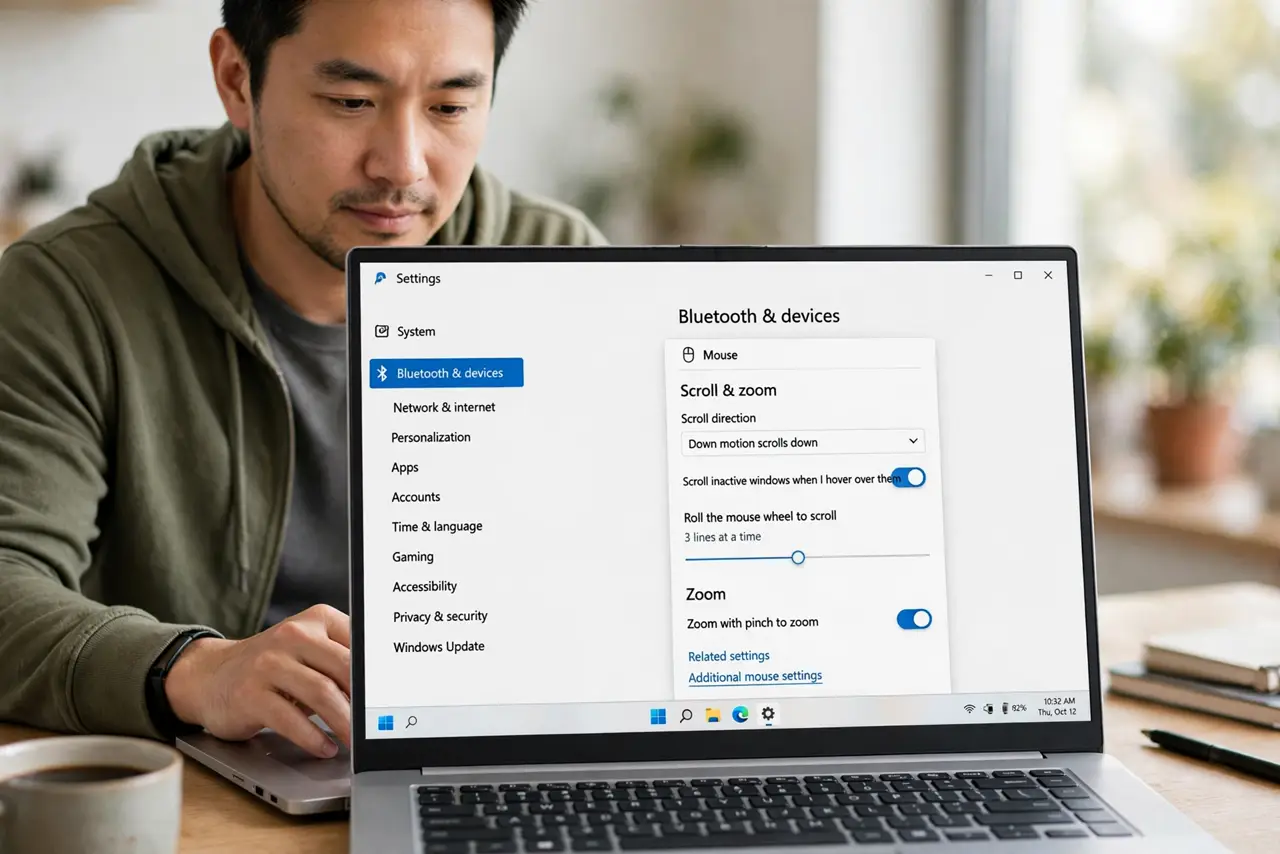
Quick fix: open Settings, then Bluetooth and devices, then Touchpad, then Scroll and zoom, and flip the scroll direction. Test in a browser page at once: swipe up should move the page the way you expect, and one flip is all it takes.
Follow these steps
- Open Scroll and zoom settings. Open Settings, then Bluetooth and devices, then Touchpad, then Scroll and zoom. This section holds the direction setting for two-finger scrolling.
- Flip the scroll direction. Change the scrolling direction option to the other choice. There are only two directions, so one flip moves you from reversed to correct, or from correct to reversed.
- Test in a browser page. Open a long web page and scroll with two fingers. The page should now move the way your fingers expect, without any further change.
- Check the mouse scroll direction separately. If you also use a mouse, check its scroll setting too. Touchpad and mouse directions are separate, so fixing one does not automatically fix the other.
- Restart if the change does not stick. Save your work, restart, and test the scroll again. If the direction flips back after restart, recheck the same setting before changing anything else.
- Leave the setting alone once it feels right. Once scrolling feels natural, stop toggling. Repeated flips make it hard to remember which direction you actually prefer.
What NOT to do
- Do not reinstall touchpad software to fix a reversed scroll. A single direction setting explains a uniform reversal, and reinstalling adds risk without benefit.
- Do not flip the mouse and touchpad directions together. They are separate settings, and changing both at once leaves you unsure which one you fixed.
- Do not assume the touchpad is broken because scrolling feels backwards. A consistent reversal in every app is a direction setting, not a hardware fault.
- Do not test scroll direction only in one app. Some apps scroll their own way, so confirm the fix in a browser page first.
Frequently asked questions
What is the natural scroll direction?
It is personal. Some people expect content to follow their fingers, others expect a scrollbar style. Pick the one that feels right and leave it there.
Why did the direction flip by itself?
An update, a settings reset, or an accidental change in Touchpad settings can flip it without any warning.
Does the mouse use the same setting?
No. Mouse scroll direction is separate from touchpad scroll direction, so check each device on its own.