USB Drive Not Showing Up? Fix It
When a USB drive does not appear, your files are often still on the drive, and the problem is the port, the letter, or the drive format. Work through the checks in order, and do not format the drive as a first step.
TL;DR / Quick Fix
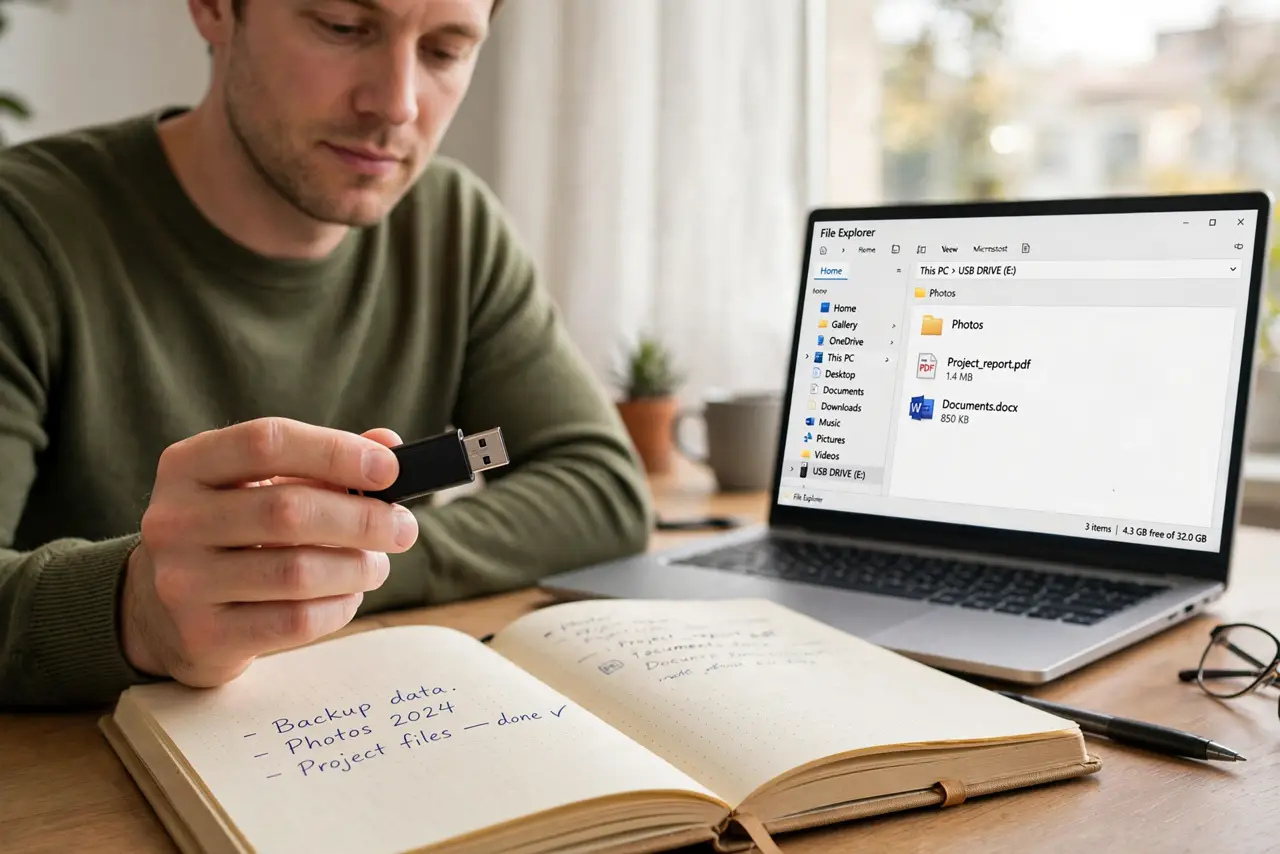
Quick fix: unplug the drive, wait a few seconds, and plug it into a different USB port, preferably one on the computer itself. Listen for the connection sound, then open File Explorer. If it still hides, open Disk Management and look for the drive there.
Follow these steps
- Try another port and a direct connection. Unplug the drive and plug it into a different port on the computer itself, not a hub. A loose port or a weak hub is a common cause.
- Listen and watch for a connection sign. When you plug the drive in, listen for the Windows connection sound and watch for a notification. No sound at all points to the port, cable, or drive itself.
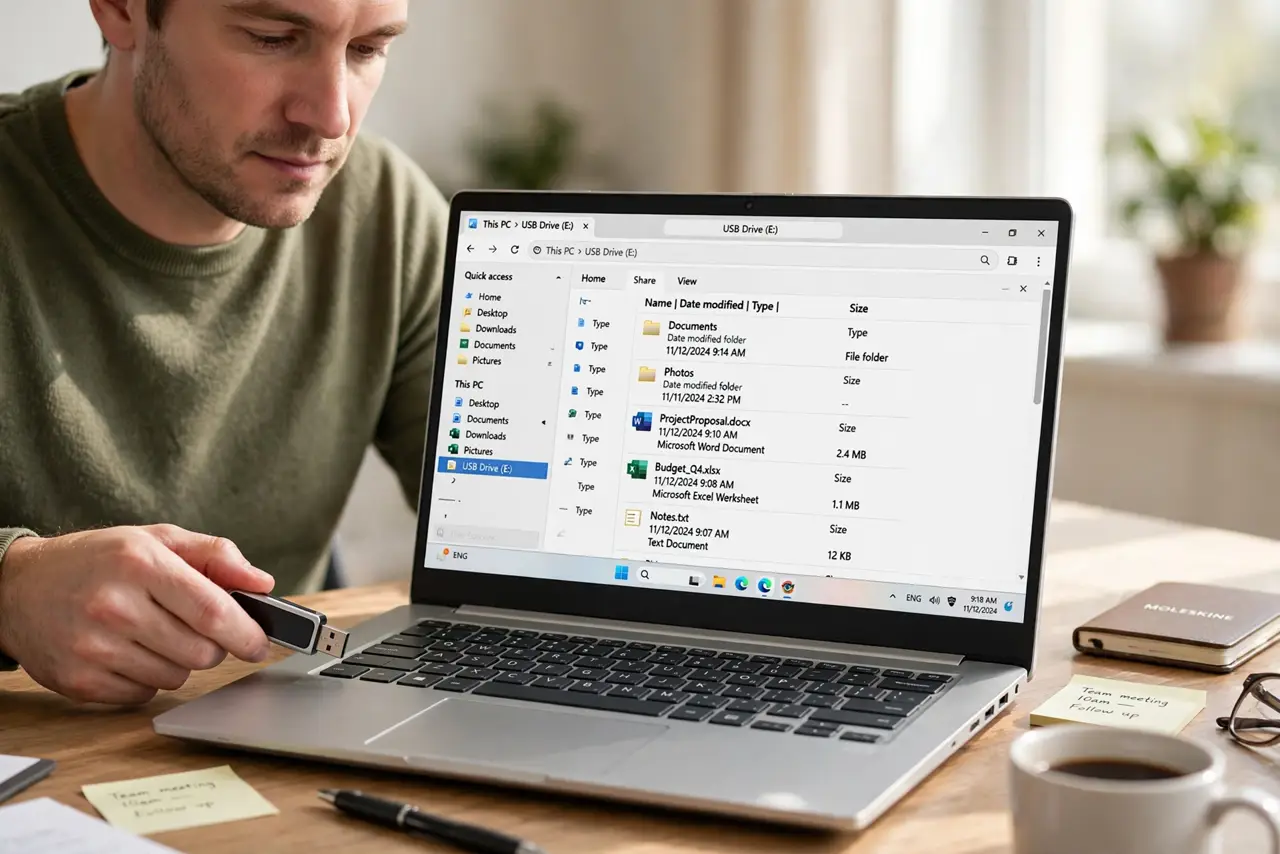
- Open Disk Management. Right-click Start, choose Disk Management, and look for the drive. If it appears there without a letter, right-click it and assign a drive letter.
- Check whether the drive needs a letter only. If Disk Management shows the drive as healthy but File Explorer hides it, a missing letter is the likely cause. Assigning a letter usually brings it back at once.
- Try the drive on another computer. Plug the drive into a second computer. If it appears there, the first computer has the problem. If it appears nowhere, the drive itself may be failing.
- Copy files off before any repair. If the drive appears, copy your most important files to the computer first. Only then consider a repair or format, because formatting erases everything on the drive.
What NOT to do
- Do not format the drive as a first step. Formatting erases every file on it, and a missing letter or a bad port does not need a format.
- Do not keep unplugging the drive during a copy. Pulling it out mid-copy can damage files, so wait for the copy to finish and eject safely.
- Do not open the drive casing or force the connector. A bent connector can damage the port and the drive, and it will not fix a software problem.
- Do not run a repair tool on the only copy of your files. Copy the files first, then repair, so a failed repair does not cost you the data.
Frequently asked questions
The drive beeps but never appears. What does that mean?
Windows sees something connected but cannot mount it. Check Disk Management for the drive and whether it needs a letter or shows an error.
Should I try a different cable for an external drive?
Yes. A faulty cable is a common cause for external drives, and swapping it is a cheap, safe test.
Is it safe to unplug without ejecting?
Ejecting is safer, especially after copying. Use the safely remove option in the taskbar before unplugging.