Screen Share Shows Black in Meetings? Fix It
A black screen share usually means the meeting app lacks permission, or the shared window uses protected video that cannot be captured. Share a normal window first to find out which cause you face.
TL;DR / Quick Fix
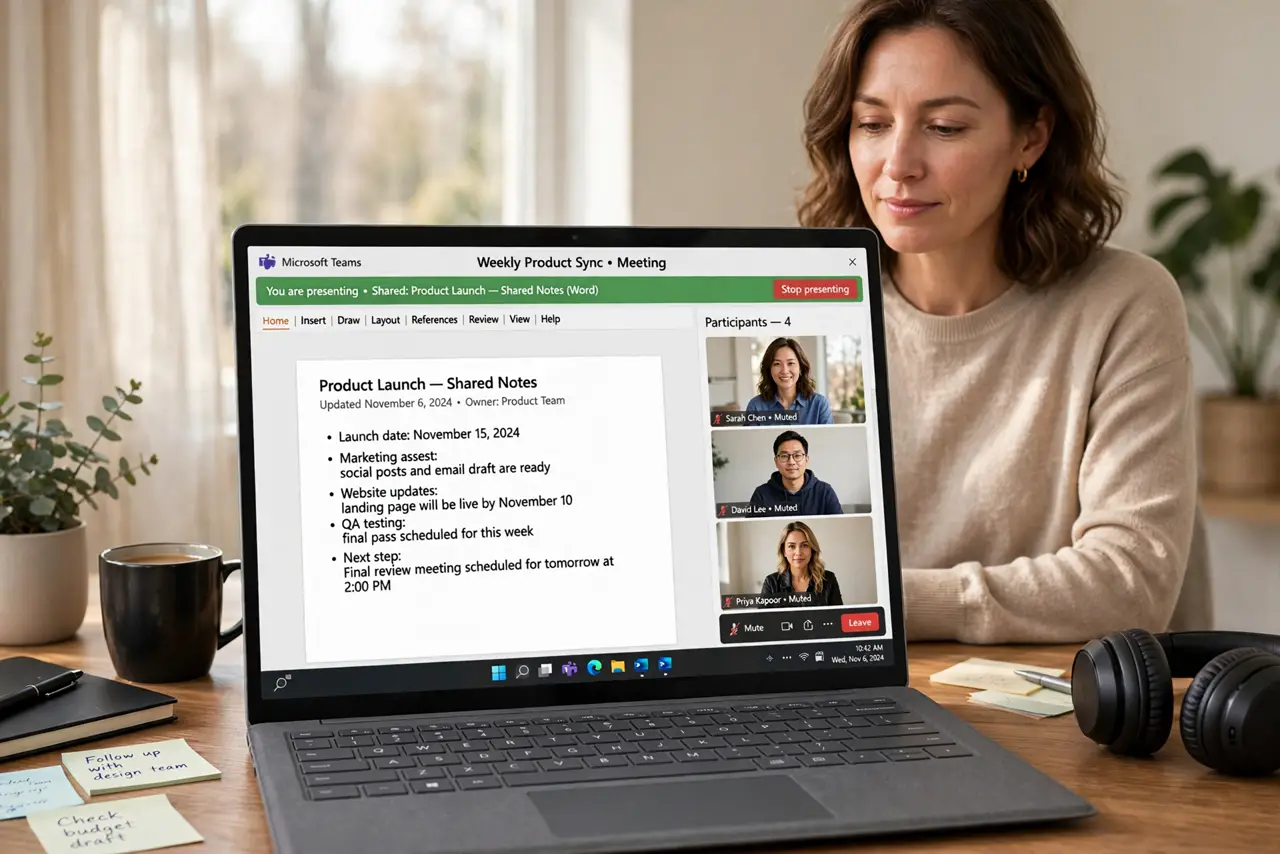
Quick fix: stop the share, grant the meeting app screen recording permission, and share a single normal window instead of the whole screen. If protected video is the cause, share slides or a document instead. Last, test the share with a colleague to confirm it.
Follow these steps
- Stop the share and start it again. Stop sharing, wait a few seconds, and share again. A share that starts before the app is ready can stay black until it is restarted cleanly.
- Share a single window, not the whole screen. Choose one normal window, such as a document or a browser tab, instead of the entire screen. A single window avoids protected content elsewhere on the desktop.
- Grant screen recording permission. Open system privacy settings and confirm the meeting app is allowed to record the screen. Without this permission, the share stays black even when everything else works.
- Close protected video players. Close streaming video players and protected apps before sharing. Protected video is designed not to be captured, and it shows black by design.
- Update the meeting app and the browser. Check for updates to the meeting app or browser you share from. An outdated capture path can fail silently and show black.
- Test the share with a colleague. Share a simple document and ask a colleague what they see. A quick test confirms the fix before an important presentation.
What NOT to do
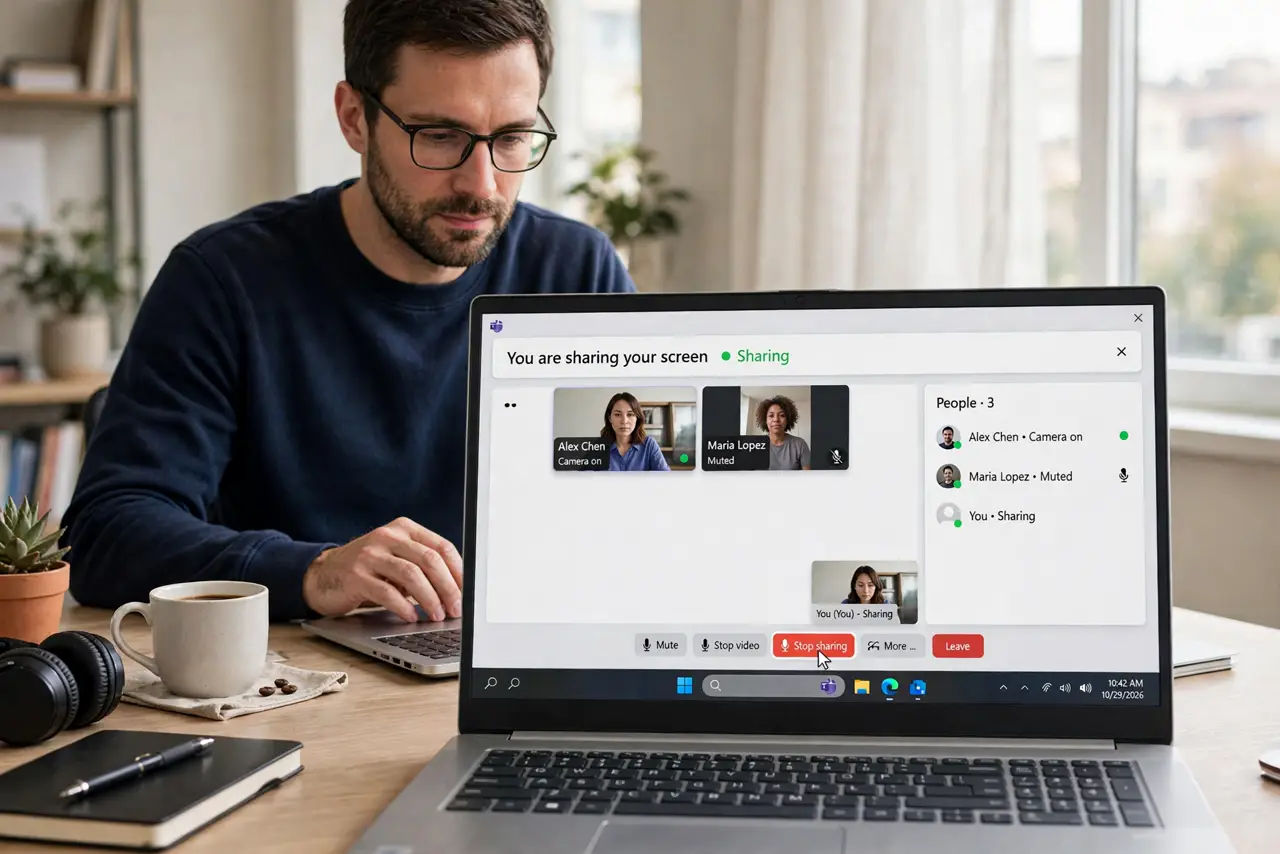
- Do not share your whole screen with sensitive windows open. Share one window, so private mail or messages stay hidden.
- Do not keep restarting the meeting to fix a black share. Restart the share itself first, then check permissions.
- Do not grant screen permission to every app that asks. Grant it to the meeting app you actually use.
- Do not share protected video and expect it to work. Copyright protection blocks capture on purpose, so use slides instead.
Frequently asked questions
Why is my screen share black for others but fine for me?
The app may lack screen permission, or the shared content may be protected video that cannot be captured.
Does sharing a window fix a black screen?
Often yes. A single normal window avoids protected content and permission problems tied to the whole screen.
What if nothing I share shows up?
Then check screen permission first, restart the share, and test with a simple document.