Website Buttons Ignore Touches on a Phone
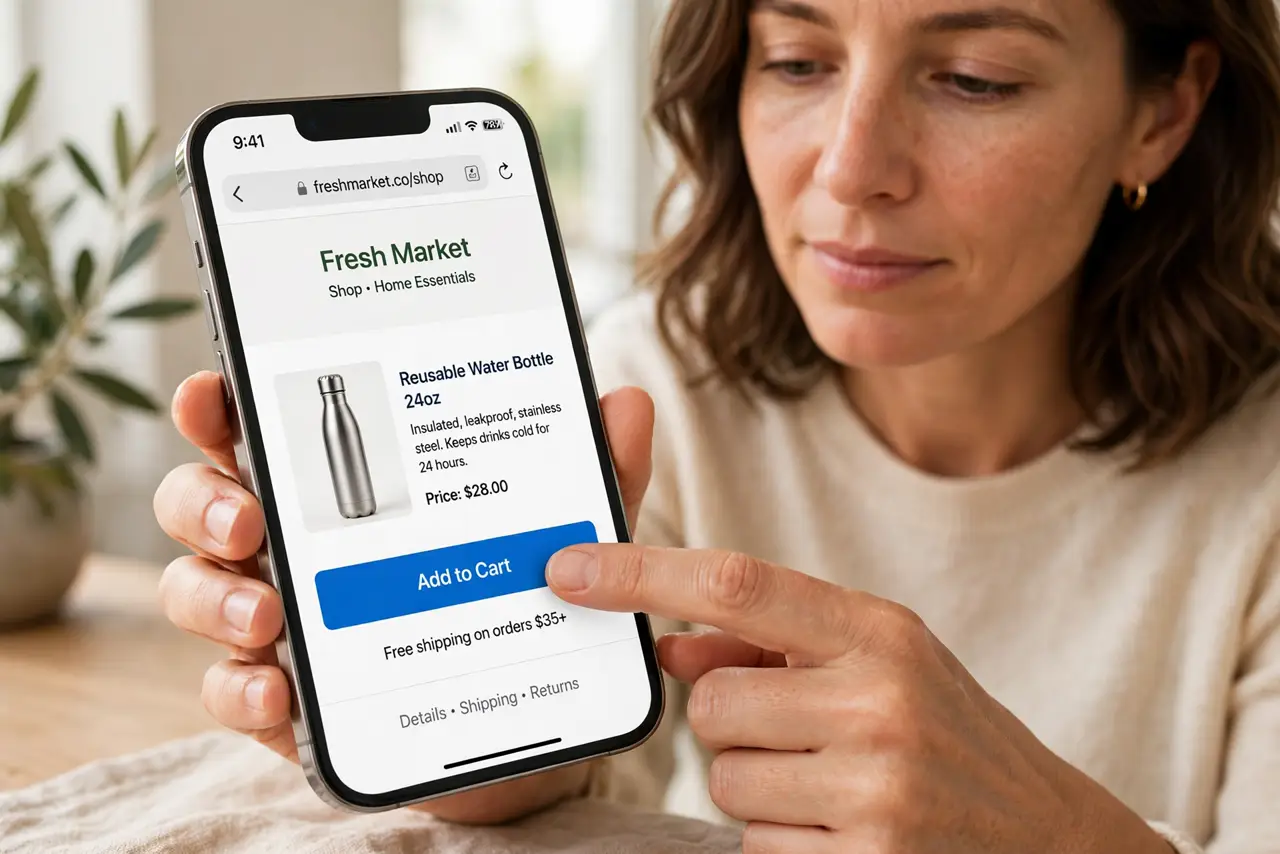
Tapping a button on a website does nothing on your phone, while everything works on the laptop. Touch handling on mobile is pickier — zoom level, overlays, and hover-only menus are the usual suspects.
TL;DR / Quick Fix
Quick fix: pinch the page back to 100 percent zoom first, since zoomed pages misalign tap targets. Then try a firm, deliberate tap, rotate to portrait if the layout looks broken, and reload the page completely. Dismiss any floating banners or pop-ups first, since invisible overlays often eat the tap.
Follow these steps
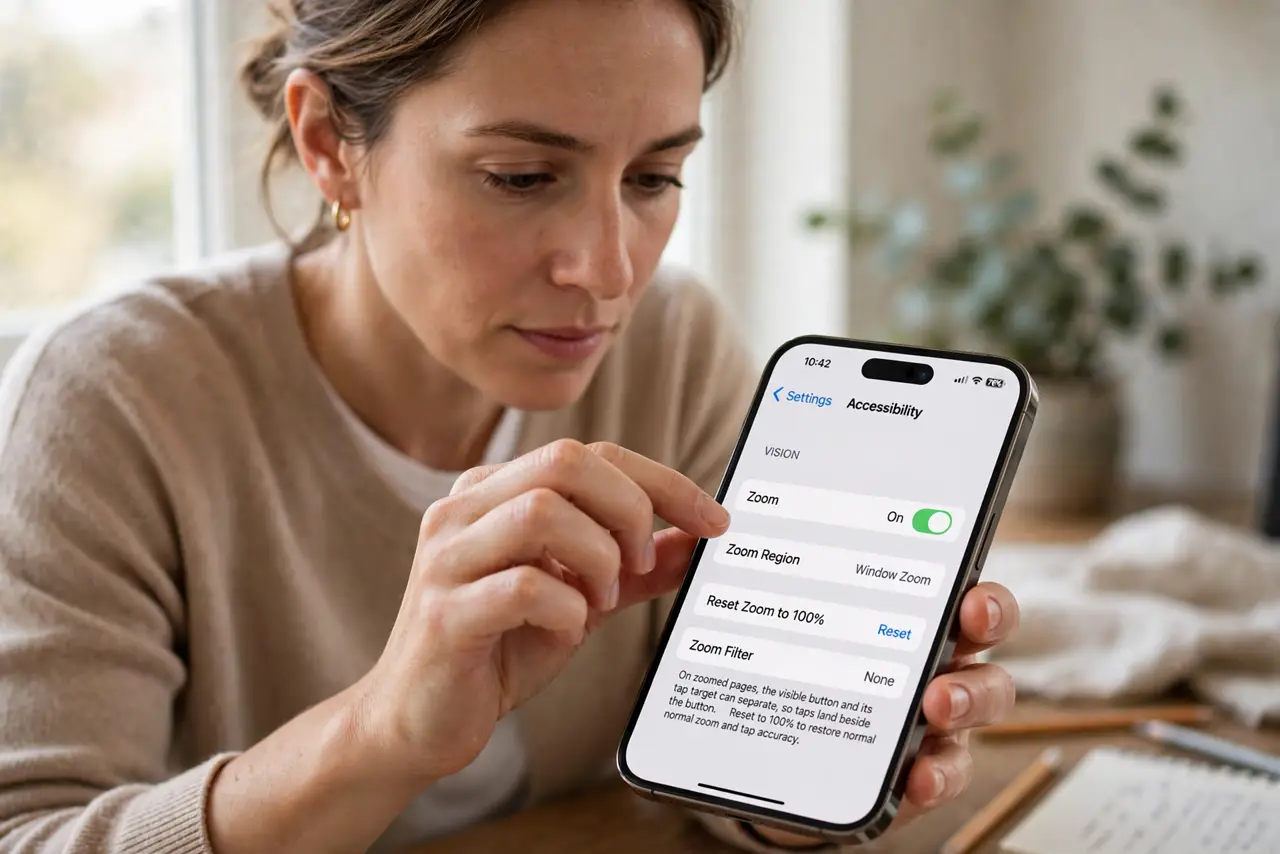
- Reset the zoom to 100 percent. Pinch back to normal zoom. On zoomed pages, the visible button and its tap target can separate, so taps land beside the button.
- Tap firmly and deliberately. A quick brush can register as a scroll instead of a tap. Press and lift cleanly on the button itself.
- Check for an invisible overlay. Cookie banners, chat widgets, and pop-ups can sit invisibly over the button and eat the tap. Dismiss or close anything floating on the page.
- Rotate to portrait. Some sites break their touch layout in landscape. Portrait is the layout mobile sites are actually tested in.
- Try a long-press. On some sites, a brief long-press triggers the button when a quick tap does not. It is a workaround, but it confirms the button works.
- Check for a misaligned touch pattern. If taps land wrong across many sites, a misaligned touch pattern points at the phone's touch calibration. If it is one site, the site's mobile design is at fault.
What NOT to do
- Do not keep hammering the button. Repeated taps can submit a form twice or trigger the action multiple times once it finally responds.
- Do not assume the phone is broken over one site. A button dead on one site but fine elsewhere is that site's mobile design failing.
- Do not enable Desktop site mode to fix it. Desktop layouts are worse for touch, not better, and the problem usually grows.
- Do not install a new browser before the basics. Zoom, overlays, and reloads fix most dead buttons without any new software.
Frequently asked questions
Why do buttons work on desktop but not my phone?
Desktop uses precise mouse clicks; phones use touch targets that zoom, overlays, and hover-only designs can break.
Is my screen broken?
Unlikely if other apps tap fine. Test taps in a notes app — accurate there means the screen is fine and the site is not.
What if no button on any site works?
Then check the phone: restart it, remove the screen protector as a test, and check touch settings.