Website Remembers the Wrong Account? Fix It
A site remembers the wrong account because its session belongs to someone else's sign-in, often on a shared computer or after an account switch that never completed. Signing out fully and clearing that site's data resets the choice.
TL;DR / Quick Fix
Quick fix: sign out of the site completely, clear cookies for that site only, and sign in with the right account. Then check the account name on the page before doing anything important with that account. Last, use separate profiles on shared computers to confirm it.
Follow these steps
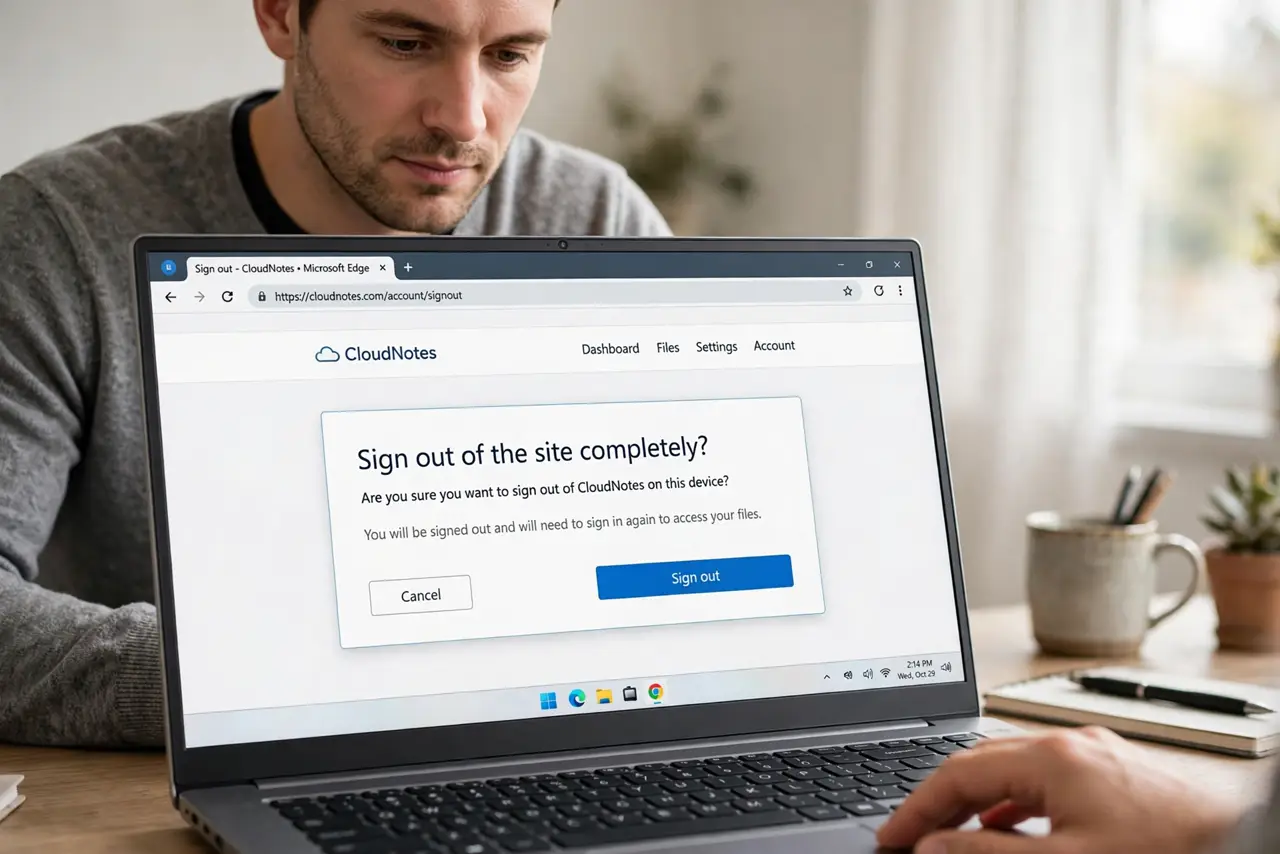
- Sign out of the site completely. Use the site's sign-out option, not just closing the tab. Closing a tab often leaves the session alive, so the site greets the same account next time.
- Clear cookies for that site only. Remove cookies and site data for that one address. This clears the remembered session, so the next visit asks you to choose an account.
- Sign in with the right account. Open the site fresh and sign in with the account you want. Check the account name or avatar on the page before you continue.
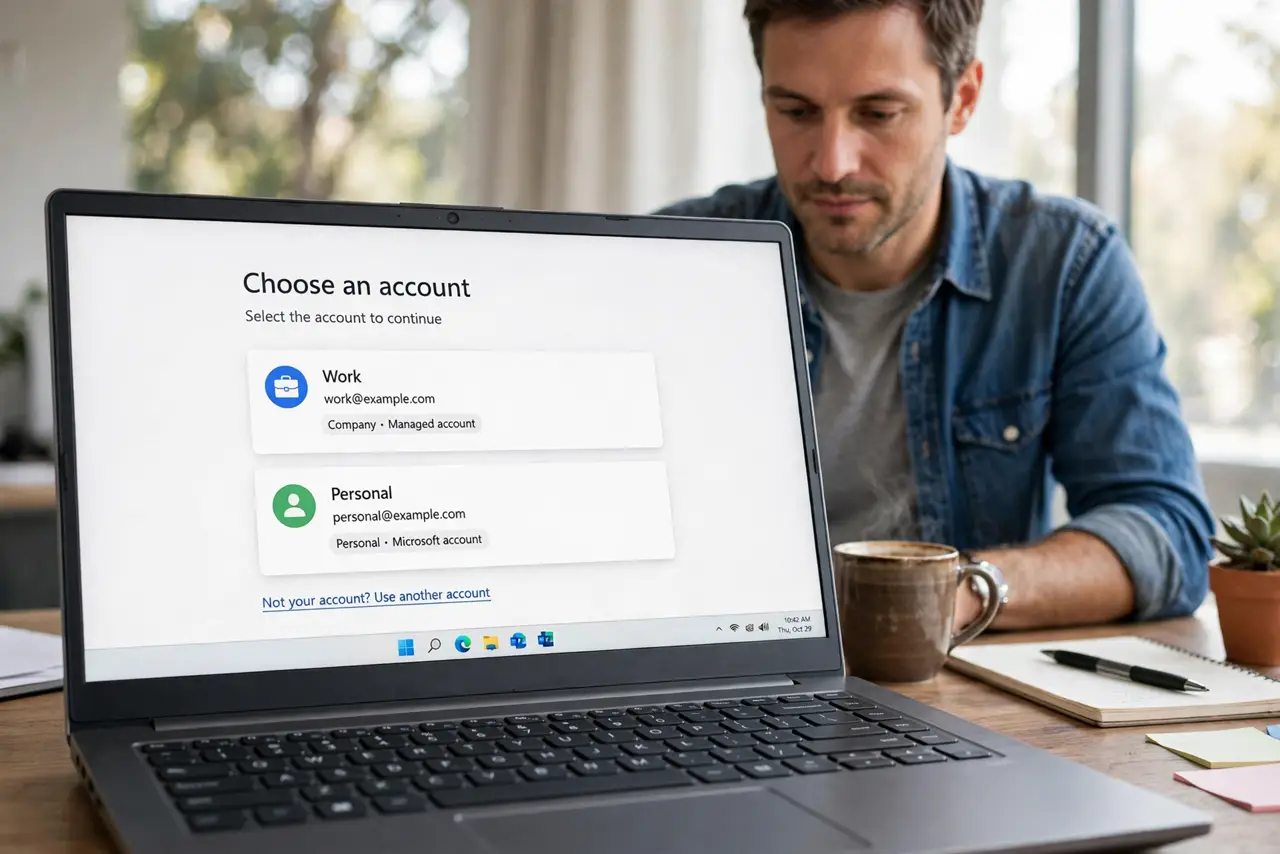
- Remove the wrong account from the chooser. If the site shows an account chooser, remove the wrong account from that list. A chooser that keeps offering the wrong account will keep winning.
- Check the browser profile. Confirm you are in your own browser profile. A shared profile mixes accounts, while separate profiles keep each person's sessions apart.
- Use separate profiles on shared computers. On a shared computer, each person should use their own browser profile. That single habit prevents most wrong-account problems.
What NOT to do
- Do not just switch accounts inside a page and assume it worked. Check the account name after switching, every time.
- Do not stay signed in to a personal account on a shared computer. Sign out when you finish.
- Do not save the wrong account's password in your profile. That makes the wrong account the easy choice next time.
- Do not perform sensitive actions before checking the account. A quick glance at the avatar prevents costly mistakes.
Frequently asked questions
Why does a site open the wrong account?
A previous session is still active, or the account chooser defaults to the last account used on that browser.
Will clearing site cookies delete my account?
No. It only signs you out in that browser. The account itself stays untouched.
How do I stop this on a shared computer?
Use separate browser profiles, and sign out fully when you finish, rather than just closing the tab.