2.4 GHz Isn't Dying
Your new router tempts you to disable the old 2.4 GHz band — it is slow, crowded, legacy. Do not. Half your smart home speaks only 2.4 GHz: thermostats, garage openers, cameras, plugs. The band is not dying; it is the workhorse underneath the shiny 5 GHz. Here is why it stays.
TL;DR / Quick Fix
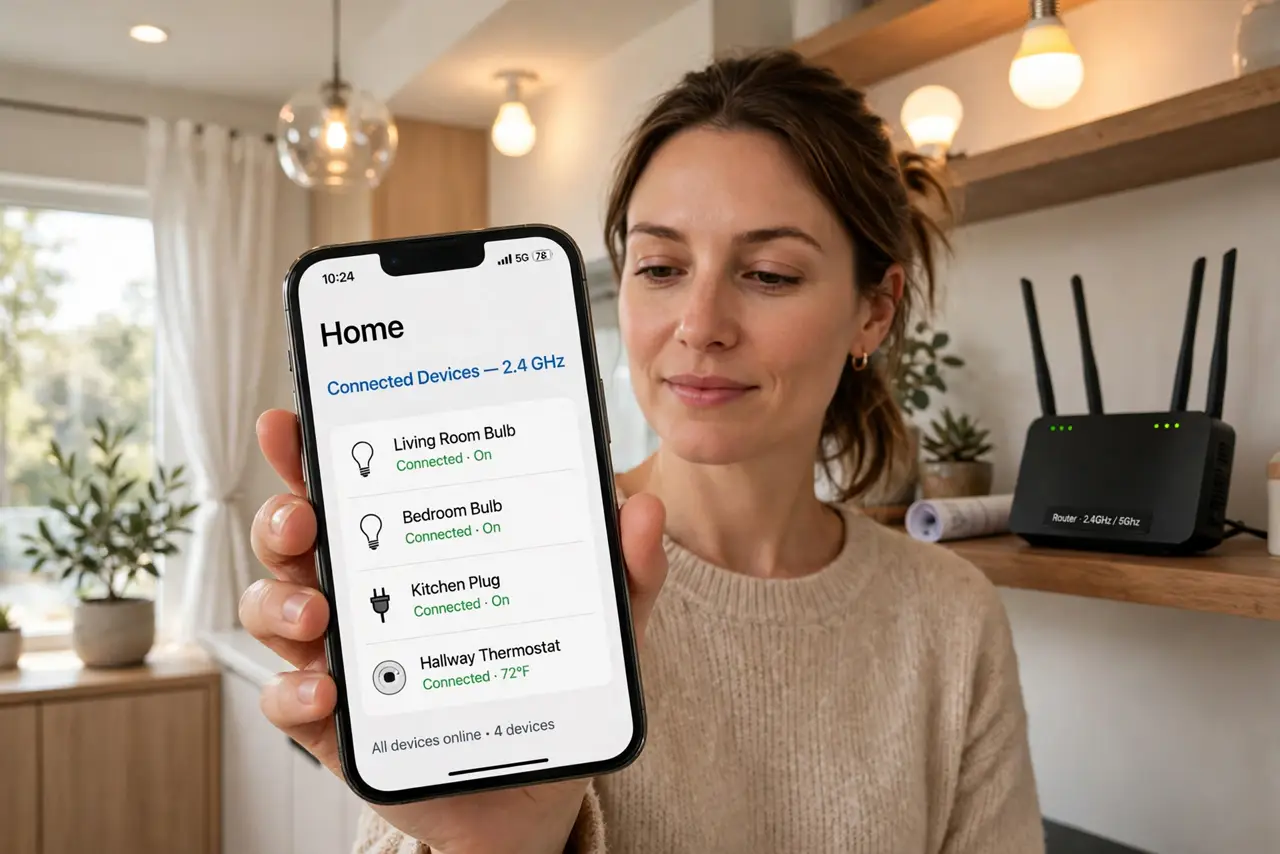
Quick fix: 2.4 GHz is not dying — smart home gadgets, thermostats, and garage openers depend on its long range, and routers will keep broadcasting it for years. Keep the 2.4 GHz band enabled even if your phone prefers 5 GHz. Range beats speed for tiny smart devices.
Follow these steps
- Learn why 2.4 GHz survives. Range and wall penetration beat speed for tiny devices that send sips of data. A thermostat does not need gigabit — it needs to reach through two walls. That physics does not change.
- Count your 2.4 GHz devices. Thermostats, garage openers, smart plugs, cameras, doorbells — check how many of yours are 2.4 GHz only. Most homes are surprised by the count — see the smart home standards for what runs on it.
- Keep the band enabled. In router settings, leave 2.4 GHz on even if you steer phones to 5 GHz. Disabling it orphans every device that only speaks it.
- Use separate network names. Give 2.4 GHz and 5 GHz different names during smart-device setup. Combined names confuse pairing — separate, pair, then combine again if you like.
- Do not fear the crowding. Yes, 2.4 GHz is crowded — but smart devices sip data. Your video calls live on 5 GHz; the thermostat's tiny packets coexist fine.
- Plan new purchases wisely. New gear on Matter and Thread still uses 2.4 GHz spectrum underneath — see whether you need a hub for the modern setup. The band's future is secure.

What NOT to do
- Do not disable 2.4 GHz to 'modernize.' You will orphan thermostats, openers, and cameras in one click — the most common self-inflicted smart home outage.
- Do not put everything on 5 GHz. Phones and laptops love it; smart gadgets cannot use it — match the band to the device.
- Do not combine network names during setup. Band steering confuses 2.4 GHz-only devices at pairing time — separate first, pair, then recombine.
- Do not blame 2.4 GHz for slow phones. Your phone's speed issues are a 5 GHz or provider matter — the IoT band is not the culprit.
Frequently asked questions
Will routers drop 2.4 GHz?
No — every current router standard includes it, and the installed base of devices guarantees years of support.
Is 2.4 GHz slower?
Yes, but smart devices do not need speed. A camera stream is the heaviest 2.4 GHz load in most homes, and it fits fine.
Should my phone use 2.4 GHz?
Only at long range. Near the router, 5 GHz is faster — let the phone roam, keep the band available for the gadgets.