320 MHz Channels?
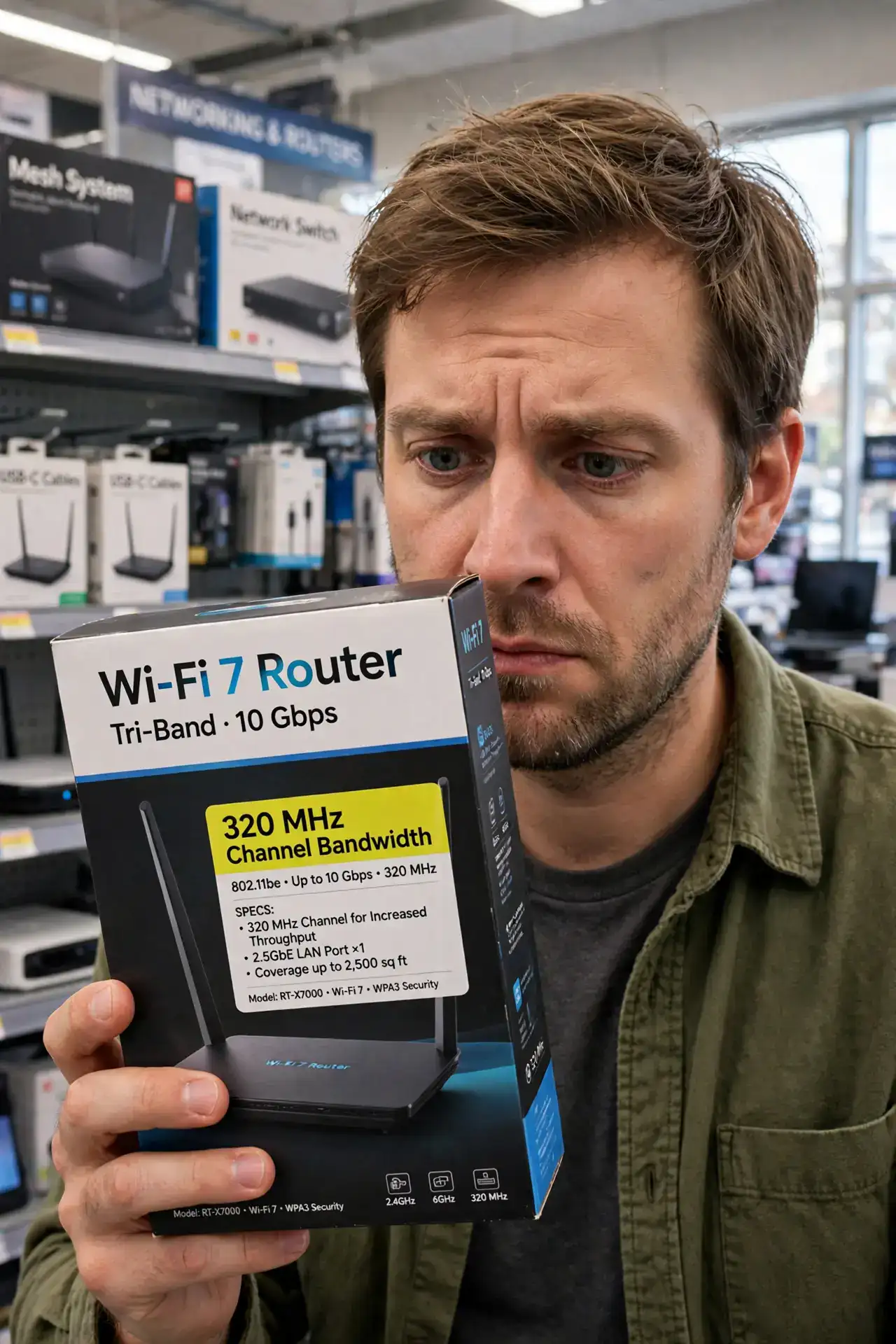
Wi-Fi 7 boxes brag about 320 MHz channels, and it sounds like pure speed magic. It is real — wider channels move more data at once — but it comes with fine print: only on the 6 GHz band, only with Wi-Fi 7 on both ends, and only as fast as your internet plan allows. Understand the Wi-Fi 7 standard and what MLO does to see where this fits.
TL;DR / Quick Fix
Quick fix: 320 MHz channels are Wi-Fi 7's widest lane — double the previous maximum, moving much more data at once. They need the 6 GHz band with Wi-Fi 7 gear on both ends. Impressive on paper, but your internet plan still decides how fast things feel.
Follow these steps
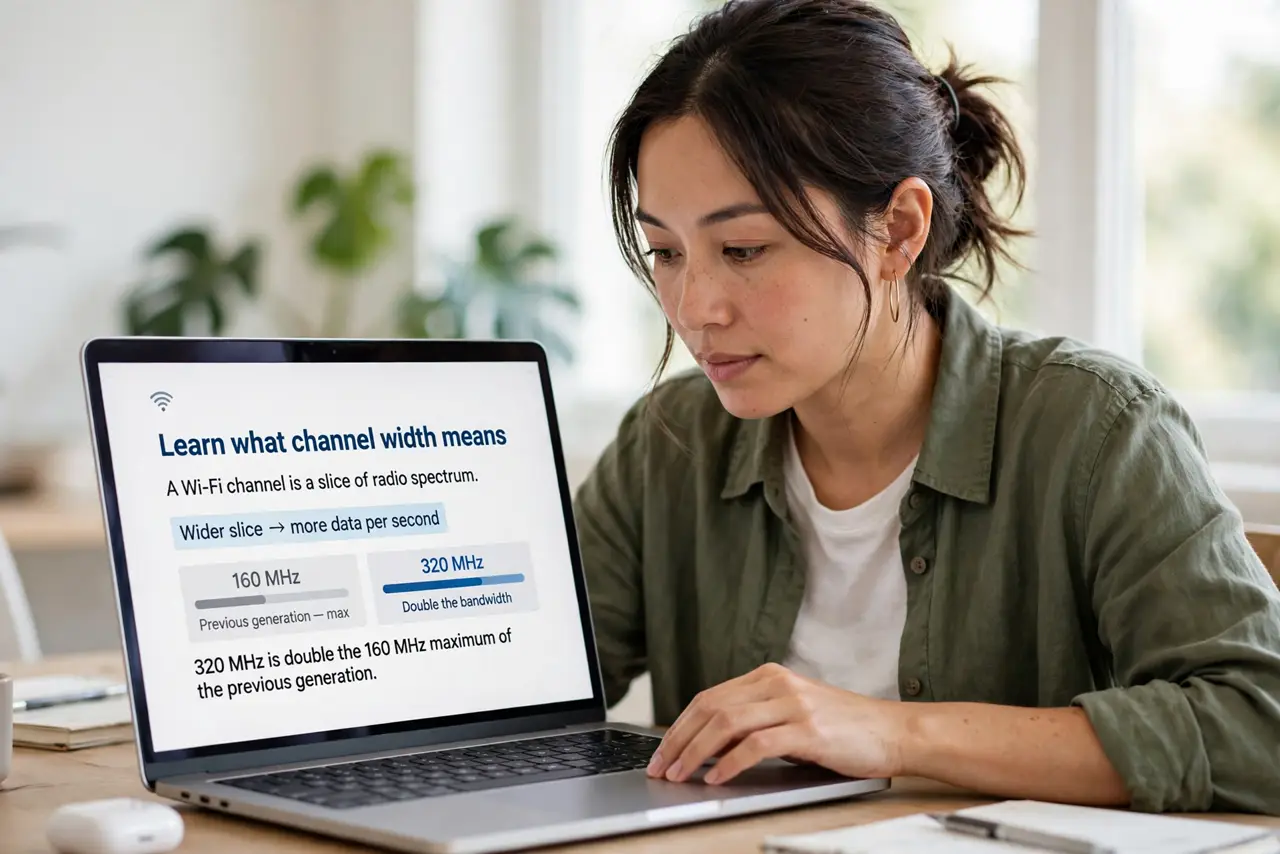
- Learn what channel width means. A Wi-Fi channel is a slice of radio spectrum. Wider slice, more data per second — 320 MHz is double the 160 MHz maximum of the previous generation.
- Know it is 6 GHz only. These ultra-wide channels only exist on the 6 GHz band. If your devices do not use 6 GHz, the 320 MHz number on the box is irrelevant to you.
- Understand the tradeoff. Wider channels are more prone to interference and have slightly less range. In crowded apartments, the router may drop to narrower widths automatically — which is fine and normal.
- Check both ends support it. Router and device must both be Wi-Fi 7 for 320 MHz to engage. A Wi-Fi 7 router talking to a Wi-Fi 6 phone uses narrower channels.
- Remember the plan is the ceiling. A 320 MHz channel can move far more than most home internet plans deliver. If your plan is 500 Mbps, the extra lane mostly sits empty.
- Let the router choose. Leave channel width on automatic. The router picks the widest clean channel available — manually forcing 320 MHz in a noisy area usually performs worse.
What NOT to do
- Do not buy a router for this number alone. Channel width is one spec among many, and rarely the one that matters most.
- Do not force 320 MHz manually in a crowded area. Auto mode will drop to a cleaner narrower channel and actually go faster.
- Do not expect double the speed. Real-world gains are modest because interference, distance, and your plan all take their cut.
- Do not forget range shrinks a little. The widest channels are happiest at short range, close to the router.
Frequently asked questions
Will 320 MHz reach my whole house?
Probably not at full width — wide channels fade faster with distance. Your devices will simply use narrower widths farther from the router.
Do I need it for 4K streaming?
No. Even several 4K streams fit comfortably in far narrower channels. This is about headroom, not requirements.
Is wider always better?
Not in noisy environments. A clean narrow channel beats a crowded wide one every time — which is why auto mode usually wins.