Wi-Fi 6 vs Wi-Fi 5: The Real Difference
Router boxes shout about Wi-Fi 6, but your laptop from 2019 cannot even use it. The real difference is not raw speed — it is how the router handles many devices at once. Whether it is worth it depends on your gadgets, not the marketing.
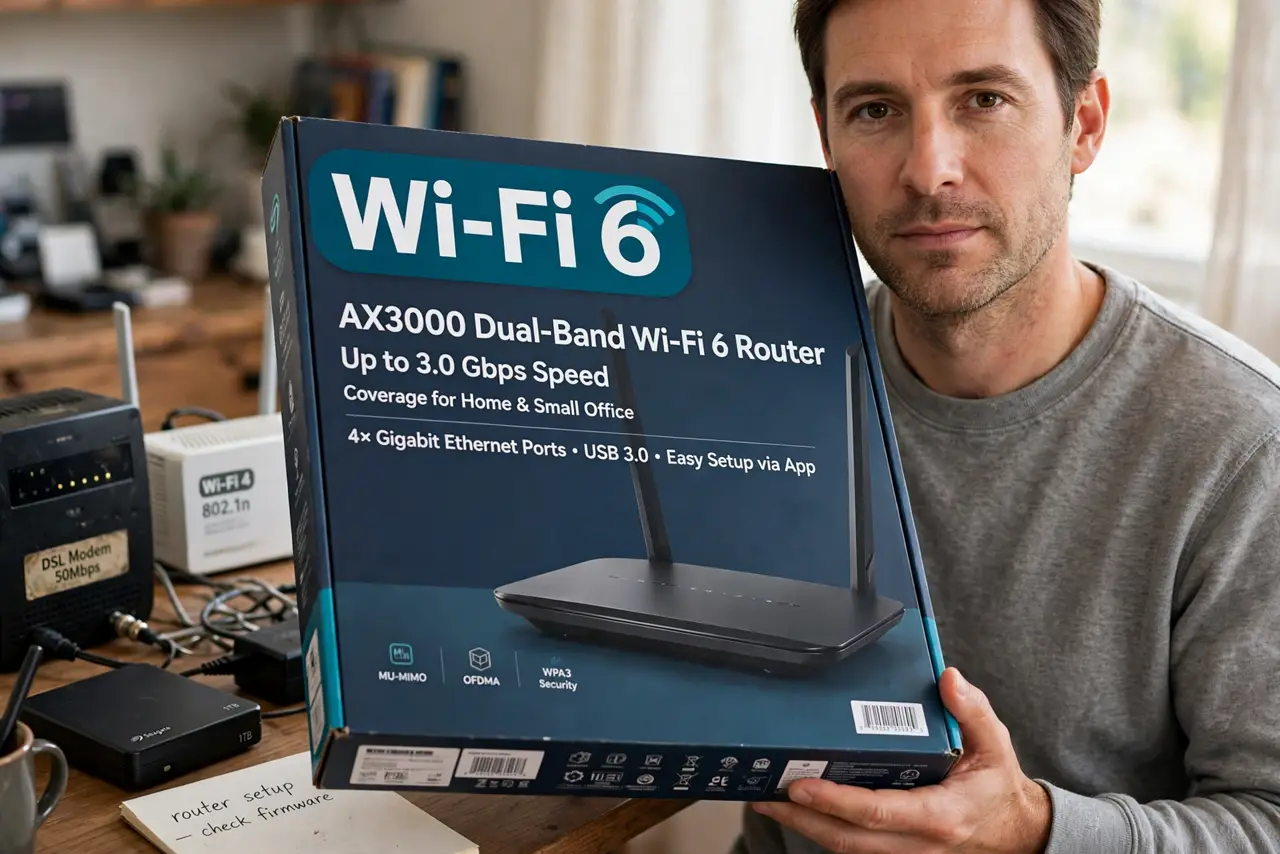
TL;DR / Quick Fix
Quick fix: buy Wi-Fi 6 when you have 15+ connected devices or anyone games and video-calls simultaneously — its efficiency upgrades shine under load. With a handful of older gadgets, Wi-Fi 5 is fine; check the [[band basics|wifi-2-4-vs-5-ghz]] first and [[speed up what you own|speed-up-home-wifi-free]].
Follow these steps
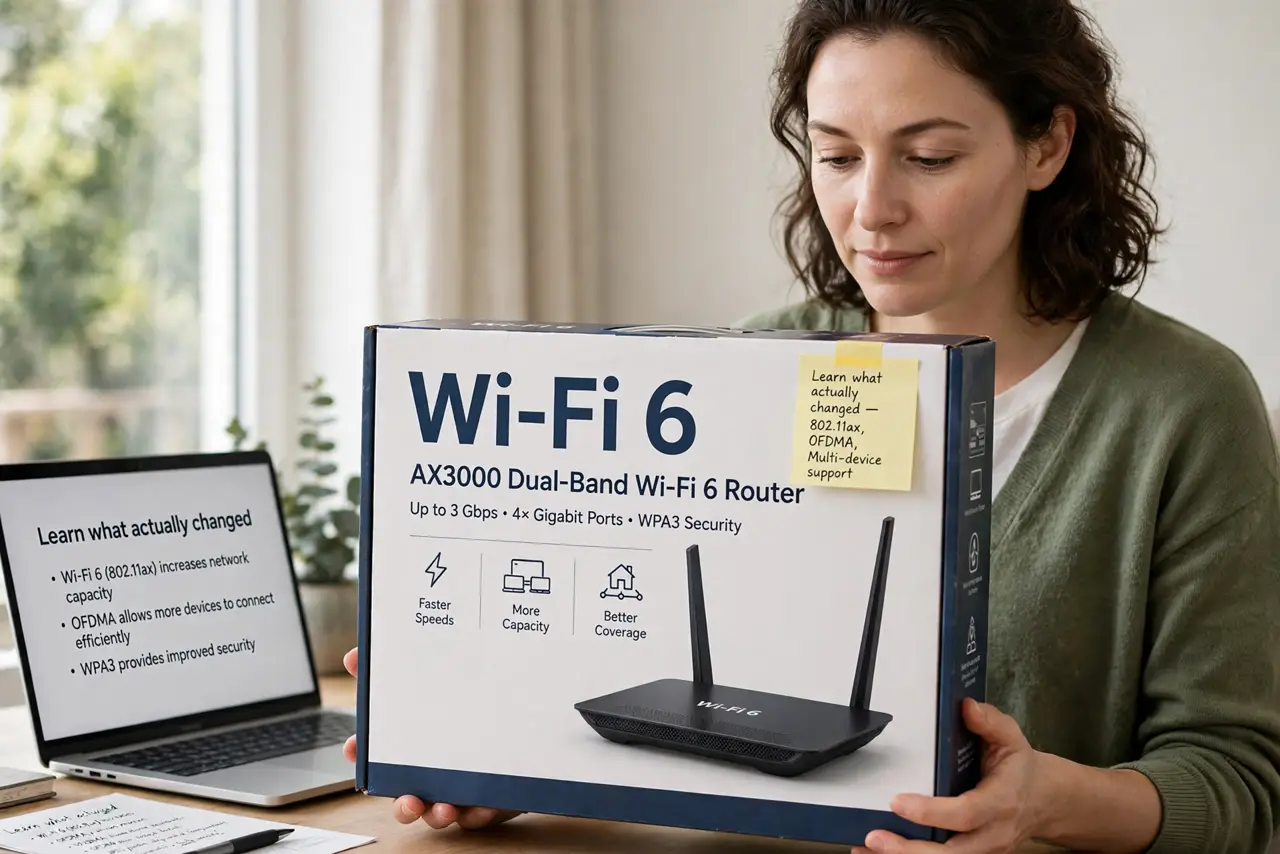
- Learn what actually changed. Wi-Fi 6 adds efficiency tech that serves many devices simultaneously instead of one at a time. Peak speed rose modestly; crowded-network performance rose a lot.
- Count your connected devices. Phones, TVs, doorbells, plugs, watches — most homes now run 15–30. That crowd is exactly what Wi-Fi 6 was built for.
- Check what your devices support. A Wi-Fi 6 router still talks Wi-Fi 5 to old devices. You get the full benefit only as gadgets upgrade over the next few years.
- Prioritize the busy household case. If evenings mean streams, calls, and gaming at once, Wi-Fi 6's traffic management is genuinely noticeable. Quiet homes notice little.
- Do not expect double speed. On a single device doing one thing, Wi-Fi 6 is barely faster than Wi-Fi 5. The win is consistency under load, not bigger numbers.
- Keep your current router if it works. A working Wi-Fi 5 router with good placement beats a badly placed Wi-Fi 6 one. Upgrade when devices or device counts demand it.
What NOT to do
- Do not buy Wi-Fi 6 for one old laptop. The laptop cannot use the new features, so you pay for speed it will never see.
- Do not confuse Wi-Fi 6 with 6 GHz. Wi-Fi 6 runs on the same 2.4 and 5 GHz bands; the 6 GHz band belongs to Wi-Fi 6E, a different upgrade.
- Do not toss a fine Wi-Fi 5 router prematurely. E-waste aside, the money is better spent on placement or a mesh node for real coverage gains.
- Do not expect it to fix slow internet. Wi-Fi 6 improves your home network, not the speed your provider delivers — check evening slowdowns first.
Frequently asked questions
Is Wi-Fi 6 worth it in 2026?
For busy smart homes, yes. For a few older devices and light use, Wi-Fi 5 remains perfectly good.
Do I need new devices to benefit?
Partly. Old devices still connect fine, but the big efficiency gains need Wi-Fi 6 capable gadgets.
What's the difference between Wi-Fi 6 and 6E?
6E adds the new 6 GHz band for extra clean airspace. Standard Wi-Fi 6 improves the bands you already have.