Basement Wi-Fi Fixes That Work
Basements are Wi-Fi basements in every sense: concrete floors and earth on two sides swallow signal from the router upstairs. A home office, gym, or media room down there deserves better than one bar. The fix is almost always a wire downstairs — wireless tricks rarely punch through concrete.
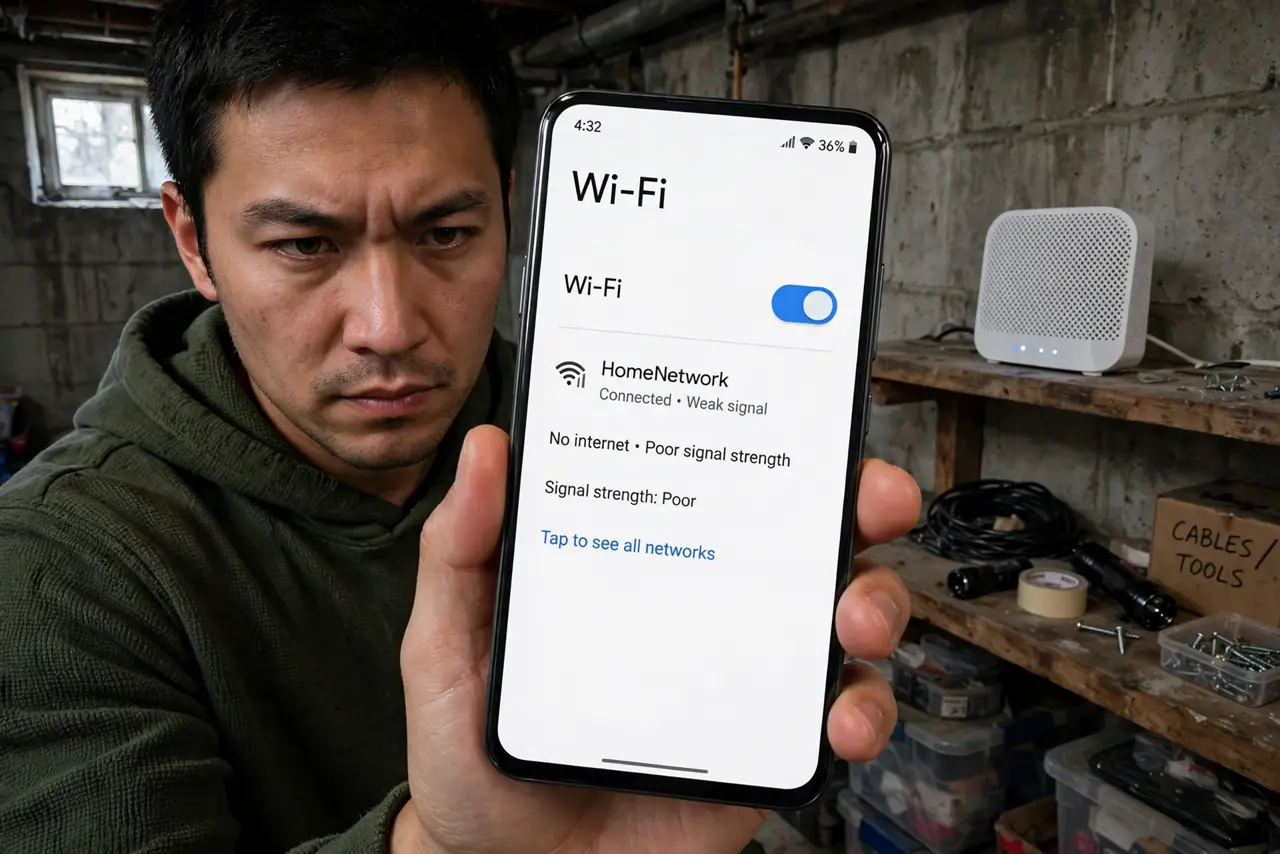
TL;DR / Quick Fix
Quick fix: get the signal downstairs with a wire, not wishful thinking — concrete floors block Wi-Fi almost completely. Run Ethernet from the main floor to a basement access point or mesh node. A node sitting above the basement on the ground floor works for light use below it.
Follow these steps
- Confirm the floor is the problem. Test speed at the top of the basement stairs versus the bottom. A cliff-edge drop between the two proves the concrete floor is the barrier — no settings tweak crosses concrete, as the concrete-floors reality shows.
- Run Ethernet downstairs. Through a cold-air return, alongside plumbing, or via an exterior wall — one cable from the main router to the basement changes everything. Terminate it at an access point or mesh node placed centrally downstairs.
- Place the basement node centrally and high. Down there, the node is the new main source. Center it on the basement's used area, on a shelf — not on the concrete floor, which absorbs signal just like the ceiling did.
- Use MoCA or powerline if you can't run cable. Coax to the basement? MoCA adapters carry a wired-grade link down without new holes. Powerline is the last resort — basement circuits are often noisy.
- Don't rely on a node at the top of the stairs. A mesh satellite sitting right above the basement covers the stairwell and not much more. It feels like progress on the stairs and delivers nothing at the desk.
- Test from the actual workstation. Basements have their own dead spots — behind the furnace, inside the utility closet. Test from the desk, the couch, and the treadmill, then nudge the node.

What NOT to do
- Do not buy a 'high-power' router for the basement. More power upstairs doesn't penetrate concrete — the source must move downstairs.
- Do not put the basement node on the concrete floor. The floor absorbs signal downward and the node wastes half its energy heating concrete.
- Do not expect the furnace room to cooperate. Metal ductwork and the furnace itself create a local dead zone — keep the node in the living area.
- Do not forget ventilation. Basements get humid; give the node airflow and keep it off the floor away from any damp spots.
Frequently asked questions
Why is basement Wi-Fi so much worse than upstairs?
Concrete and earth attenuate radio waves dramatically — a floor/ceiling of concrete can cut signal tenfold. It's physics, not your router's fault.
Can I drill through the floor for Ethernet?
Usually yes through a closet corner or cold-air return — far easier than it sounds. If drilling is off the table, MoCA over coax is the next best wire.
Will a mesh system alone fix my basement?
Only if a node gets downstairs somehow. Mesh nodes still need a path through the concrete — wirelessly they suffer exactly like your phone does.