Beamforming? Basics
Beamforming is the reason modern routers reach farther than the old ones — instead of spraying Wi-Fi equally in all directions, the router focuses its signal toward your devices. It is automatic, invisible, and built into every modern router. This guide explains what it actually does and why it cannot fix bad placement.
TL;DR / Quick Fix
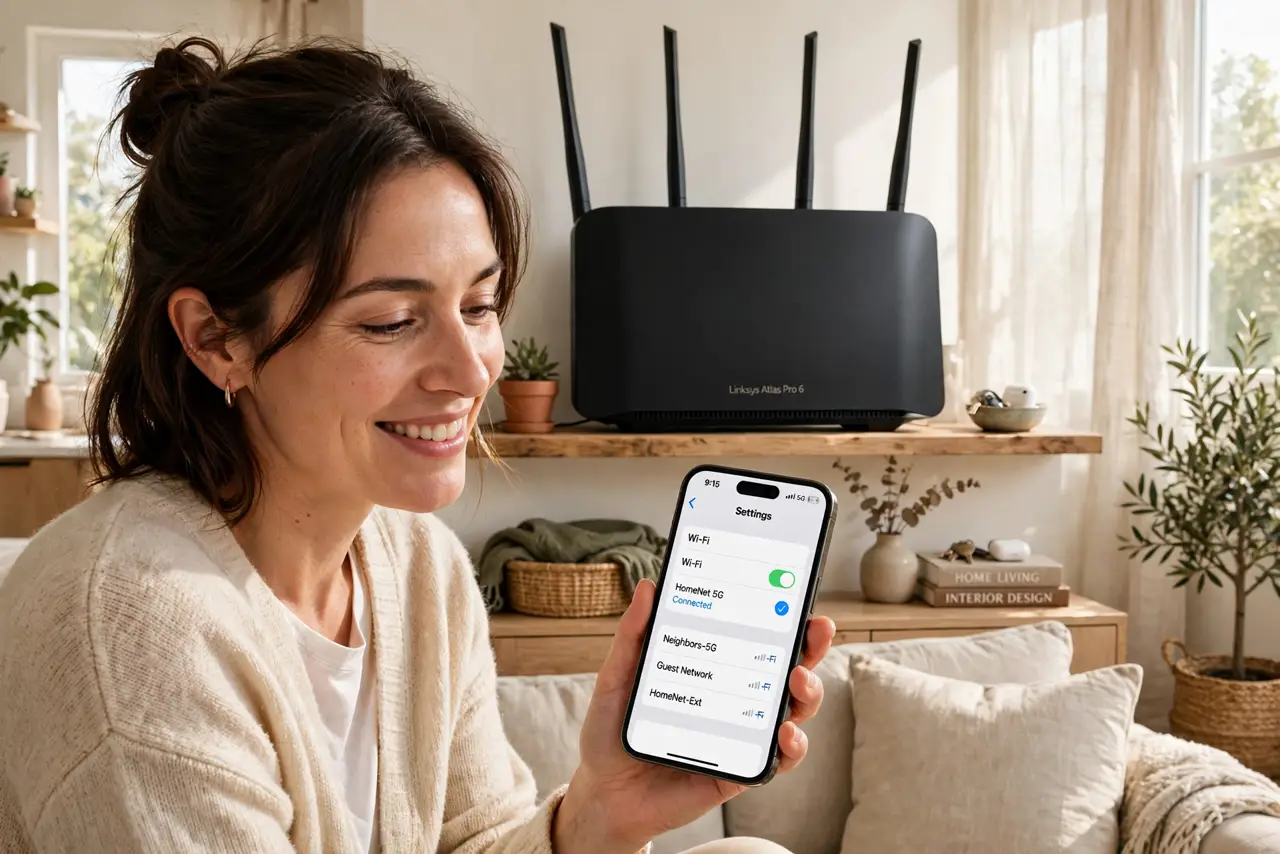
Quick fix: beamforming lets your router aim its Wi-Fi signal at your devices instead of spraying it equally everywhere. It improves range and stability at the edges of coverage. It is automatic on modern routers. Do not expect miracles — walls still win, and placement matters more.
Follow these steps
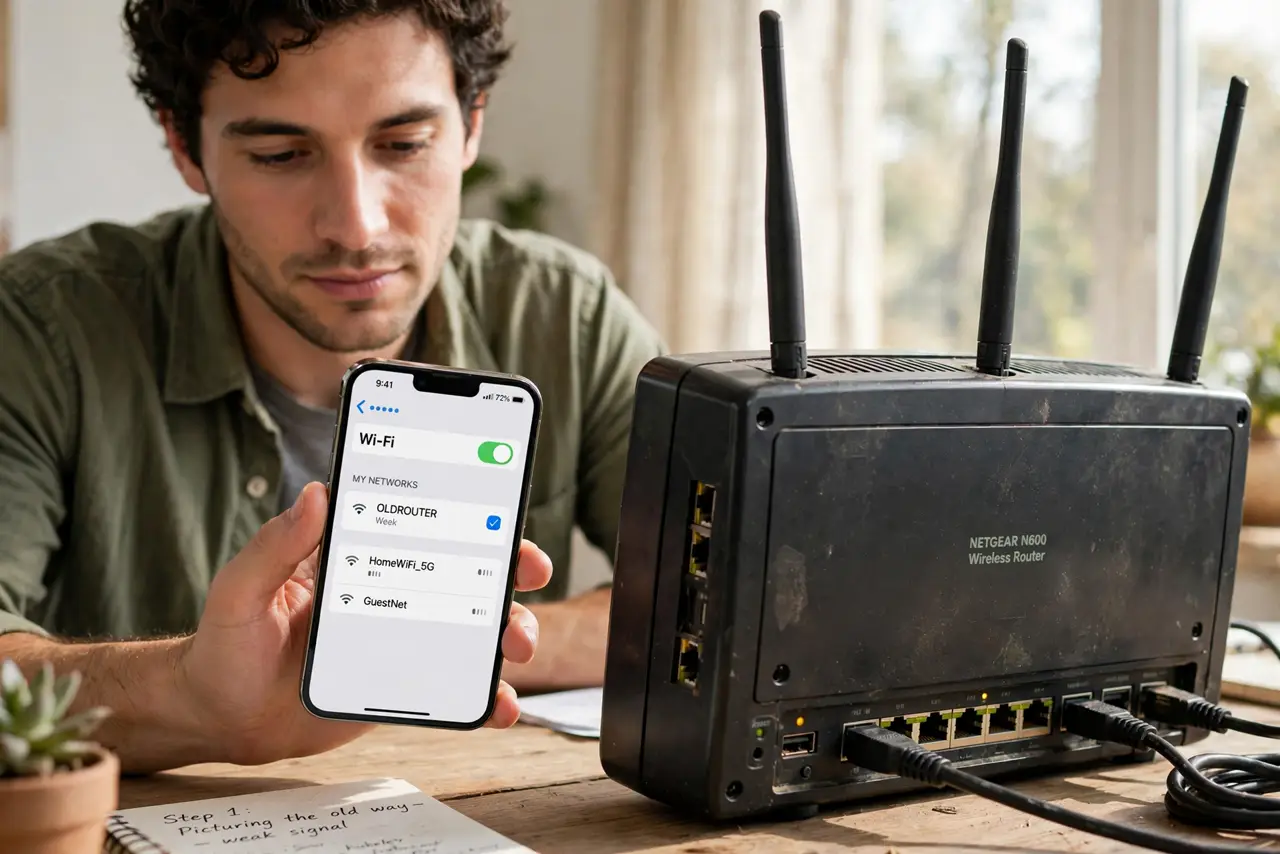
- Picture the old way. Old routers broadcast like a bare light bulb — equal signal in every direction, most of it wasted on empty corners. Your phone got whatever happened to reach it.
- Learn what beamforming does. The router uses its multiple antennas to shape the signal, steering stronger beams toward each connected device — like a spotlight following actors on a stage instead of a floodlight.
- Know it is automatic. There is no beamforming switch on consumer routers. The router and device negotiate it silently whenever both support it — which, on any modern gear, is always.
- Expect better edges, not magic. Beamforming helps most at the fringes of coverage — the far bedroom, the backyard edge. Devices there get a steadier, faster connection than they would without it.
- Understand its limits. It cannot punch through thick walls or fix a router stuffed in a closet. For bigger gains, fix router antenna positioning and placement first — beamforming optimizes a good setup, it does not rescue a bad one.
- Pair it with MU-MIMO knowledge. Beamforming aims the signal; MU-MIMO serves several devices at once. Modern routers do both simultaneously — different tricks, same goal of better busy-home Wi-Fi.
What NOT to do
- Do not buy a router for beamforming alone. Every modern router has it — it is not a differentiator, just table stakes.
- Do not expect it to defeat physics. Concrete, brick, and metal still block Wi-Fi; beamforming softens the edges, it does not tunnel through walls.
- Do not look for a toggle. There is nothing to turn on, tune, or troubleshoot — if coverage is bad, the answer is placement, not a setting.
- Do not confuse it with more antennas. Antenna count helps, but beamforming is the technique — a well-placed two-antenna router beats a badly placed eight-antenna one.
Frequently asked questions
Does beamforming work with old devices?
Partly. Modern routers can do implicit beamforming even with older devices, but the full explicit version needs support on both ends. Either way it is automatic.
Is beamforming safe?
Yes — it only shapes ordinary Wi-Fi radio waves toward your devices. Same signal, better aimed; no health story beyond standard Wi-Fi.
Why is my far room still slow?
Beamforming helps at the edges but cannot fix fundamental range problems. Try moving the router centrally, or add a mesh node for that room.