Bluetooth and Wi-Fi Share a Band
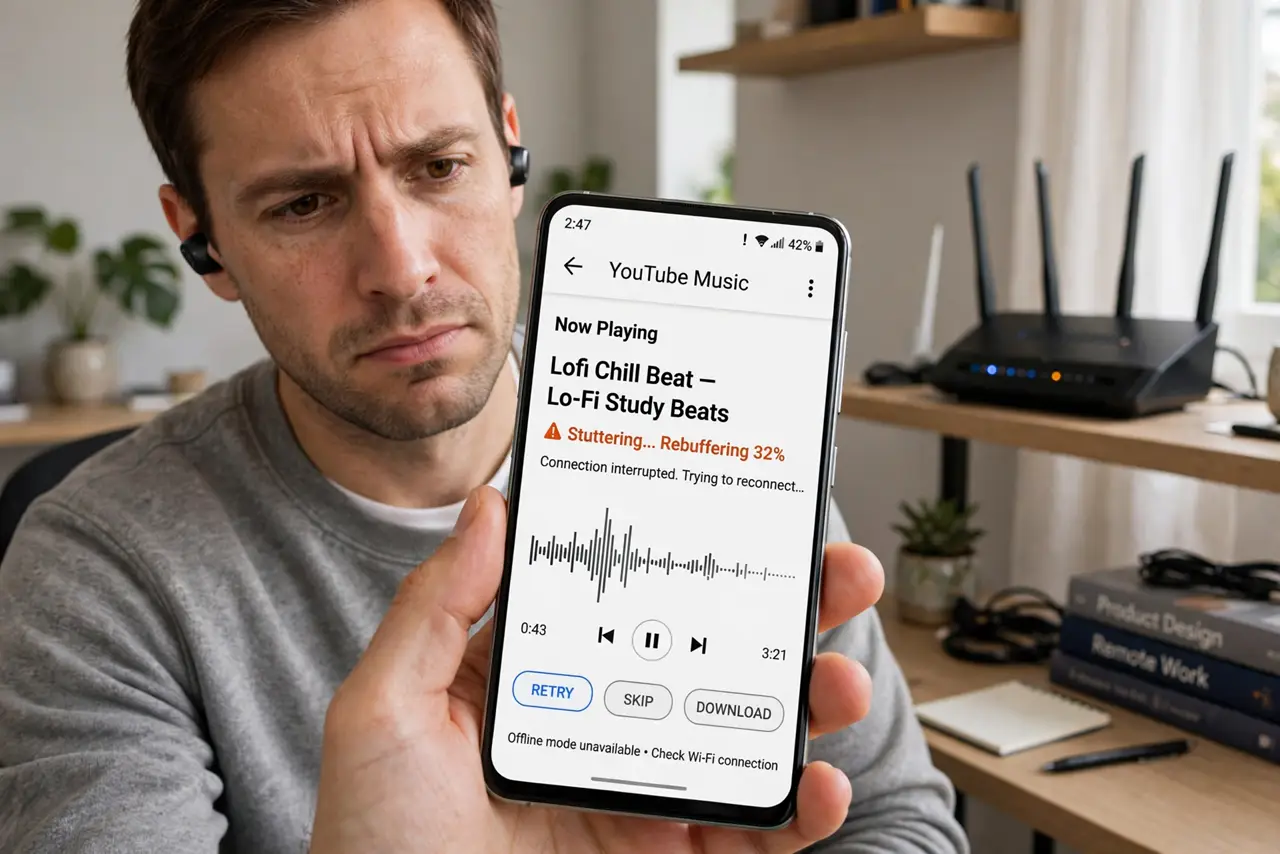
Bluetooth headphones stutter when the laptop is busy downloading, or the mouse lags during a big file transfer. Bluetooth and 2.4 GHz Wi-Fi share the same crowded airwaves, and they can step on each other. Modern devices mostly cope — but when they don't, the fixes are easy and permanent.
TL;DR / Quick Fix
Quick fix: Bluetooth shares the 2.4 GHz airwaves with older Wi-Fi, so heavy Bluetooth use can slow it — though modern devices cope well. If audio stutters, move the Bluetooth device closer to its source, or shift Wi-Fi devices to 5 GHz so each technology gets its own lane.
Follow these steps
- Confirm it's really the clash. If headphone dropouts happen only during heavy Wi-Fi use — big downloads, video calls — and vanish when Wi-Fi idles, the shared band is the cause, not broken headphones.
- Move Bluetooth closer to its source. Bluetooth is short-range by design; every extra foot invites interference. Keep the phone in your pocket, not across the room, when using earbuds — proximity beats power.
- Shift Wi-Fi to 5 GHz. This is the cleanest fix: move your laptop and phone to the 5 GHz band and Bluetooth gets the 2.4 GHz band nearly to itself. Most modern routers can steer devices there.
- Reduce 2.4 GHz congestion generally. Fewer devices fighting on 2.4 GHz means fewer collisions for Bluetooth. Move whatever supports 5 GHz off the old band and leave 2.4 GHz to the gadgets that need it.
- Update Bluetooth and Wi-Fi drivers. Manufacturers constantly improve coexistence — the chips literally take turns. An old driver may lack the coordination that a new one handles silently.
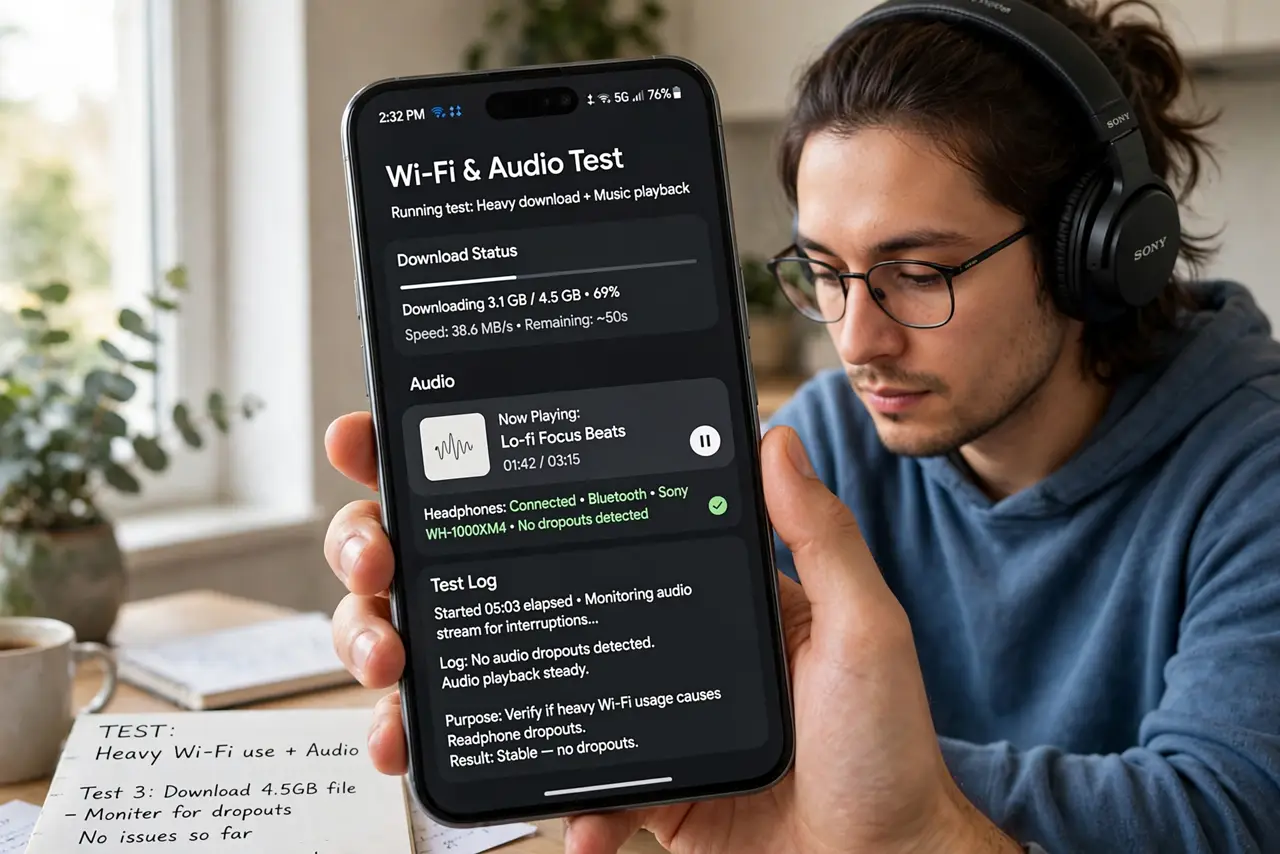
- Test the worst case deliberately. Stream music to the earbuds while running a speed test on 2.4 GHz. Clean audio under load means coexistence is working; stuttering means the 5 GHz shift is still needed.
What NOT to do
- Do not replace the headphones first. Stutter that tracks Wi-Fi activity is a coexistence issue — new earbuds on the same crowded band stutter identically.
- Do not disable Bluetooth to 'fix' Wi-Fi. You're amputating a feature to dodge a configuration issue that a band shift solves properly.
- Do not assume 5 GHz devices are affected. The clash is strictly a 2.4 GHz phenomenon — a 5 GHz laptop and Bluetooth earbuds never fight.
- Do not stack the router on the Bluetooth speaker. Physical separation helps both; a foot or two of air is free interference reduction.
Frequently asked questions
Why do my earbuds stutter only during downloads?
Heavy 2.4 GHz Wi-Fi traffic crowds the band Bluetooth hops through. The earbuds lose packets to the flood — moving Wi-Fi to 5 GHz drains the flood away.
Does Bluetooth slow down my Wi-Fi too?
Slightly, on 2.4 GHz — it's a two-way street. In practice Wi-Fi notices Bluetooth far less than Bluetooth notices Wi-Fi, because Wi-Fi is the louder talker.
Will Wi-Fi 6 fix Bluetooth interference?
It helps — Wi-Fi 6 schedules airtime more efficiently, leaving cleaner gaps for Bluetooth. But the 5 GHz shift remains the most reliable fix.