Fix Chromecast Discovery
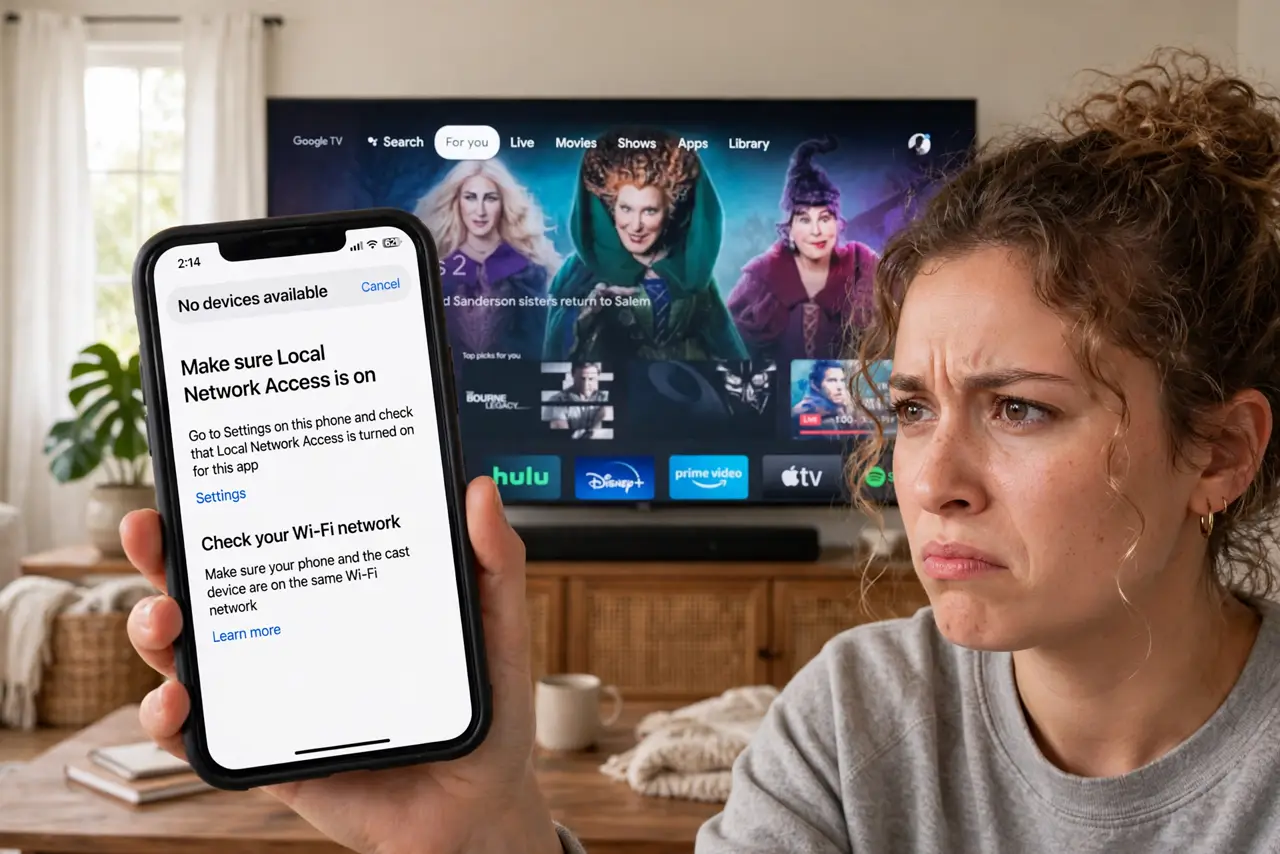
The Chromecast worked yesterday, and today your phone cannot find it — the cast button shows nothing, though the TV is on and the Wi-Fi is fine. Discovery failures are the Chromecast's signature problem, and they are almost always about network details: bands, isolation, or stale device caches. This guide walks the fixes in order. For the printer equivalent of this headache, see how to get printers on Wi-Fi.
TL;DR / Quick Fix
Quick fix: put your phone and the Chromecast on the same Wi-Fi band — discovery fails when one is on 5 GHz and the other on 2.4 GHz. Restart both devices, then check the router is not isolating clients. Re-run the Google Home setup as a last resort.
Follow these steps
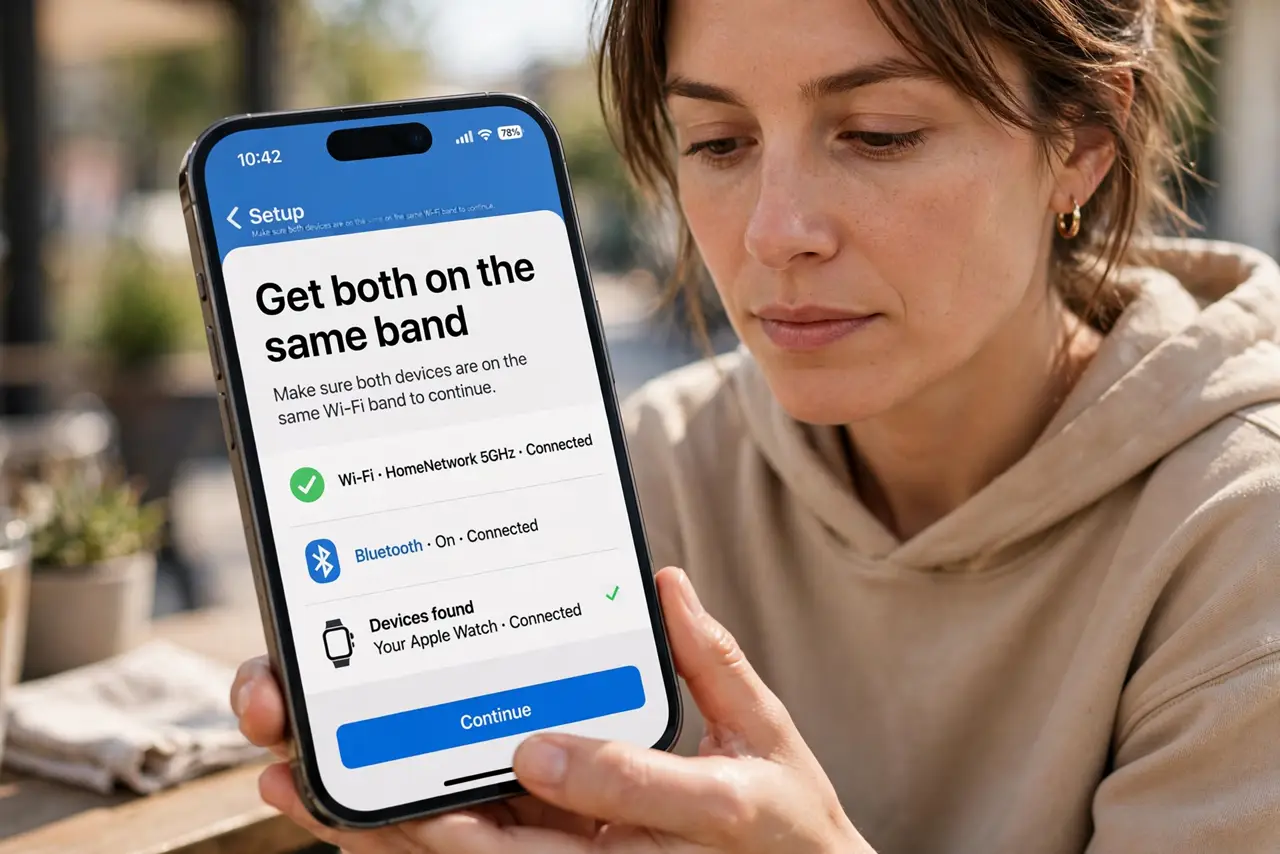
- Get both on the same band. Discovery protocols often do not cross between 2.4 and 5 GHz. Put your phone on the same band as the Chromecast temporarily — this alone fixes most cases.
- Restart both devices. Unplug the Chromecast for thirty seconds and restart the phone. Stale discovery caches are the number two cause, and a restart clears them.
- Check client isolation. In the router settings, make sure AP/client isolation is off. Isolation blocks devices from seeing each other — great for guest networks, fatal for casting.
- Check the Google Home app. Open Google Home and see if the Chromecast appears there. If the app sees it but casting does not, the issue is the casting app, not the network.
- Re-run setup if needed. As a last resort, factory-reset the Chromecast and set it up fresh in Google Home. Ten minutes of setup beats hours of mysterious failure.
- Keep firmware updated. Both the Chromecast and the Google Home app update regularly with discovery fixes. An ancient firmware version explains chronic flakiness.
What NOT to do
- Do not factory-reset first. Band mismatch and isolation are far more common — reset is the last resort, not the first.
- Do not leave the Chromecast on a guest network. Guest isolation is designed to prevent exactly the discovery you want.
- Do not assume the TV's built-in Chromecast behaves identically. Built-in versions have their own quirks — check the TV's network settings too.
- Do not forget VPNs break discovery. A VPN on the phone hides it from the local network — disconnect to cast.
Frequently asked questions
Why does it work sometimes and not others?
Band steering moves your phone between bands while the Chromecast stays put. Same-band placement ends the intermittency.
Can I cast without Wi-Fi?
Guest mode existed for this but has been retired on most devices. A travel router creating a local network is the modern workaround.
Does the Chromecast need internet, or just Wi-Fi?
Both — it streams content from the internet itself. Local Wi-Fi without internet gives you a lonely home screen.