Cordless Phones vs Wi-Fi?
That ancient cordless phone on the side table might be sabotaging your Wi-Fi with every call. Older 2.4 GHz cordless phones share the exact band as older Wi-Fi, and a phone call can stomp the network flat. The fix is a five-minute swap or a simple relocation — no new router required.
TL;DR / Quick Fix
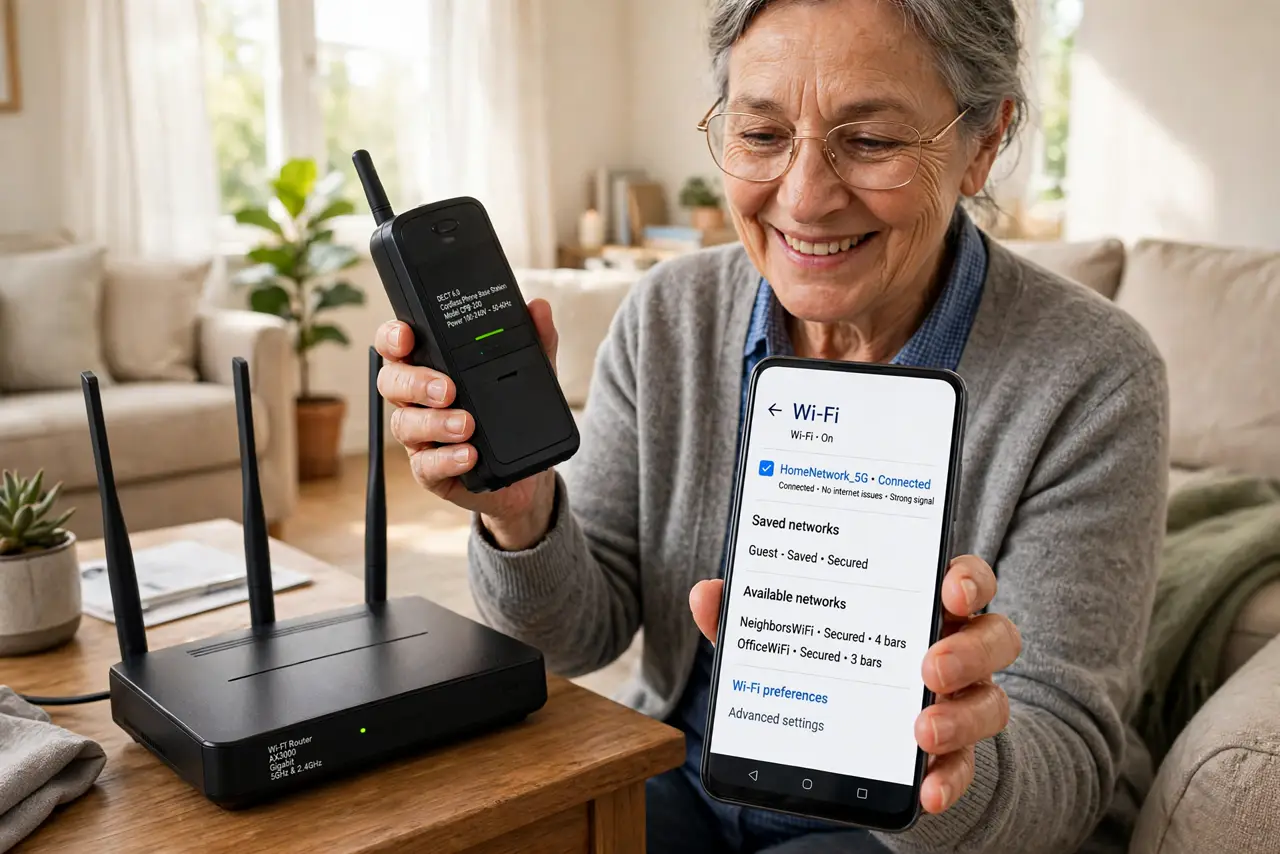
Quick fix: old cordless phones use 2.4 GHz and can stomp on Wi-Fi with every call. Move the base station away from the router, or switch to a DECT 6.0 phone, which uses a different band and never interferes. DECT bases are cheap and the interference vanishes.
Follow these steps
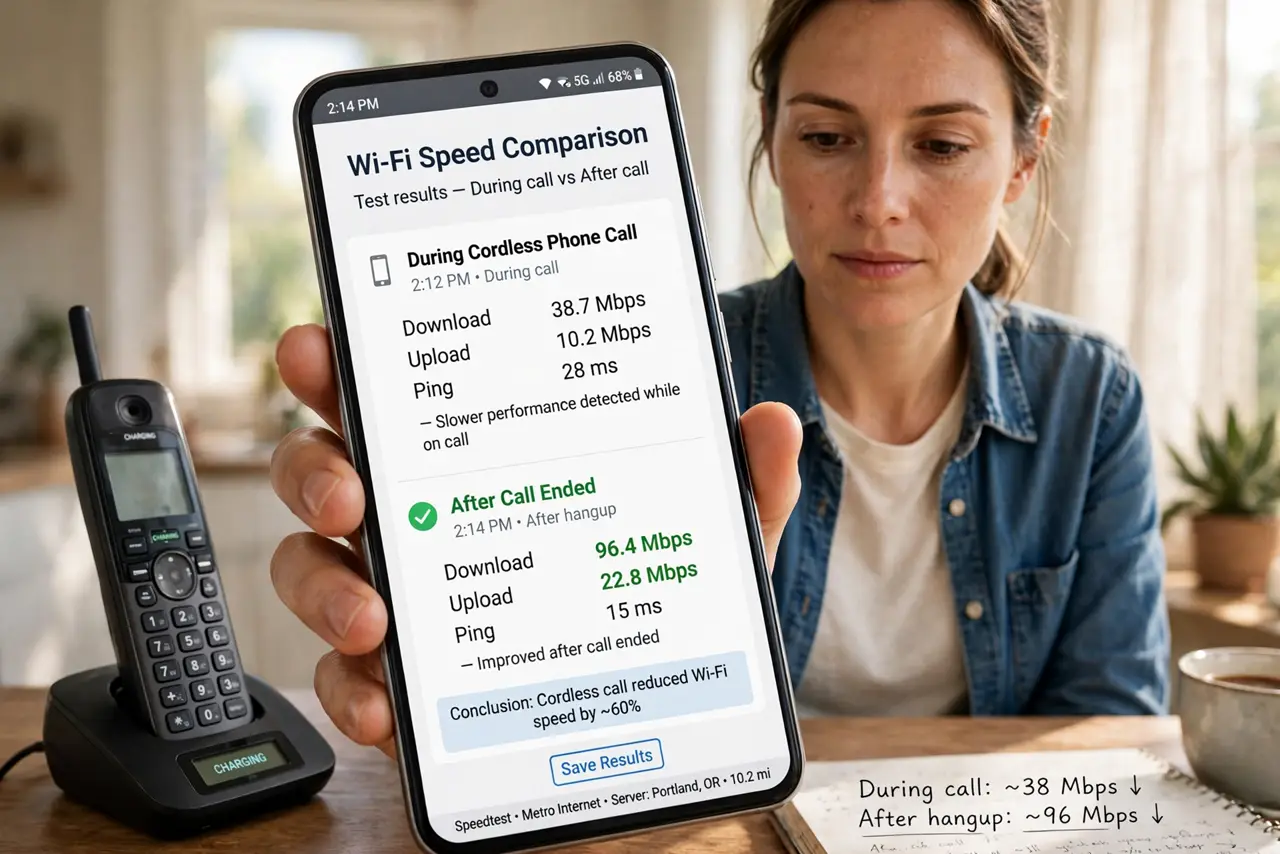
- Confirm the call correlation. If Wi-Fi degrades only during cordless calls and recovers when you hang up, the phone is guilty. Check the phone's label or manual — 2.4 GHz models are the offenders; DECT 6.0 models are innocent.
- Move the base station away from the router. The base transmits even when you're not on a call. A few yards of separation — different shelf, different room ideally — usually ends the interference, since radio energy falls off fast with distance.
- Upgrade to DECT 6.0. DECT 6.0 phones use the 1.9 GHz band, which Wi-Fi never touches. Replacement bases are inexpensive, sound better than the old 2.4 GHz units, and end the problem permanently.
- Shift Wi-Fi devices to 5 GHz meanwhile. If a new phone must wait, move your laptops and streamers to the 5 GHz band. The old phone can't reach up there, buying you peace until the swap.
- Check baby monitors too. Many older baby monitors also use 2.4 GHz and interfere exactly like the phones. If calls aren't the trigger, the nursery monitor is the next suspect on the same band.
- Test with a call during a speed test. Run a speed test, then make a cordless call mid-test. A healthy setup shows no dip; if the numbers crater, the phone still needs moving or replacing.
What NOT to do
- Do not toss a DECT 6.0 phone over this. Check the label first — DECT 6.0 never interferes with Wi-Fi, and replacing an innocent phone wastes money.
- Do not place the base right next to the router 'to save space.' Co-locating two 2.4 GHz transmitters is the worst possible arrangement.
- Do not confuse this with channel congestion. Phone interference is bursty and call-correlated; neighbor congestion is a steady evening slowdown — different cause, different fix.
- Do not crank router power to 'shout over' the phone. More power doesn't fix shared-band collisions; separation or a band change does.
Frequently asked questions
How do I know if my cordless phone is 2.4 GHz?
Check the label on the base or the manual — it lists the frequency. No label? If Wi-Fi dies during calls and the phone is more than a decade old, it's almost certainly 2.4 GHz.
Do cell phones interfere with Wi-Fi?
No — cell phones use licensed cellular bands, far from Wi-Fi's 2.4 GHz. Only old cordless home phones and similar unlicensed 2.4 GHz gadgets are suspects.
Why did this start suddenly?
It didn't — you probably moved the base near the router, or added more 2.4 GHz devices until the collisions became noticeable. The phone was always noisy; the setup changed.