DOCSIS Versions? Plainly
Cable modems speak DOCSIS — the standard that squeezes internet through TV cables — and the version number on the box decides how much speed you can actually get. A 3.0 modem on a 500 Mbps plan is like a garden hose on a fire hydrant. Here's what each version means for your plan.
TL;DR / Quick Fix
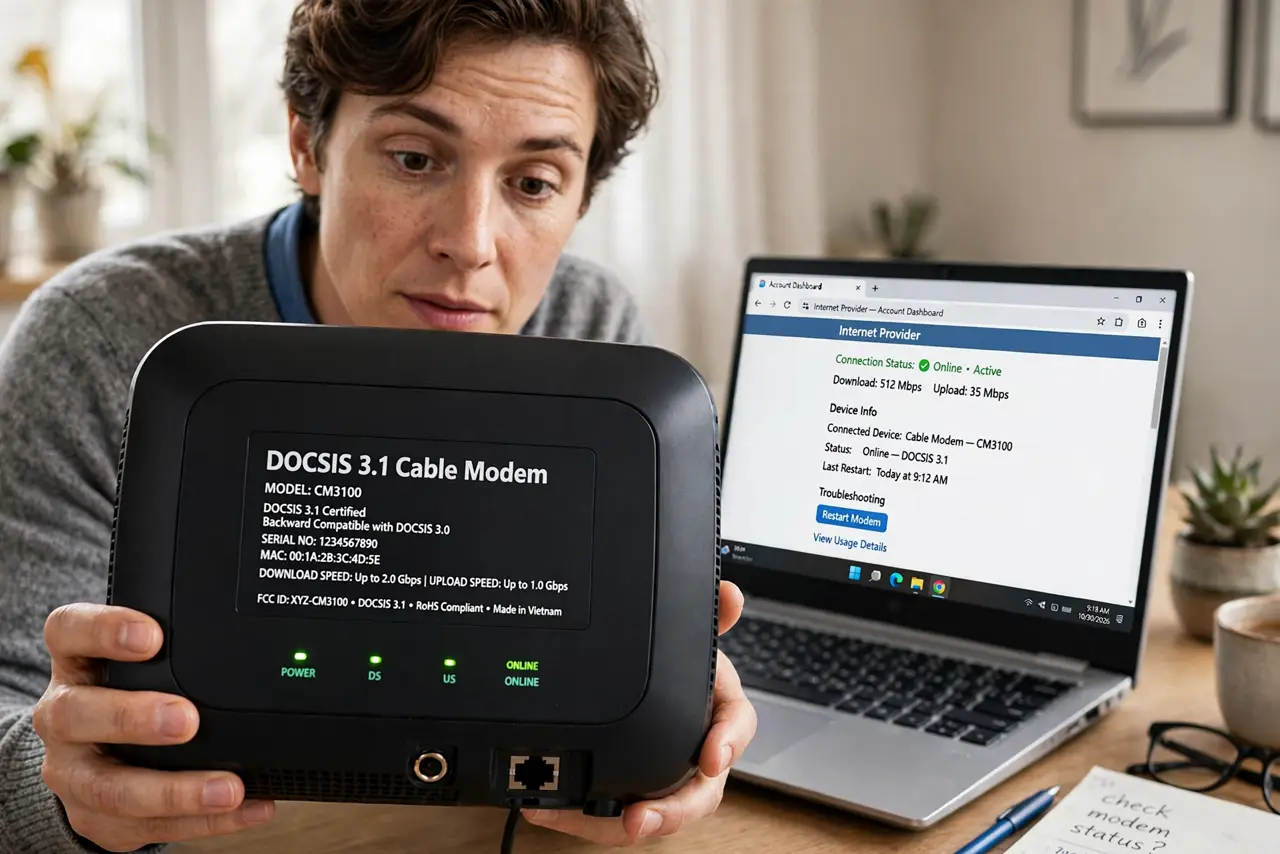
Quick fix: DOCSIS is the standard your cable modem speaks — 3.0 is the older workhorse, 3.1 the current sweet spot, 4.0 just arriving. Match the modem to your plan: a 3.0 modem caps you below most modern speeds. Check the approved list for 3.1 models when upgrading.
Follow these steps
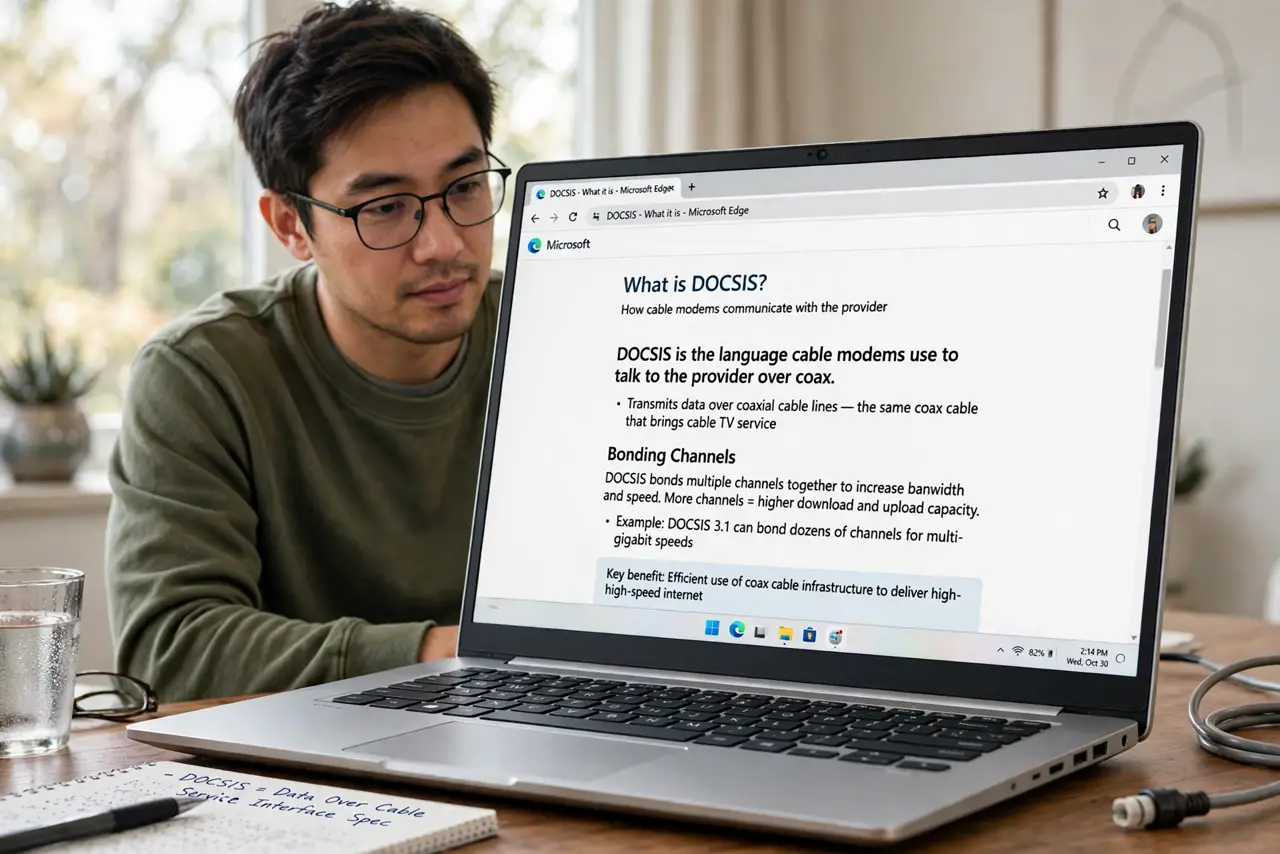
- Learn what DOCSIS does. It's the language cable modems use to talk to the provider over coax — bonding multiple TV channels together for internet. Higher versions bond more channels and use them more efficiently.
- Know 3.0's limits. DOCSIS 3.0 bonds up to 32 downstream channels — fine for plans up to a few hundred Mbps, but it caps out below modern gigabit tiers. If your plan outgrew it, the modem is the bottleneck, not the line.
- Know why 3.1 is the sweet spot. DOCSIS 3.1 adds efficient encoding that dramatically raises capacity on the same coax — it's what makes gigabit-over-cable possible. For any plan above 300 Mbps, 3.1 is the sensible minimum — and the approved list is full of them.
- Know 4.0 is early days. DOCSIS 4.0 promises multi-gigabit and symmetric speeds over cable, but provider rollouts are just beginning. Don't pay extra for 4.0 today unless your provider actively supports it.
- Match the modem to the plan. Check your plan's speed, then check the modem's rated max — the modem must meet or beat the plan. An undersized modem silently caps you; the provider won't warn you.
- Compare with fiber's simplicity. Cable needs this version dance; fiber doesn't — its ONT just delivers. If both are available and priced similarly, fiber skips the whole modem-matching game.
What NOT to do
- Do not assume the provider's rented modem is current. Rented units are often a generation behind — check its DOCSIS version on the label.
- Do not buy 4.0 for bragging rights yet. Without provider support it's an expensive 3.1 — wait for the rollout to reach your street.
- Do not confuse DOCSIS with Wi-Fi versions. DOCSIS is the cable-line standard; Wi-Fi 6 is the wireless standard — a DOCSIS 3.1 modem can feed a Wi-Fi 6 router, and vice versa.
- Do not forget activation. A new modem needs provisioning — call the provider or use their activation page before judging speeds.
Frequently asked questions
How do I check my modem's DOCSIS version?
Look at the label on the modem or its product page — it's printed prominently because it matters. The router's admin page sometimes lists it under connection status too.
Will a 3.1 modem speed up my 3.0-era plan?
Only if the old modem was the bottleneck. If your plan is 200 Mbps and the 3.0 modem already delivers it, a 3.1 modem changes nothing — upgrade the plan first.
Is DOCSIS going away?
Slowly — fiber keeps expanding, but cable plants are enormous and 4.0 extends their life by years. Your coax isn't obsolete anytime soon.