Wi-Fi Drops When the Microwave Runs? Fix It
Wi-Fi dies every time the microwave runs, then comes back a minute later. Microwaves and Wi-Fi share the 2.4 GHz band, so a running microwave can drown out the signal for nearby devices.
TL;DR / Quick Fix
Quick fix: move the router away from the microwave and the kitchen wall, and switch nearby devices to the 5 GHz band, which microwaves do not use. If the microwave itself looks damaged, stop using it and have it serviced.
Follow these steps
- Confirm the pattern first. Note whether Wi-Fi drops only while the microwave runs and returns right after it stops. A pattern tied exactly to the microwave points to interference, not to the internet plan.
- Move the router away from the kitchen. Move the router farther from the microwave and the shared kitchen wall, and keep it out in the open. Distance is the simplest cure for microwave interference.
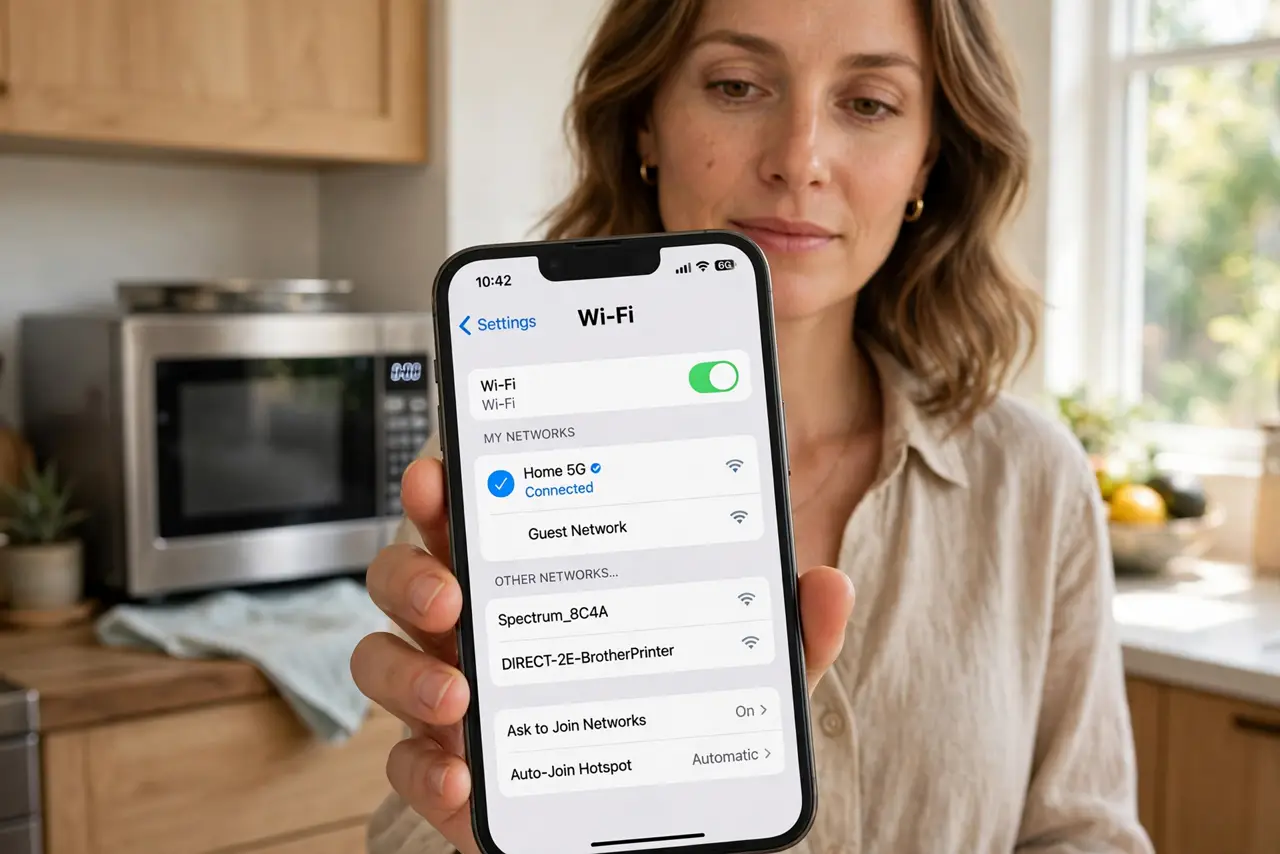
- Switch nearby devices to 5 GHz. If your network offers two bands, connect kitchen and nearby devices to the 5 GHz band. Microwaves use 2.4 GHz, so 5 GHz devices stay clear of the interference.
- Change the 2.4 GHz channel. In the router settings, try a different 2.4 GHz channel, since some channels suffer less from a given microwave. Test the microwave again after each change.
- Check the microwave for damage. If the microwave door, seal, or latch looks damaged, or food heats very unevenly, stop using it and have it serviced. A damaged microwave can leak more interference than a healthy one.
- Wire the device that matters most. If one device must stay stable, such as a work computer, connect it with an ethernet cable. A wired connection ignores microwave interference completely.
What NOT to do
- Do not run the microwave with the door open or the latch broken. That is unsafe, and no Wi-Fi fix is worth a damaged microwave.
- Do not buy a new router before moving the old one. Distance from the microwave often fixes the problem for free.
- Do not switch every device to 5 GHz if some are far away. Far devices may still need 2.4 GHz for range, so switch only the ones near the kitchen.
- Do not open the microwave to adjust it yourself. Microwave repairs need a technician, since parts inside stay dangerous even when unplugged.
Frequently asked questions
Why does a microwave affect Wi-Fi?
Both use the 2.4 GHz band. A running microwave floods that band nearby, so Wi-Fi devices on 2.4 GHz lose their signal.
Does 5 GHz avoid microwave interference?
Yes. Microwaves do not use the 5 GHz band, so devices on 5 GHz stay connected while the microwave runs.
Is a damaged microwave dangerous?
It can be, and it also causes worse interference. Stop using a damaged microwave and have it serviced.