Wi-Fi Fast on Phone, Slow on Laptop? Fix It
The phone streams fine, but the laptop on the same Wi-Fi crawls, buffers, and drops pages. Laptops and phones often use different bands, drivers, and background tasks, so the laptop needs its own checks.
TL;DR / Quick Fix
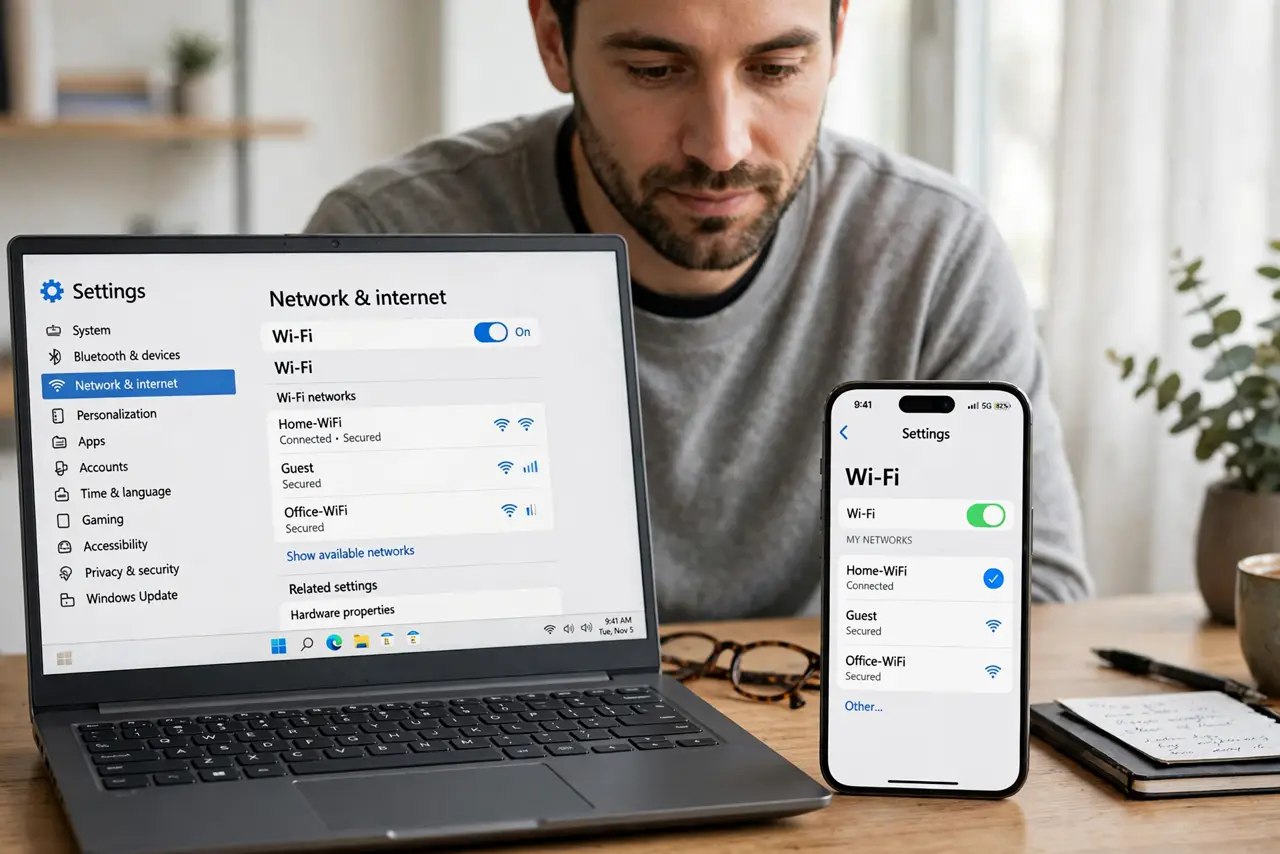
Quick fix: put the phone and laptop side by side and test both, then check which band the laptop uses. Close downloads and backups on the laptop, forget and rejoin the network, and update the laptop software. Write down what worked for next time.
Follow these steps
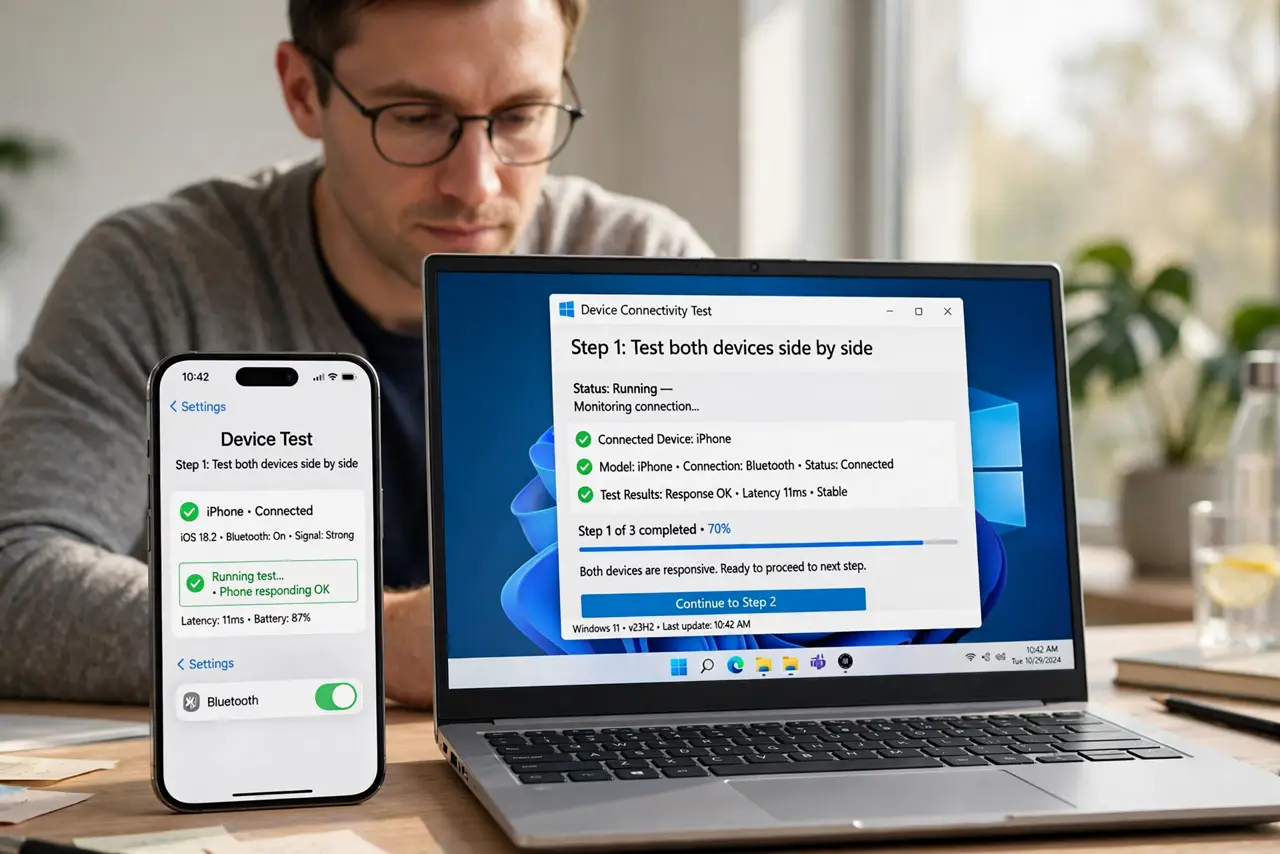
- Test both devices side by side. Place the phone and laptop together and load the same page or test on both. Side-by-side testing proves the gap is real and not caused by different rooms or times.
- Check the laptop band. Open the laptop Wi-Fi details and see whether it uses 2.4 GHz while the phone uses 5 GHz. If so, join the 5 GHz network on the laptop when near the router.
- Close laptop background work. Pause cloud backups, game downloads, app updates, and open video streams on the laptop. Laptops run heavier background work than phones, and it eats speed first.
- Forget and rejoin on the laptop. Forget the Wi-Fi network on the laptop, then join it again with the password. A fresh join clears a stale laptop connection that the phone never had.
- Update the laptop wireless software. Update the laptop operating system, and update its wireless driver if the maker offers one. Old laptop wireless software is a common reason a phone beats a laptop.
- Try a wired test on the laptop. Connect the laptop to the router with a cable and test again. If wired is fast, the laptop wireless path is the problem, not the internet line.
What NOT to do
- Do not replace the laptop for slow Wi-Fi. Band, background work, and drivers explain most phone-versus-laptop gaps, and all are fixable.
- Do not blame the phone for being fast. The phone is the useful control test that proves the router and line can deliver speed.
- Do not run a speed test on the laptop while it backs up. The backup will win the bandwidth, and the test will blame Wi-Fi.
- Do not change router settings for a laptop-only problem. Fix the laptop first, since other devices already prove the router works.
Frequently asked questions
Why is my phone faster than my laptop on the same Wi-Fi?
They may use different bands, and the laptop may run heavier background work or older wireless software.
Should the laptop use 5 GHz or 2.4 GHz?
Use 5 GHz near the router for speed, and 2.4 GHz in far rooms for range.
Does a wired test help?
Yes. If wired is fast on the laptop, the wireless path is the fault, not the internet line.