Hotel Wi-Fi Login Page Loops? Fix It
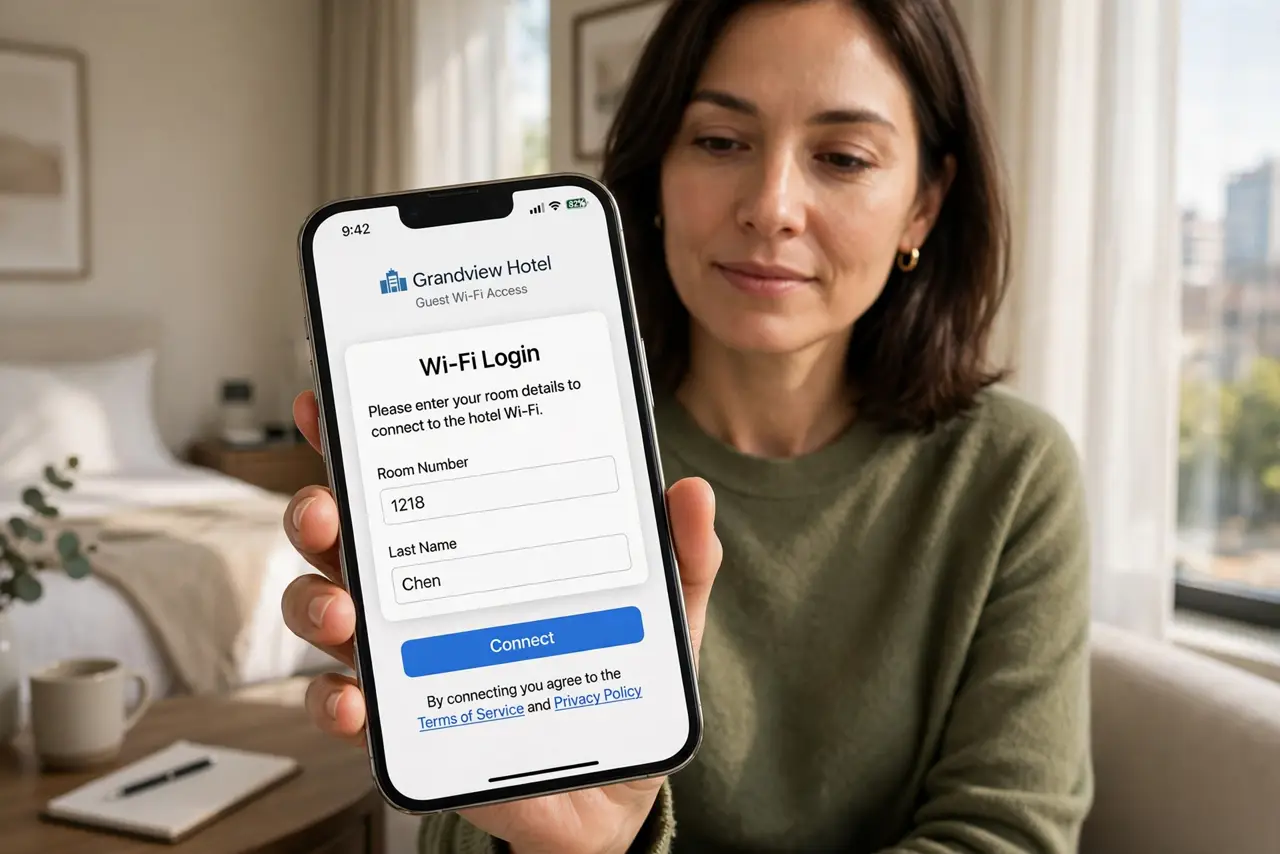
The hotel login page accepts your details, then returns to the same login page again and again, and you never get online. The loop is usually a stale cookie, a VPN, a blocker, or a room code that already reached its device limit.
TL;DR / Quick Fix
Quick fix: forget the hotel network, turn off any VPN, private relay, and content blocker, then rejoin and log in once. If it loops again, clear the browser data for the portal and ask the front desk for a fresh code.
Follow these steps
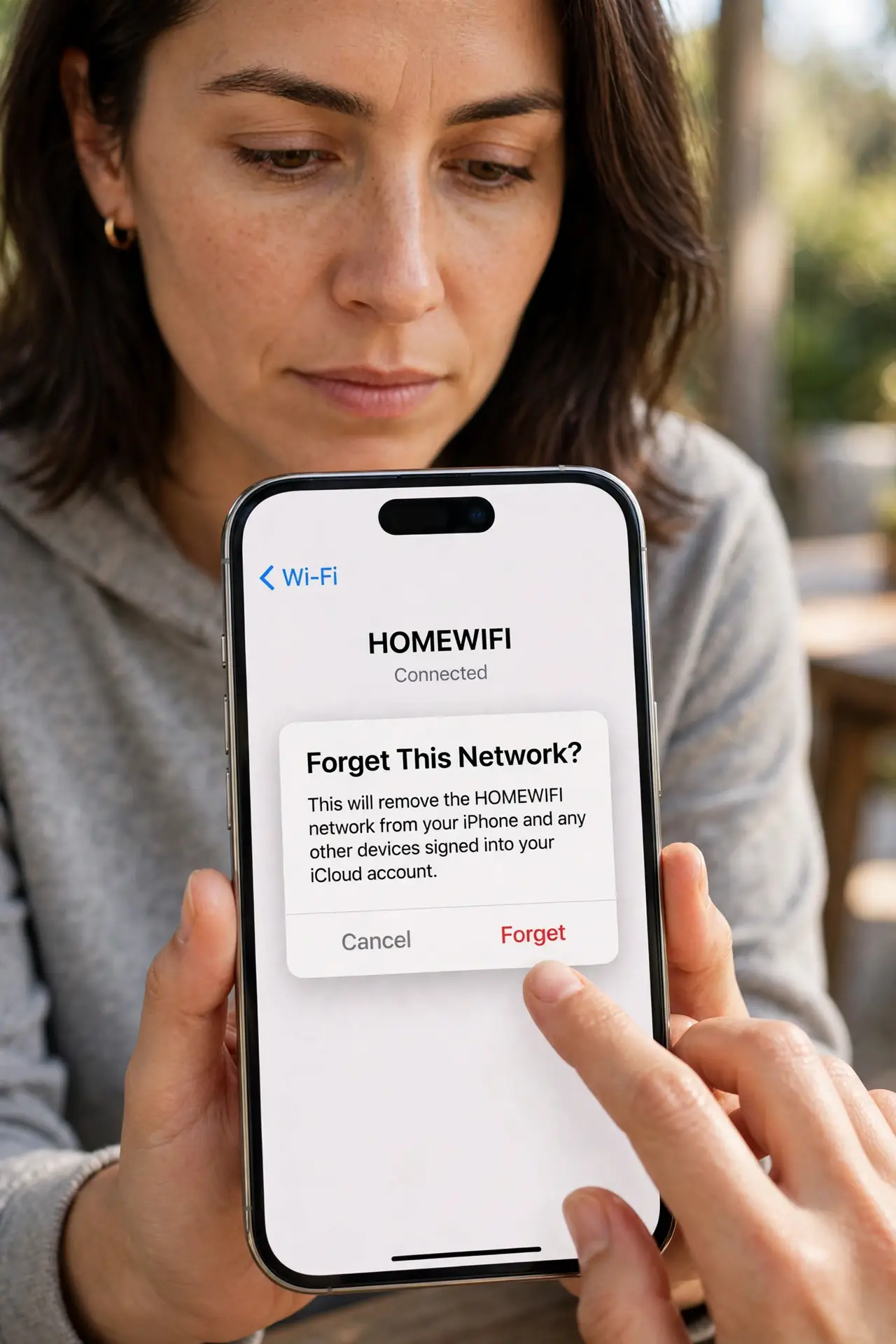
- Forget the network and start fresh. Forget the hotel network, then join it again and log in once. A fresh join clears a half-finished login that keeps looping back to the start.
- Turn off VPN, relay, and blockers. Turn off any VPN, private relay, and content blocker before logging in. Those tools can block the portal scripts that confirm your login, so the page loops.
- Clear the portal browser data. Clear cookies and site data for the portal page, or try a private browsing window. A stale cookie from an earlier login can send you back to the login page every time.
- Log in with one device first. Log in with a single device and confirm it gets online before adding a second. Some hotel codes allow only a few devices, and extra devices can trigger a loop.
- Try another browser or device. Try a different browser on the same device, or a second device, to see whether the loop follows the device or the account. A loop on every device points to the code, not the browser.
- Ask the front desk for a fresh code. If every device loops, ask the front desk to reset or replace your login code and confirm the device limit for your room. A used-up or expired code loops no matter what you fix.
What NOT to do
- Do not keep submitting the same login dozens of times. Repeated attempts can lock the code and make the loop harder for staff to reset.
- Do not enter payment details on a looping page you do not recognize. Confirm the portal belongs to the hotel before paying anything.
- Do not leave blockers and VPN off after you get online. Turn them back on once past the portal, for the rest of your hotel stay.
- Do not share your room code with other guests to test it. Extra devices can hit the device limit and lock the code for your own room.
Frequently asked questions
Why does a hotel login page loop?
A stale cookie, a VPN, a blocker, or a code at its device limit can all send the login back to the start instead of letting you through.
Does a private window help?
Often, yes. It starts without stale portal cookies, so a loop caused by old data disappears.
What if every device loops?
The code itself is likely expired or at its limit. Ask the front desk for a fresh code.
What to read next
- Wi-Fi Captive Portal Will Not Load? Fix It
- Public Wi-Fi Asks for Payment Again? Fix It